This section covers the management and overview of all invoices. Here, invoices can be created, reviewed and edited.
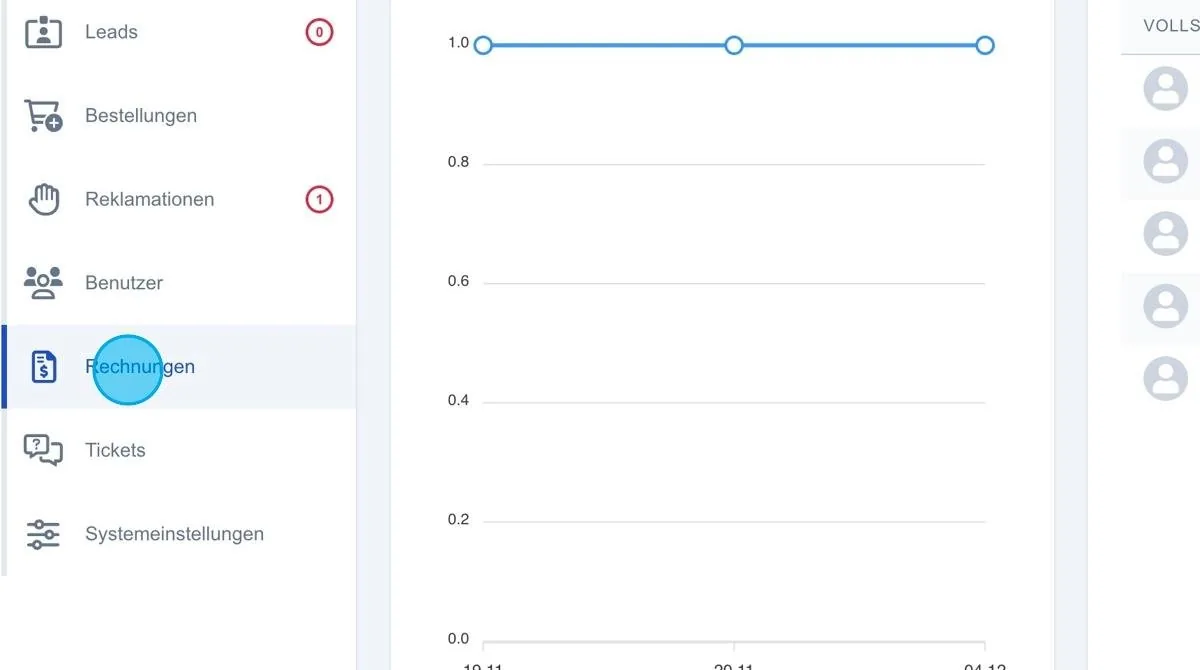
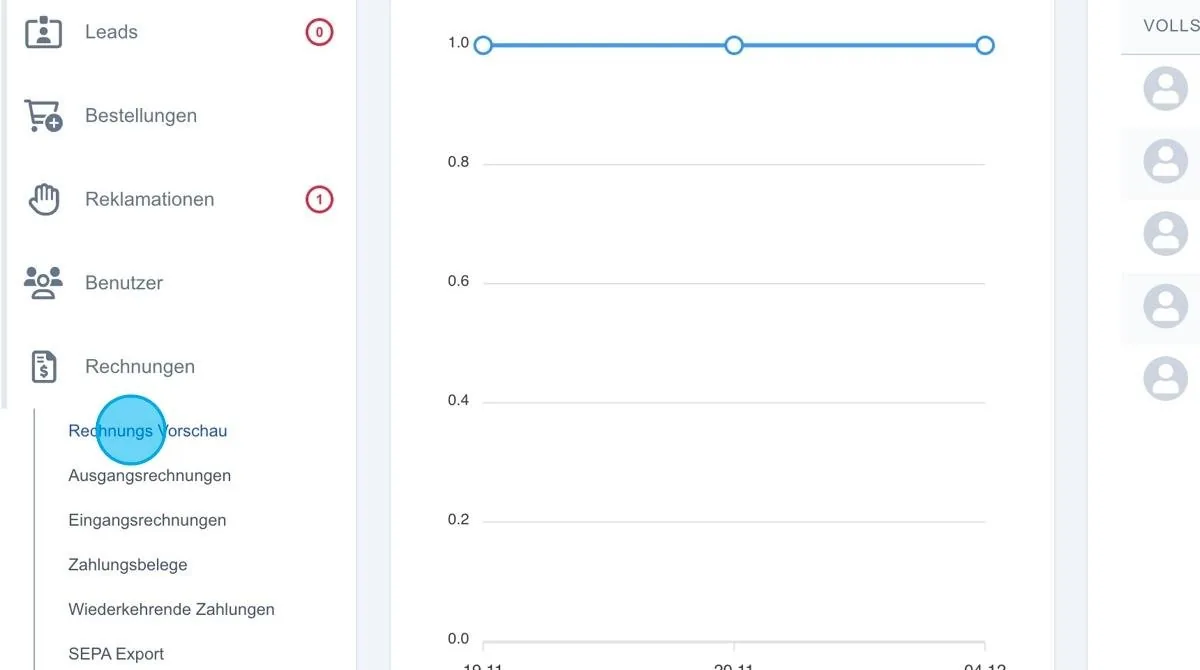
Invoice preview
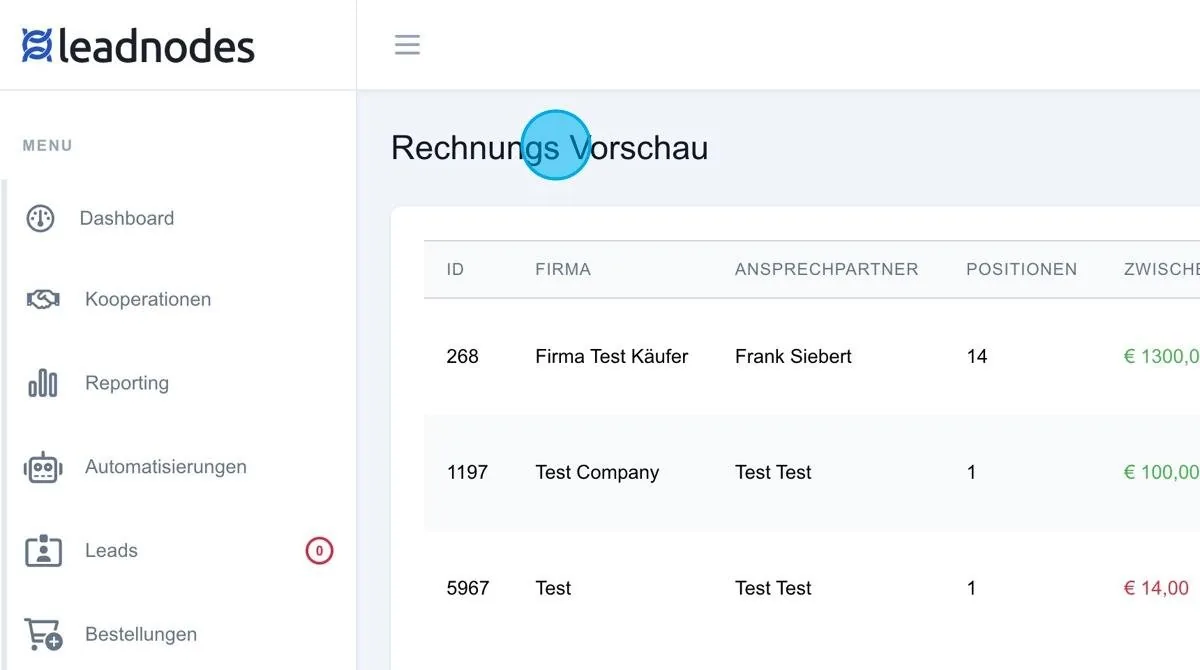
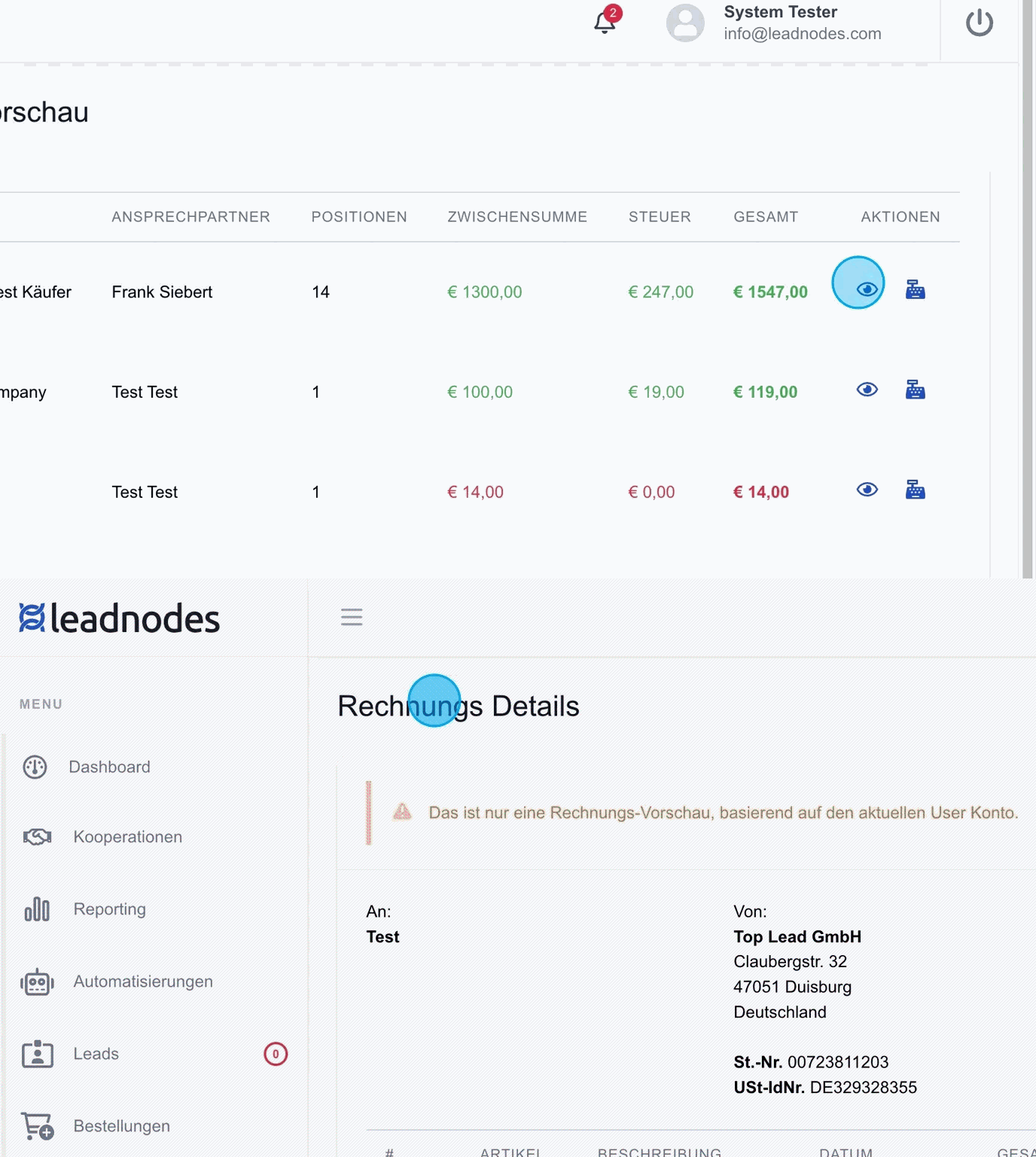
Invoice preview: The invoice preview shows a list of items or customers that will be included in the next billing run. All payment items that have already been recorded are listed. For example, it shows that the test customer “Frank Siebert” has 13 items with a total of 1,300 euros on his invoice.
Eye icon
The “Eye” icon opens a preview of the invoice so that the items and customers it contains can be checked. This makes it easy to see which leads are listed on the invoice.
Cash register icon
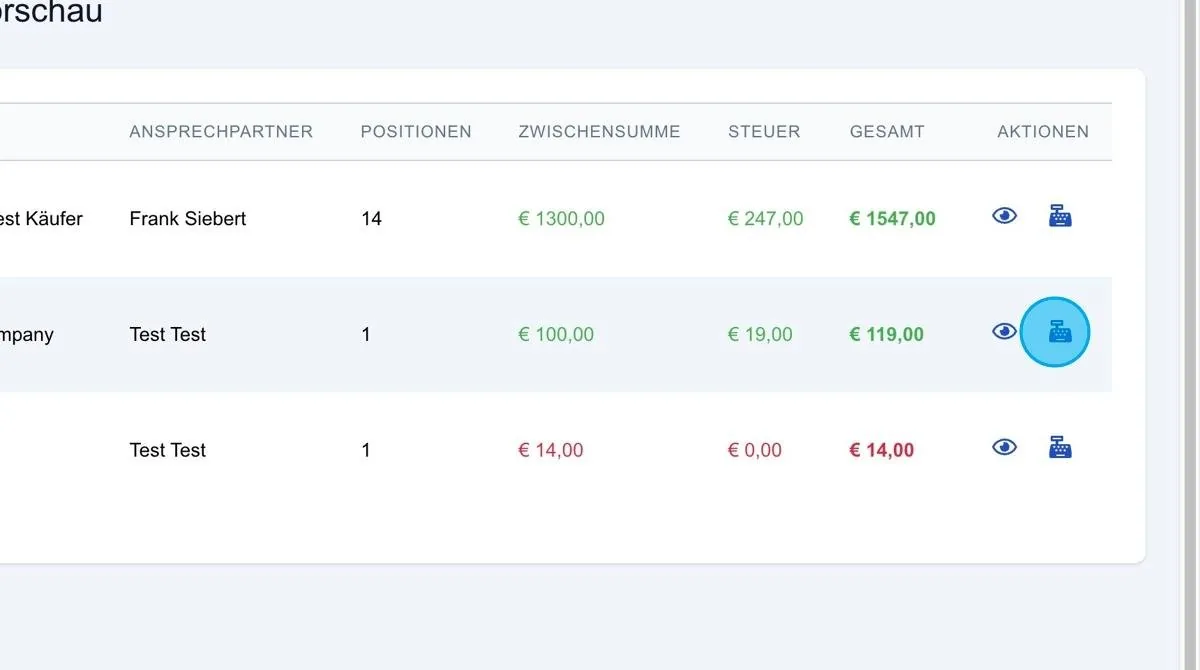
In the invoice preview, a customer can be billed manually once the data in the invoice details has been checked. To do this, click the cash register icon. As soon as the button is pressed, an invoice is generated and the current invoice batch is billed. The corresponding item disappears from the invoice preview and is transferred to the outgoing invoices.