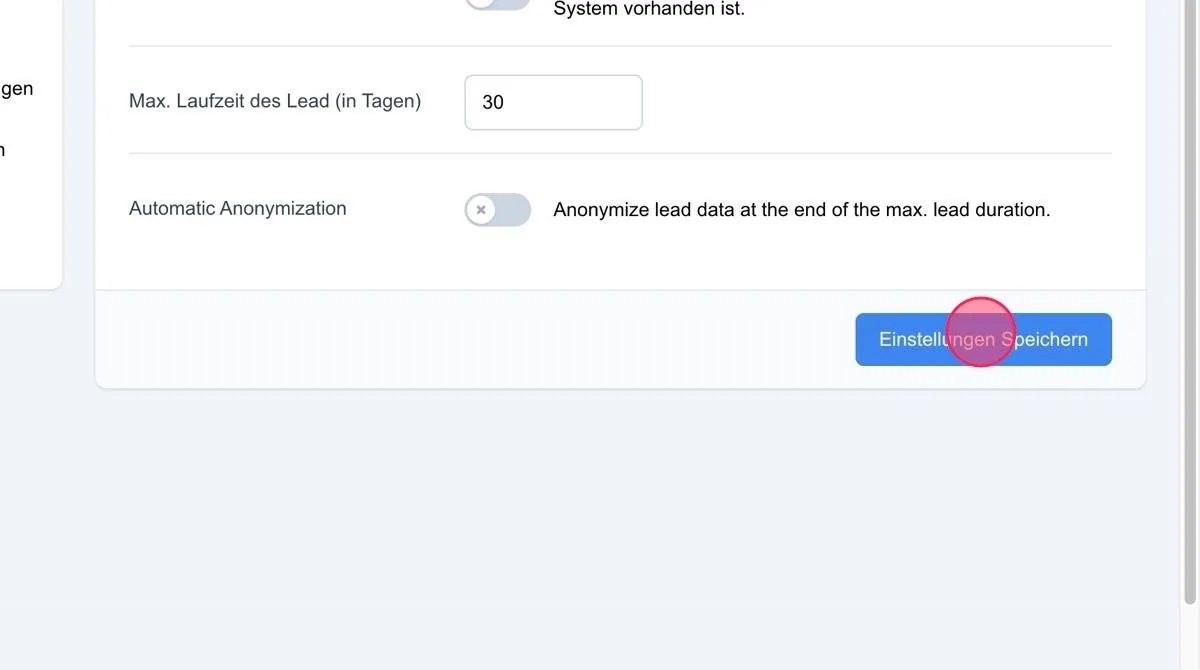
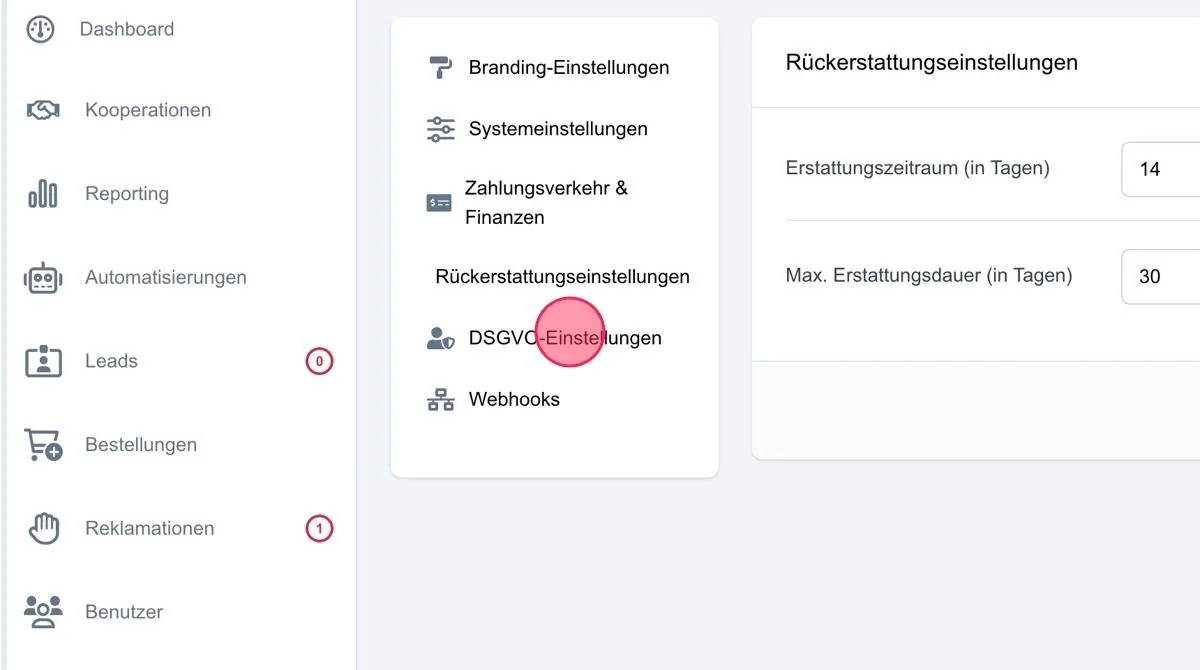
If you work in line with the GDPR, you should configure the relevant functions here so that you receive lead data exclusively via the system and not by email.
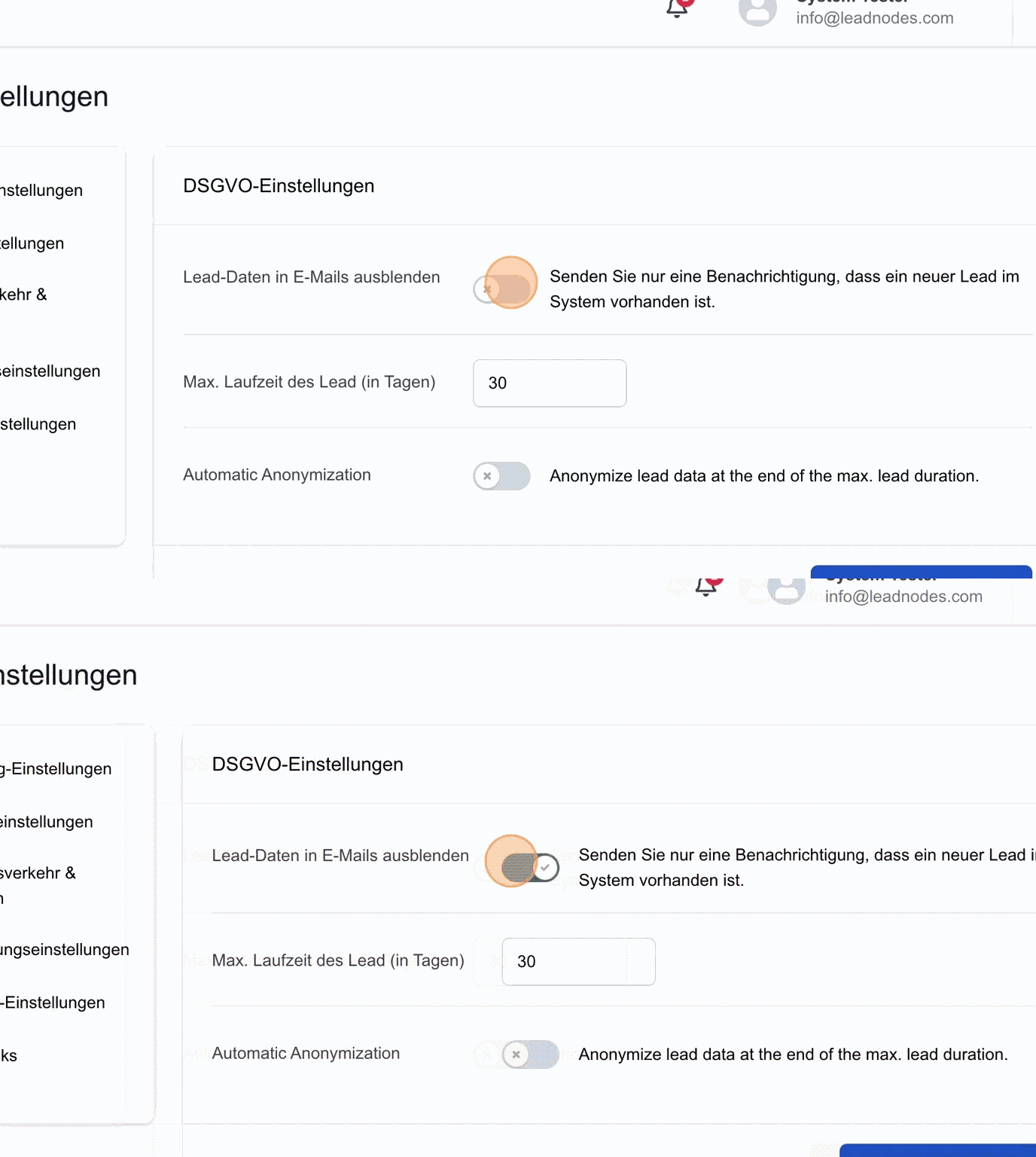
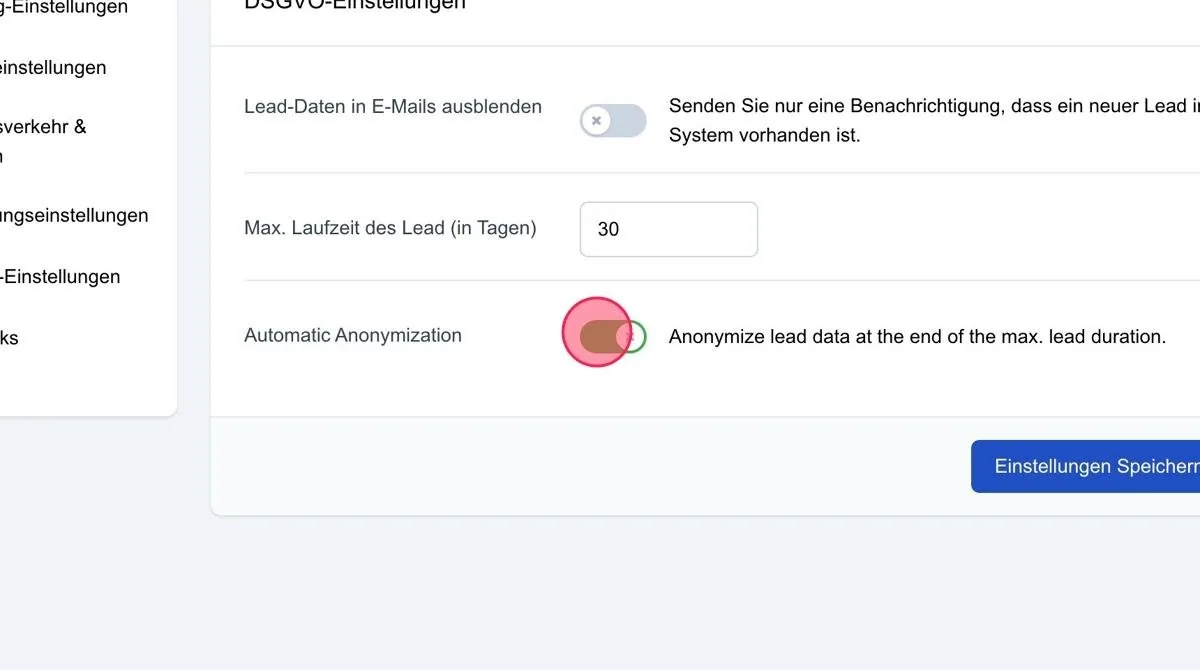
Hide lead data in emails
When this function is activated, you will be notified by email when a new lead is available in your system. However, the lead details are not shown in the email, so you need to log in to the platform to view the full information.
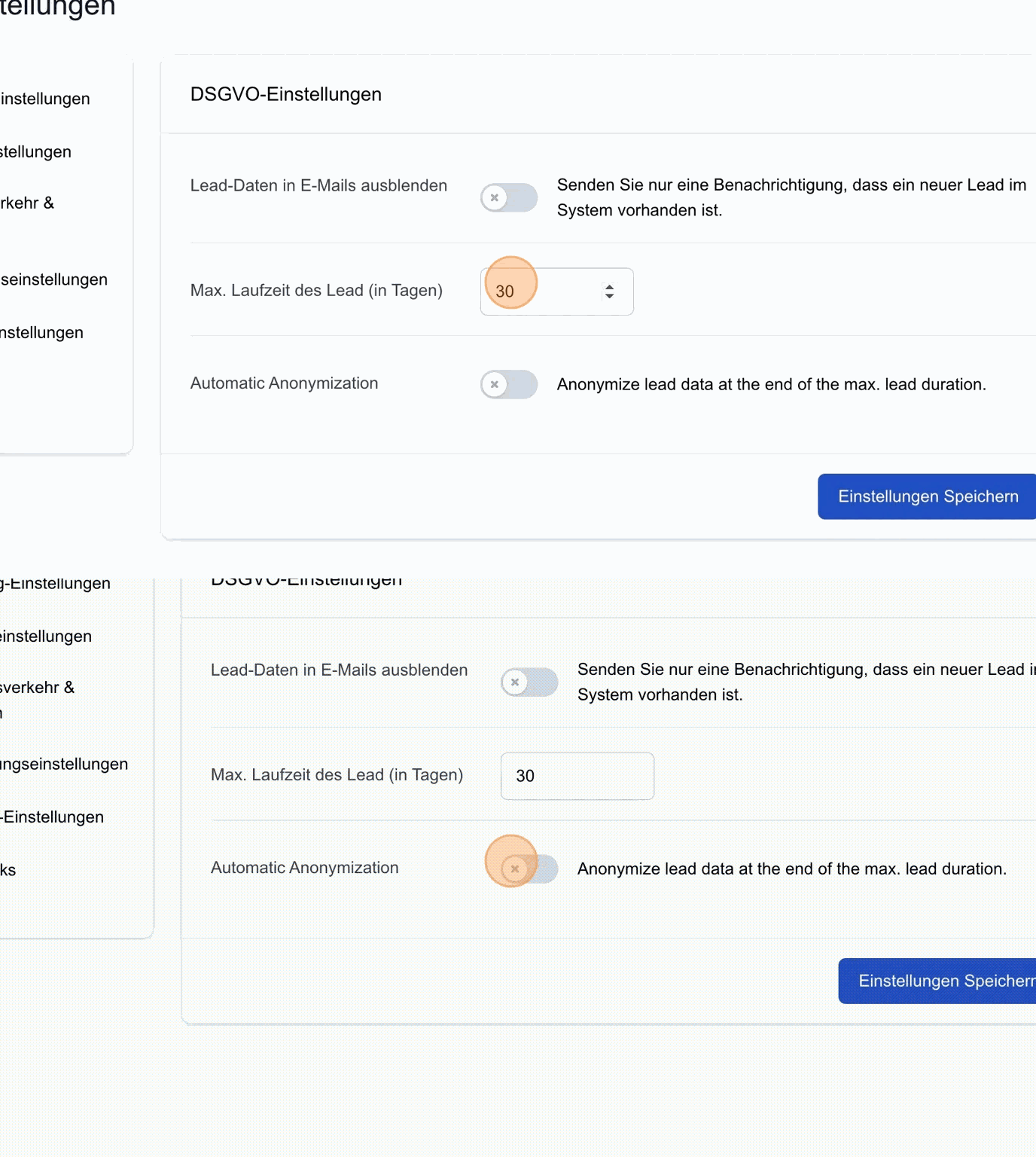
Max. lead lifetime (in days)
Here you can define how long personal lead data remains in the system, for example until the offer has been completed. After the selected period, the lead is anonymised. Please note that the lead data is not deleted but merely renamed, so the costs remain traceable in the system. You also need to activate the “Automatic anonymisation” function.
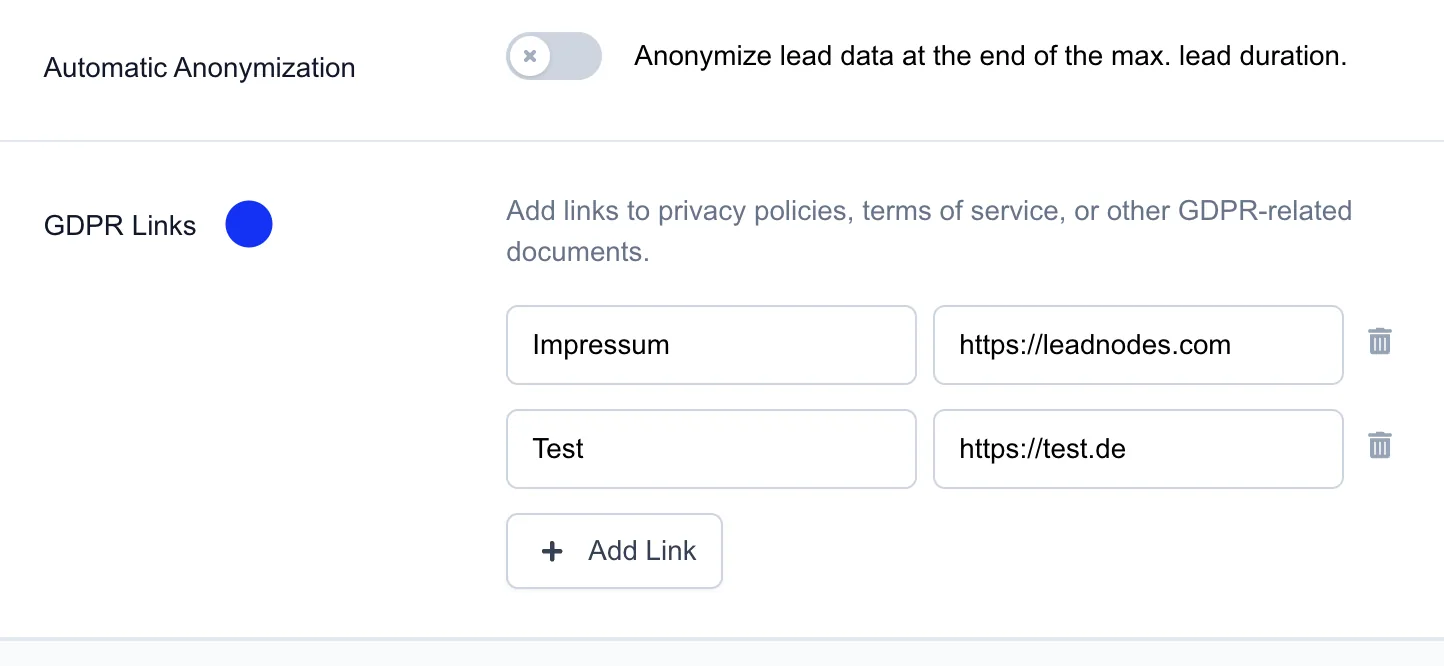
GDPR links
Here you can now store individual links relating to data protection (e.g. privacy policy, legal notice).
 These are then automatically displayed at the top of the menu (question mark icon) and are available to all users.
Save settings: Please also save your chosen data protection settings here.