Note: Refunds can be configured on three levels: for the whole system, for an individual user and for a lead type.
In the next step, the complaint settings for the lead type can be defined. These allow you to set specific rules for complaints about leads of this lead type.
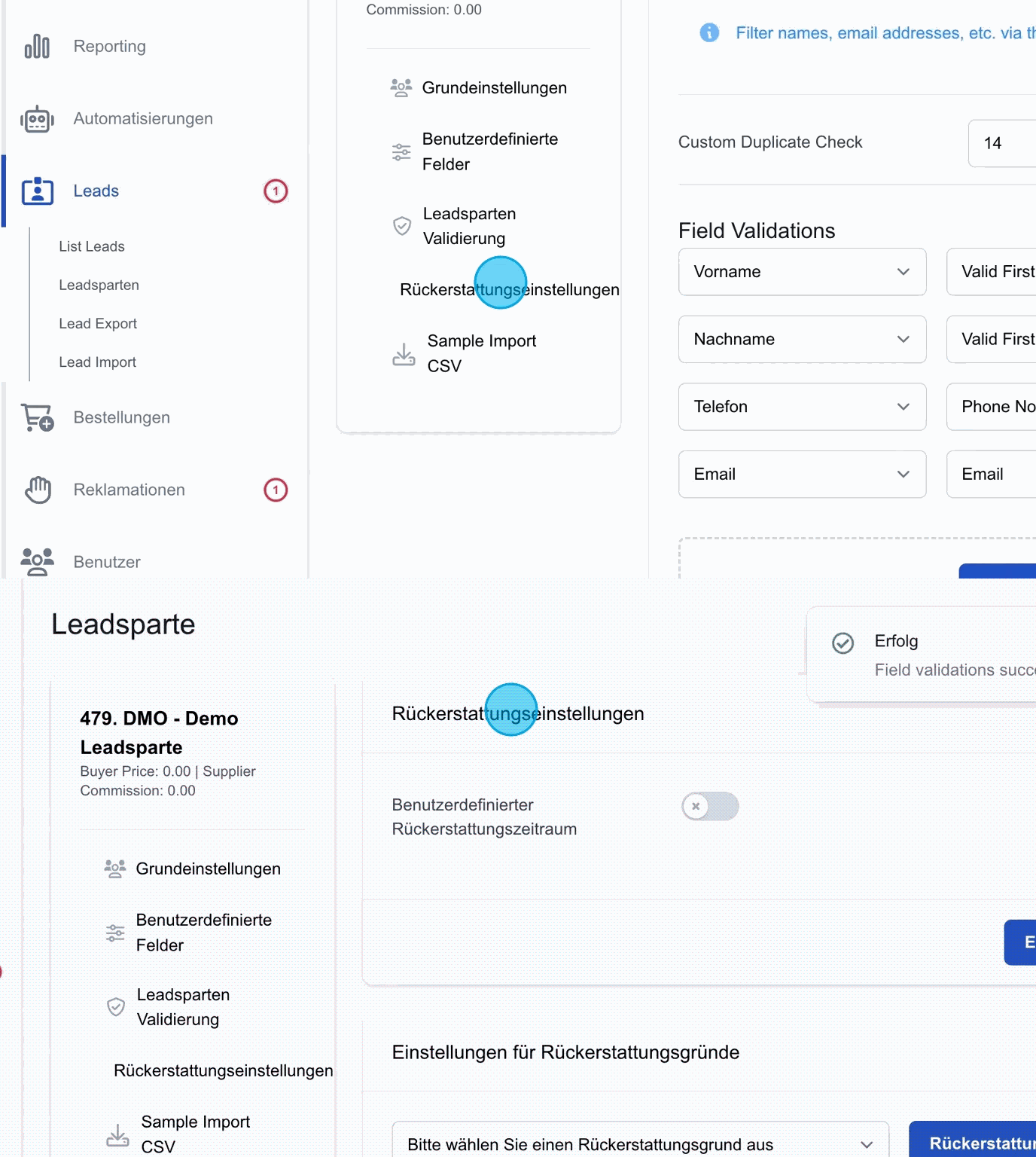
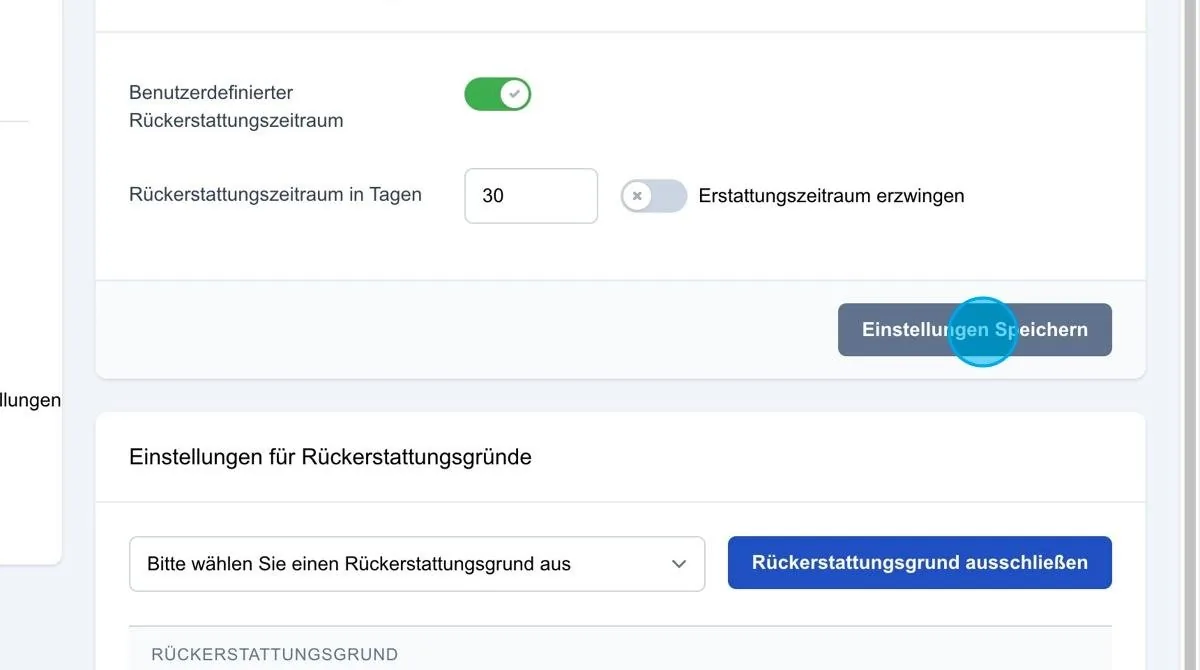
Custom refund period
By default, the system is set to a complaint period of 14 days. If a longer complaint period is desired, it can be adjusted individually by activating this option.
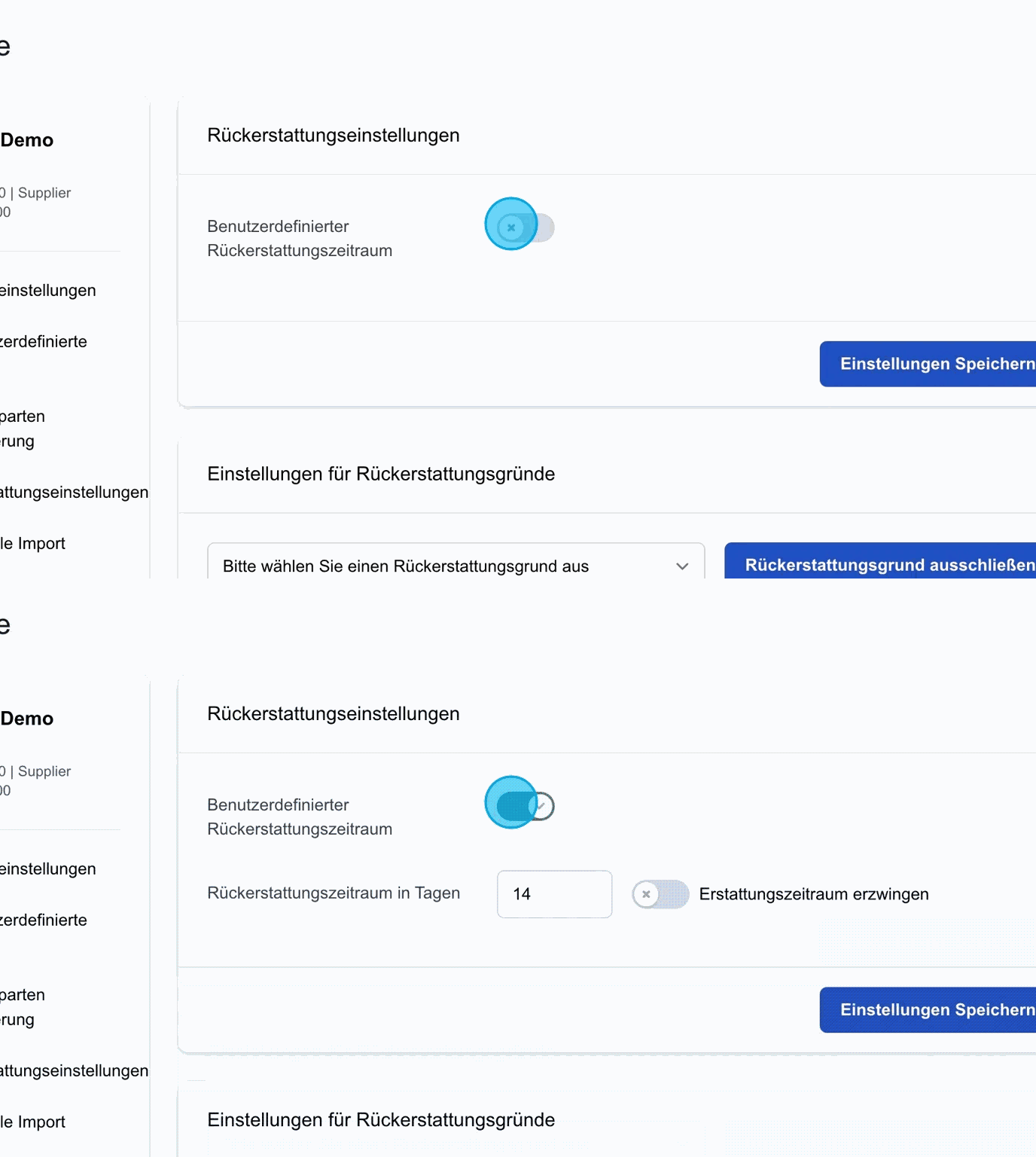
Refund period in days
A different period can then be entered here. This makes it possible to deviate from the basic system setting and adapt the complaint period to the specific requirements of the lead type.
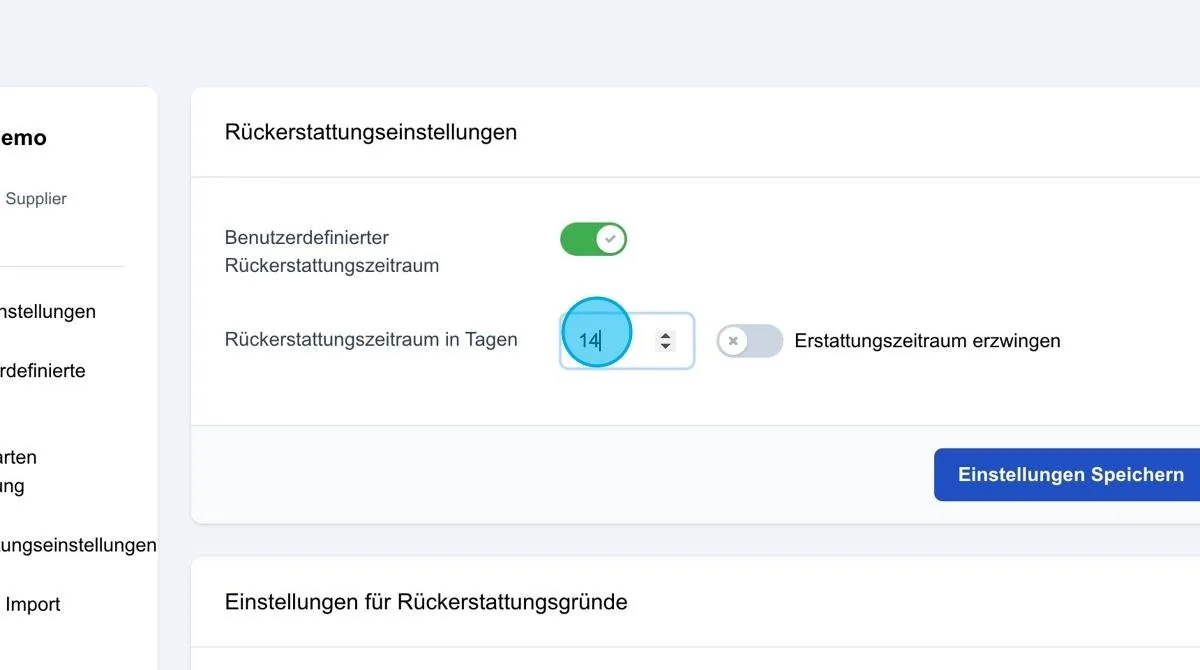
Save settings: Once the custom complaint period has been defined, these adjustments can be stored by clicking the “Save settings” button.
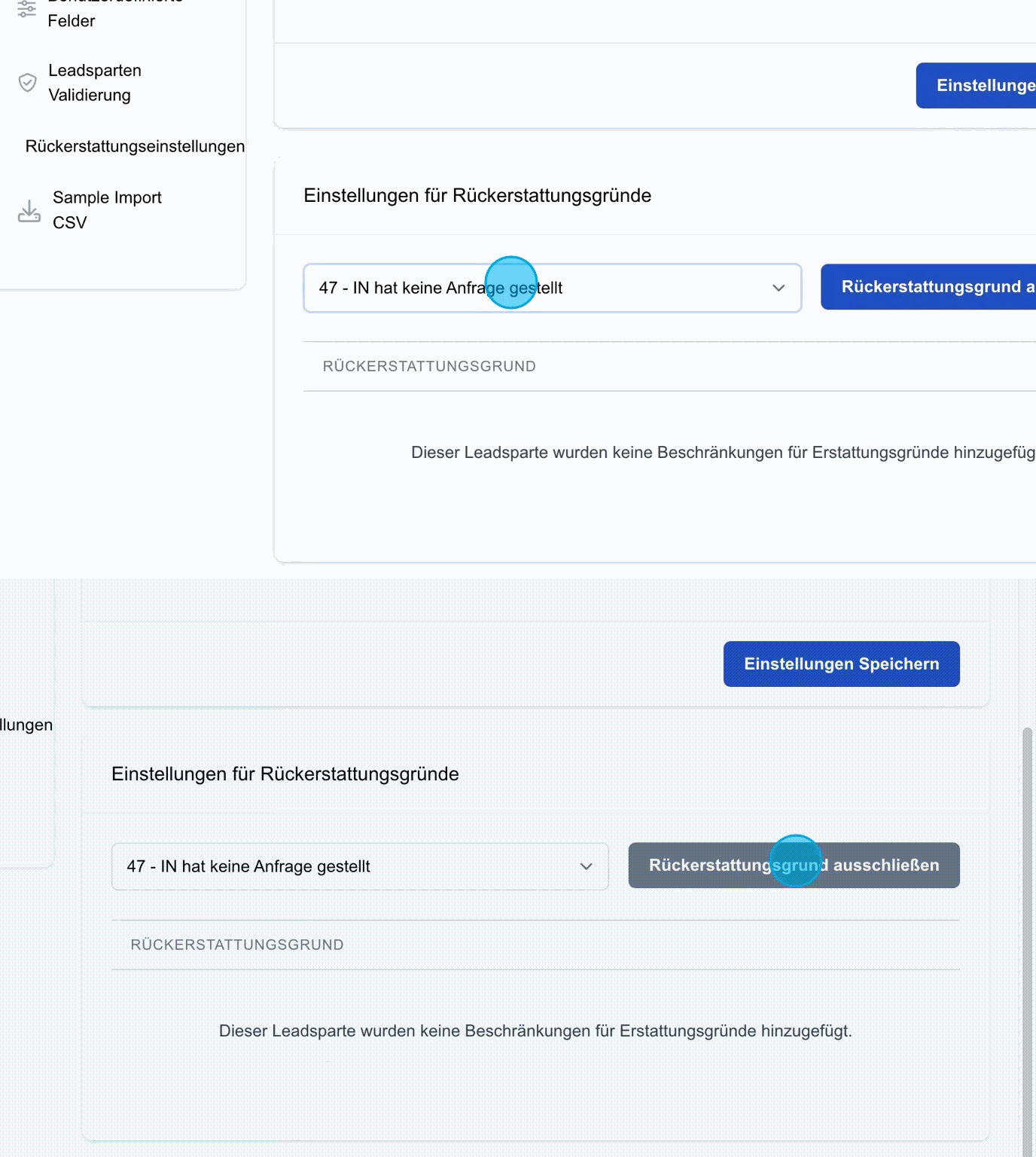
Settings for refund reasons
In addition, it is possible to deactivate certain complaint reasons in the complaint settings. This allows leads of this lead type to be marked as non-claimable in defined cases, in order to avoid unnecessary complaints and optimise the process.
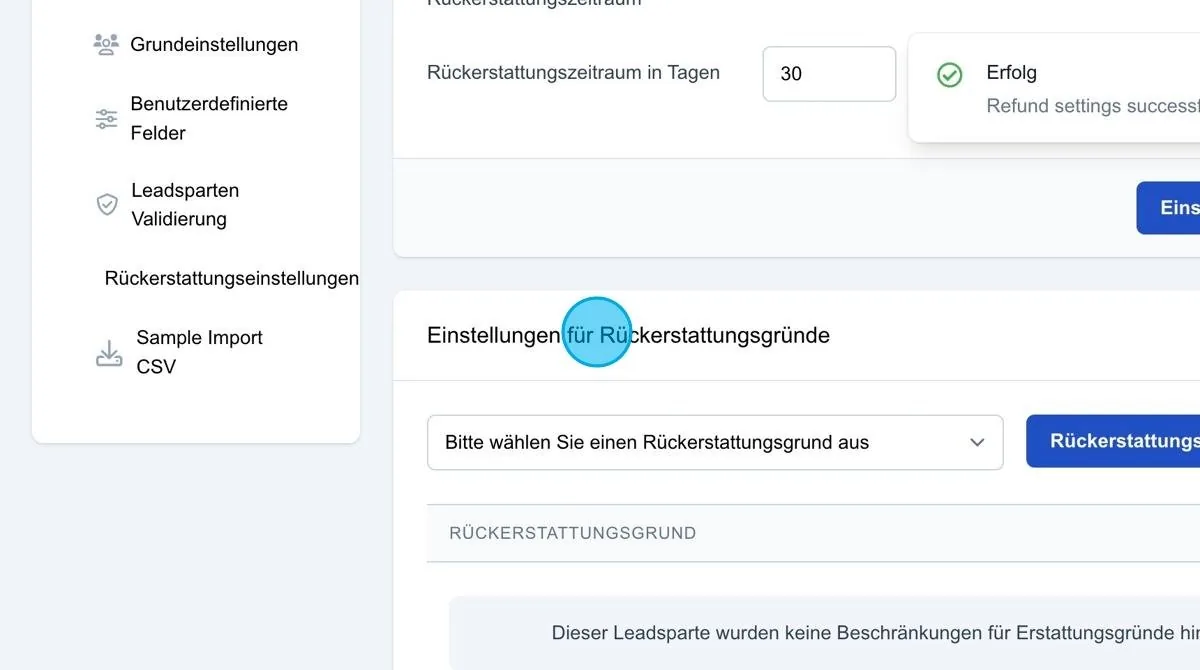
One example would be to deactivate the reason “Prospect did not submit an enquiry”.
This means that a customer who has purchased a lead of this lead type cannot file a complaint about it with this reason, as this complaint reason has been deactivated for the lead type.
If no specific settings are made, all of the platform's complaint reasons are available for the leads by default. However, these can be adjusted individually as required to restrict or extend the complaint options.