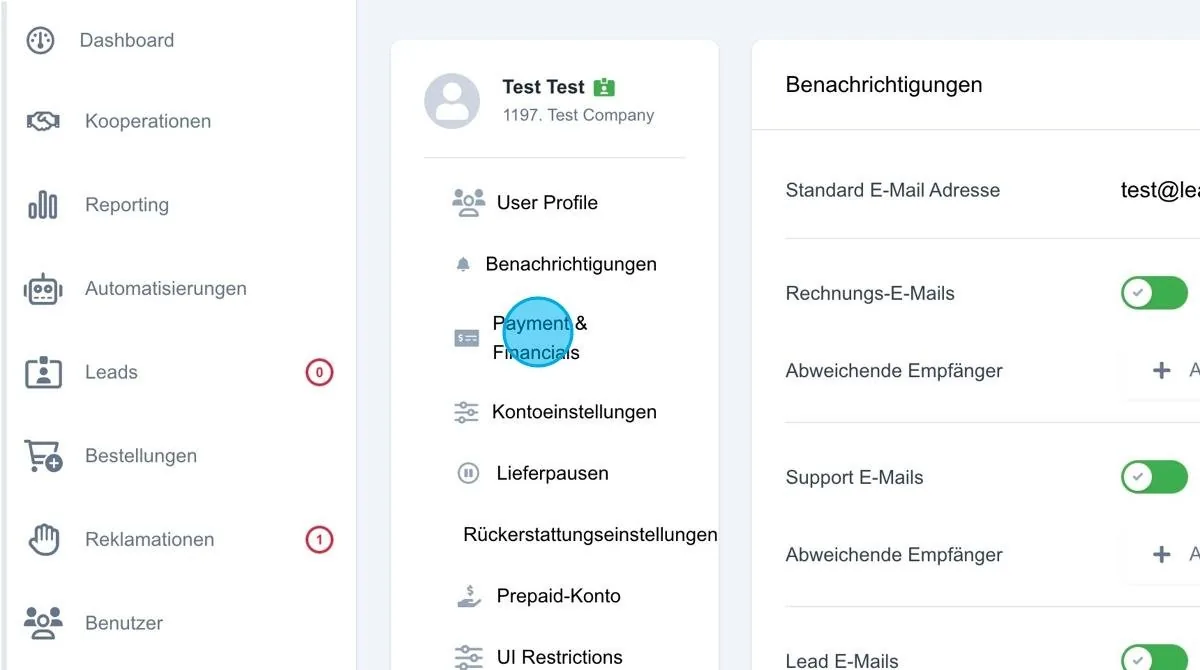
Payment & Financials
In this section the data relevant to the user's invoice can be stored. The name details from the user profile are already adopted automatically.
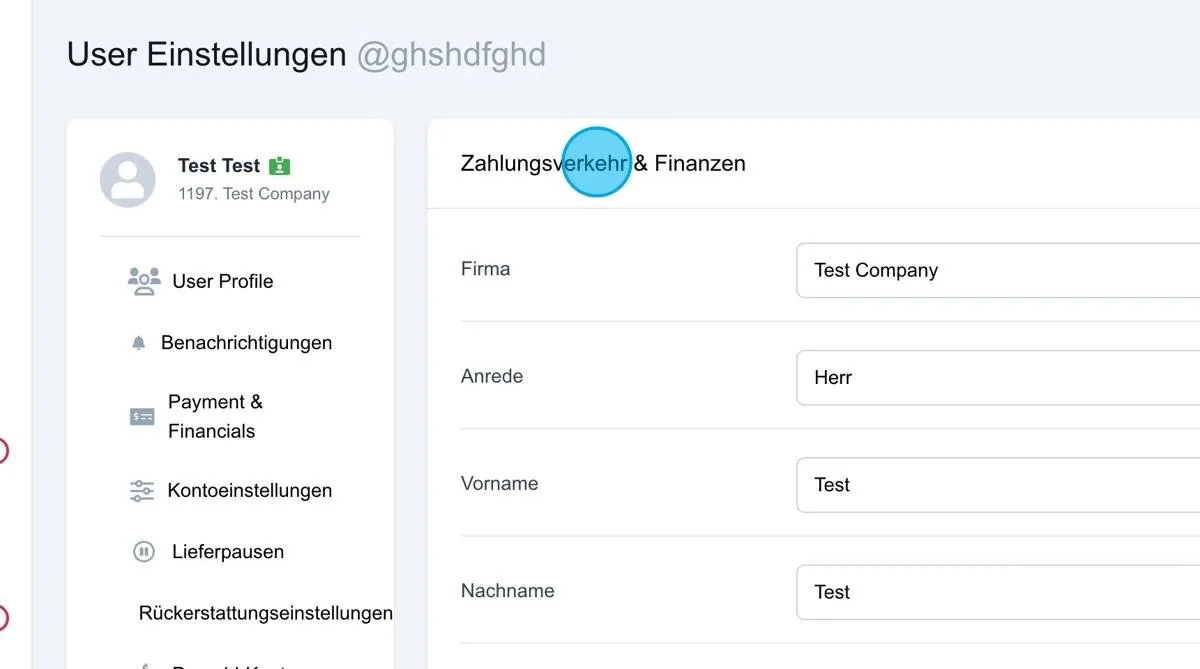
Payments & finances
In this section, information such as company name, salutation, first name, last name and address line 2 is stored. These details are shown accordingly on the invoice.
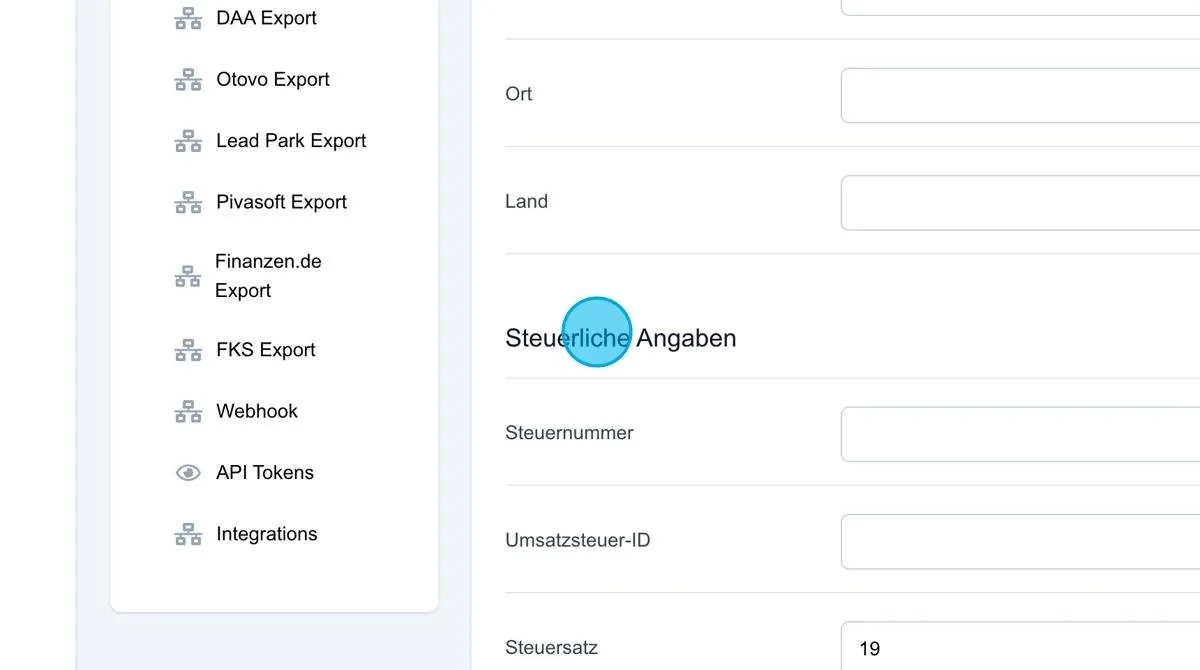
Tax details
In this section, the tax number and VAT ID are stored, as well as the tax rate used to calculate VAT. This can be adjusted accordingly. (In most cases the VAT rate is 19 %. For business abroad, for example, the tax rate is 0%. All prices in the system are net. VAT is added accordingly on the invoice.
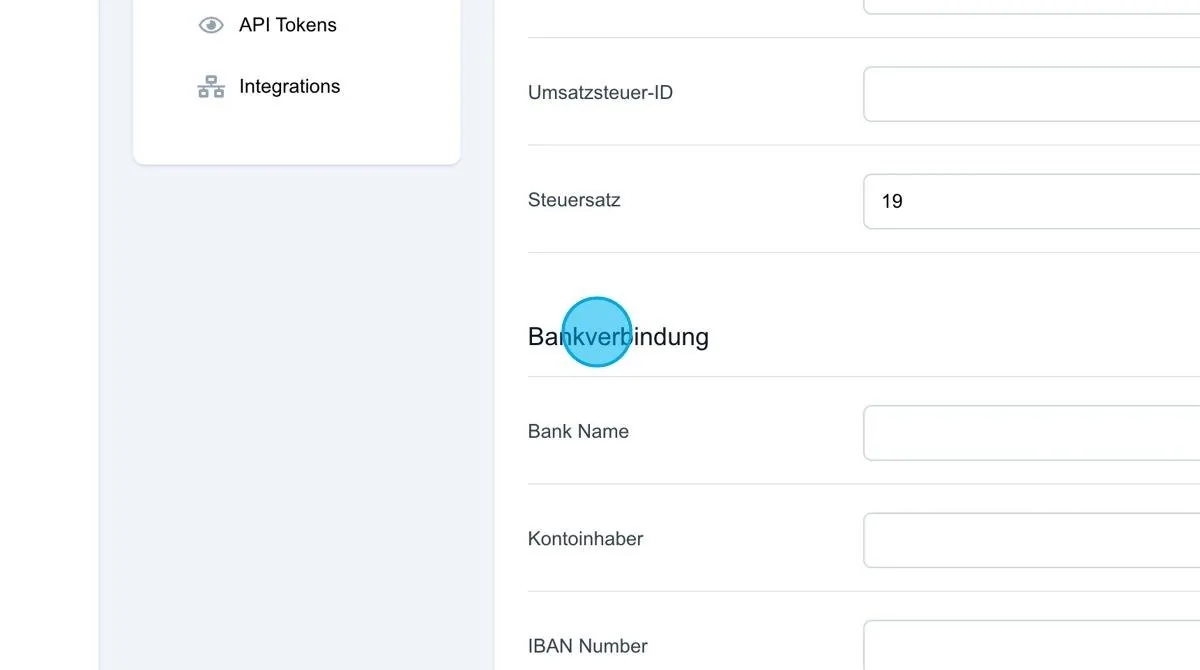
Bank details
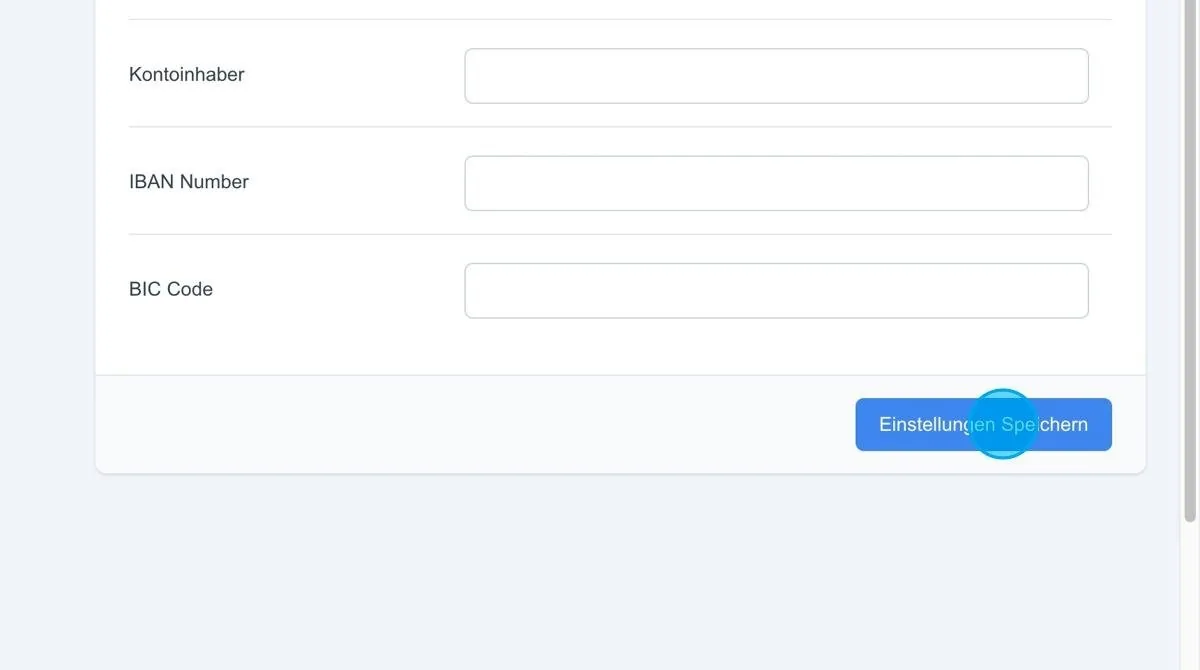
In this section, the user's bank details can be stored if payments are to be collected by direct debit. Required details are bank name, account holder, IBAN and BIC to ensure smooth SEPA direct debit collection.
Save settings: Once all payment-relevant information has been entered, the settings must be saved to ensure that the data is successfully stored in the system.