Automations
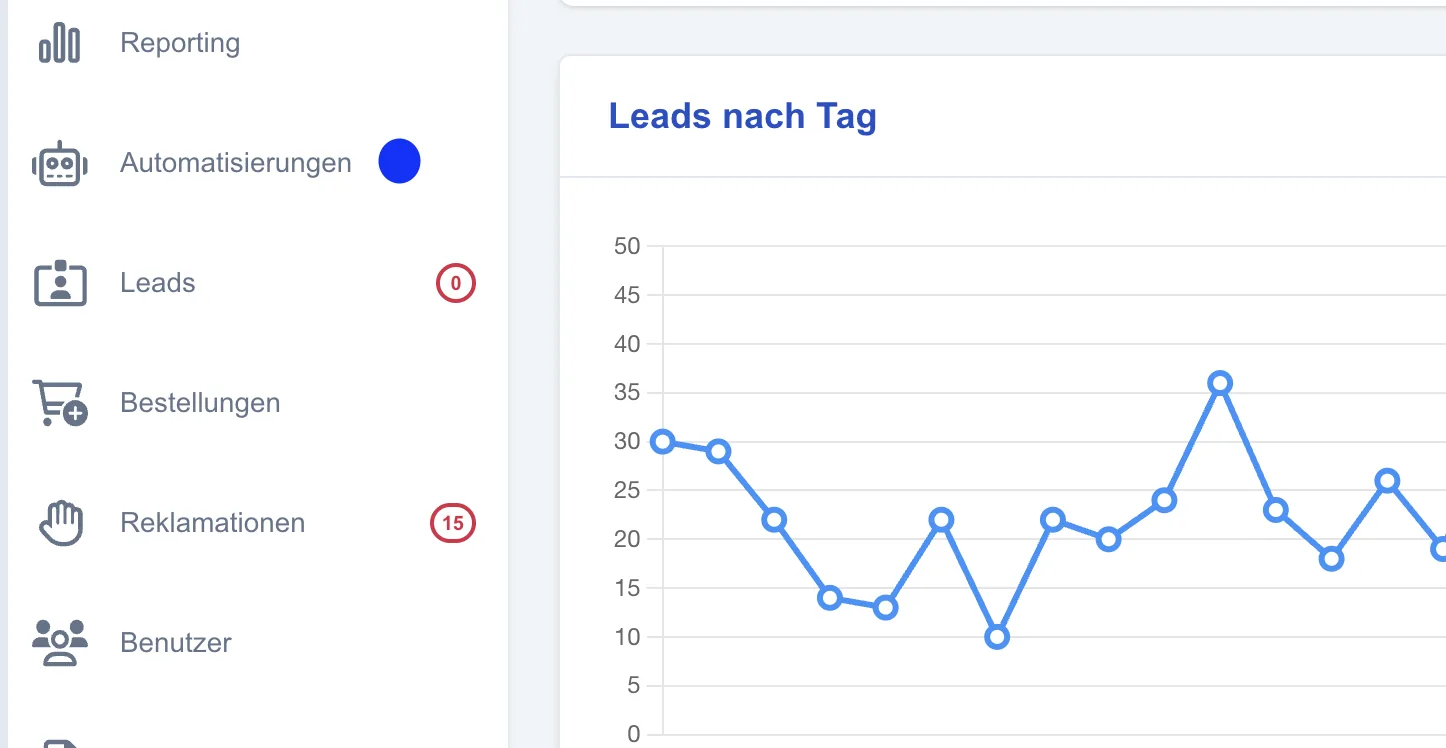
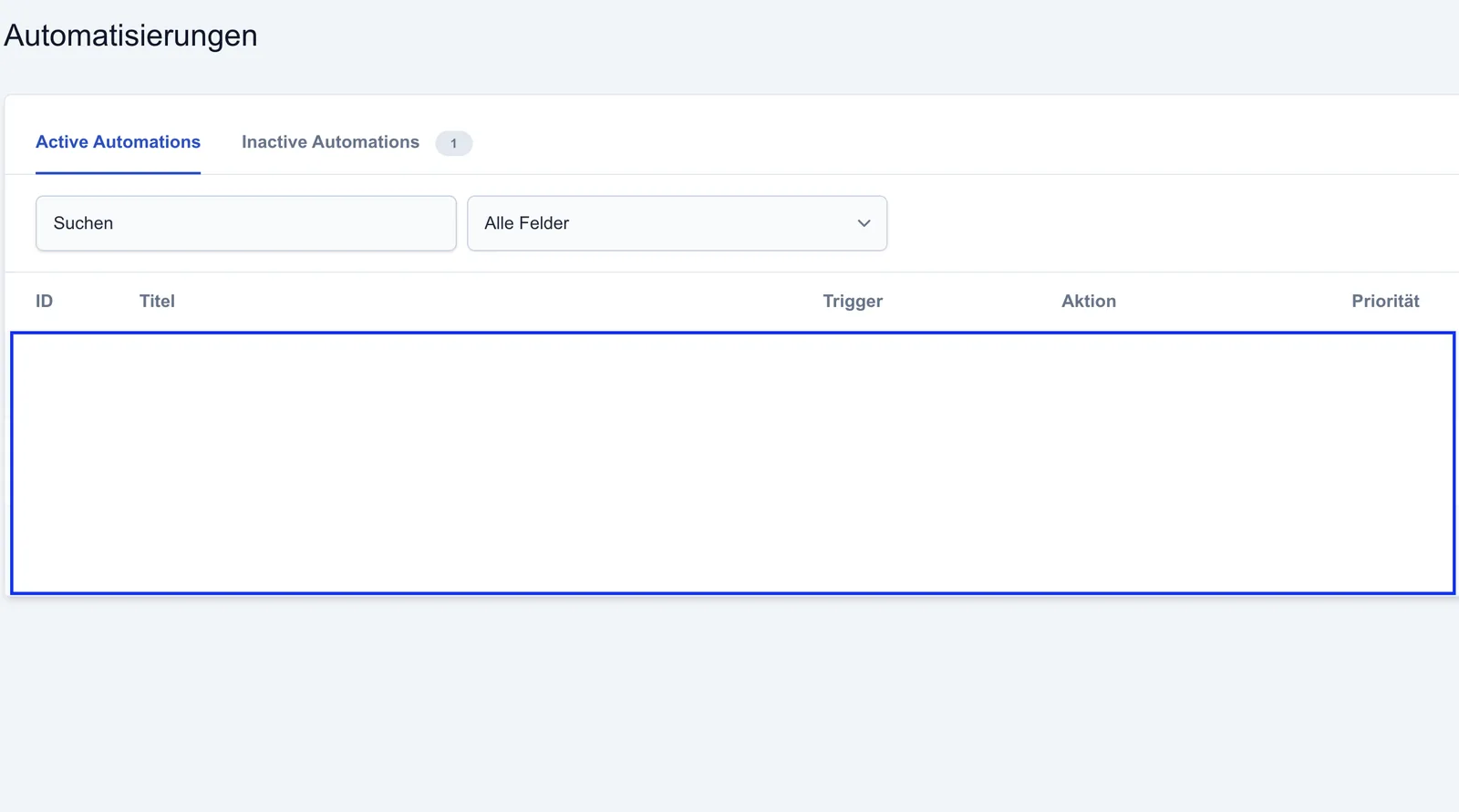
The “Automations” area can be opened from the dashboard.
Automations
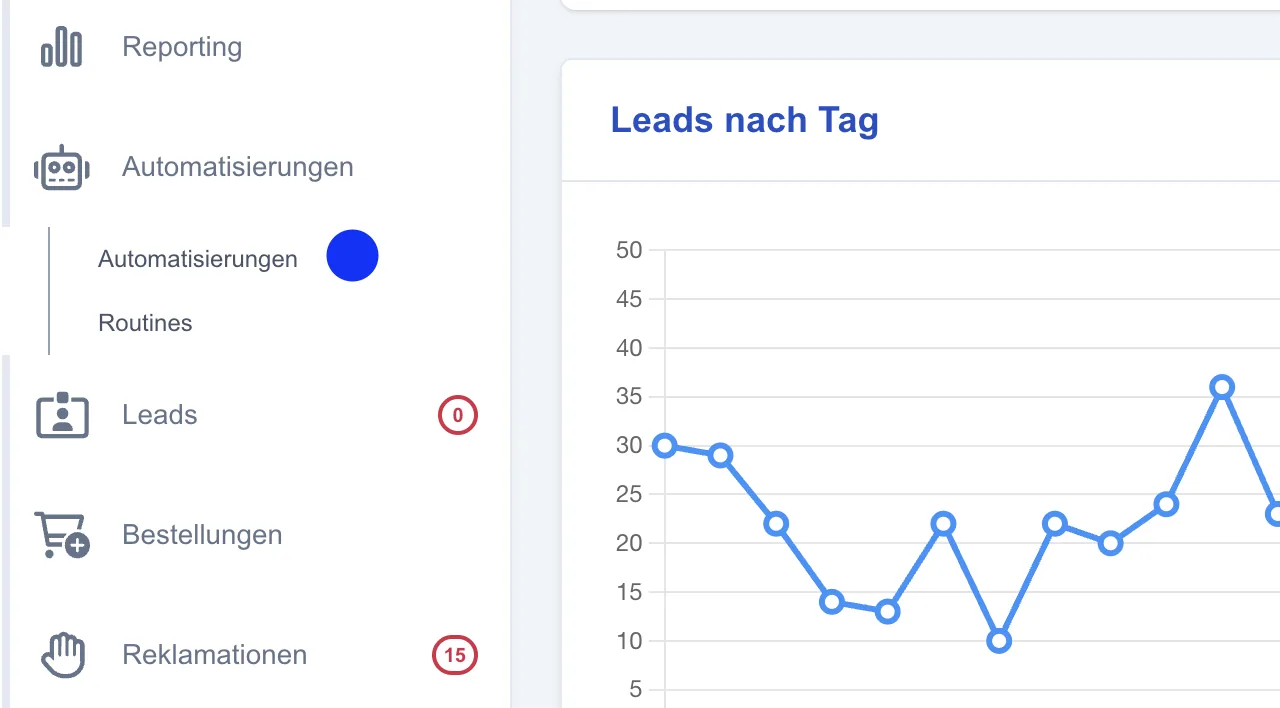
Then navigate via “Automations” to the existing automations, and create and manage new automations.
Create a new automation
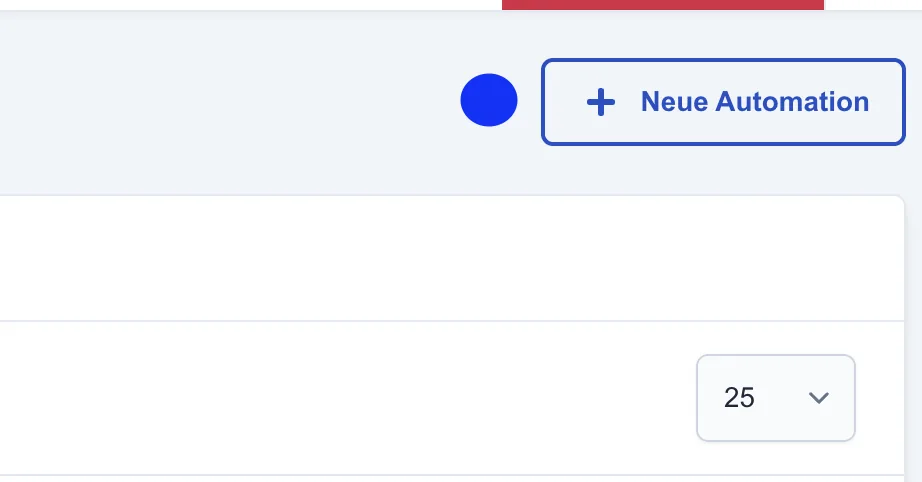
A new automation can be created via the “+ New automation” button at the top right of the overview.
Groups
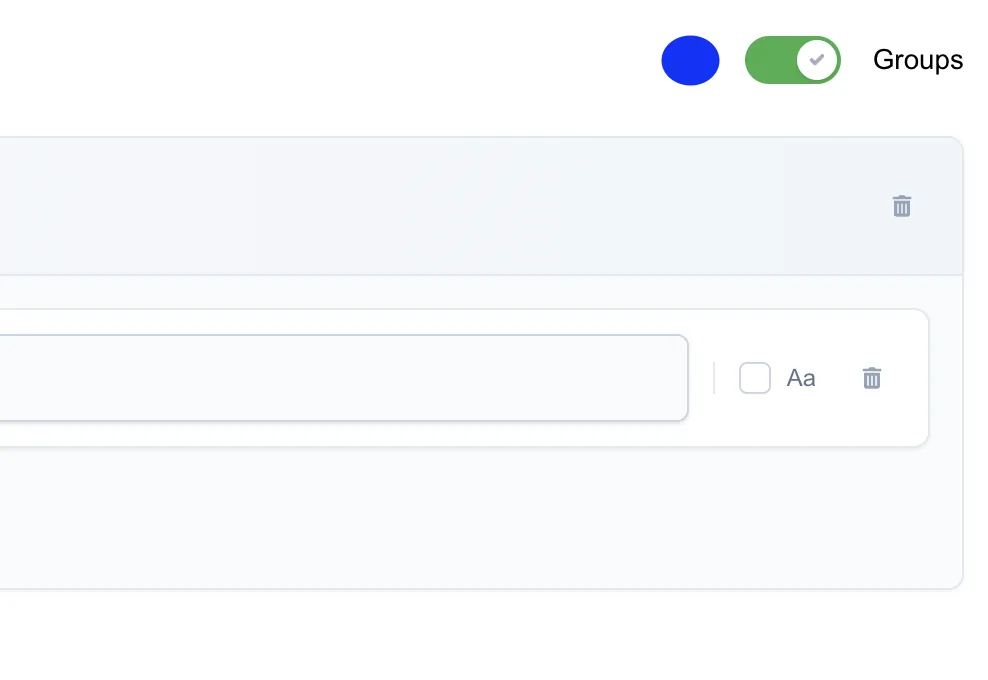
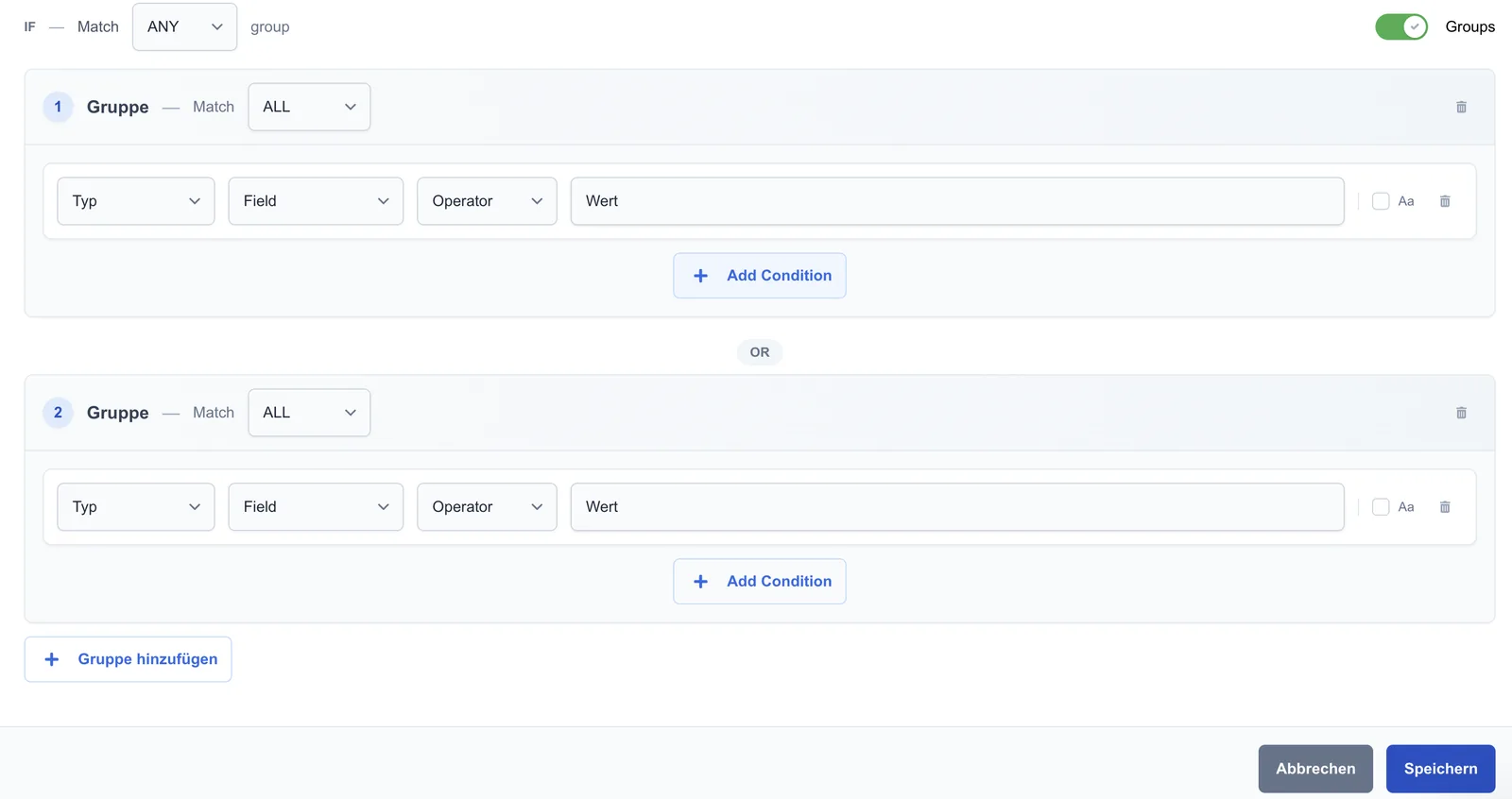
Enable groups: The “Groups” option lets you enable group conditions within an automation.
These allow alternative conditions within a single automation, so more complex logic can be implemented without several separate automations.