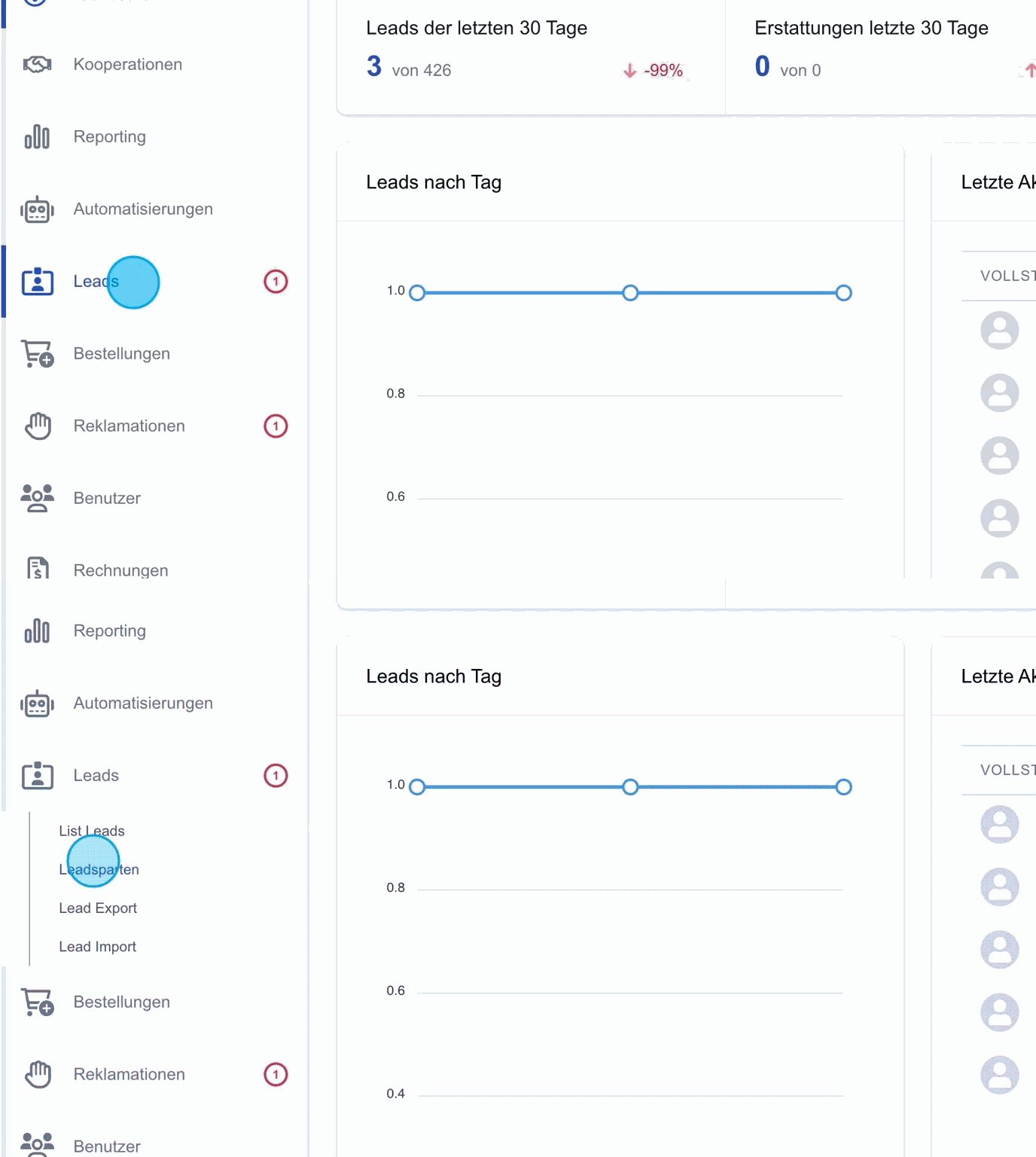
Leads
Via the "Leads" menu item in the side navigation, all relevant settings and information about leads can be managed.
Lead types: Within the "Leads" menu item there is the "Lead types" subcategory. Here, new lead types can be created or existing ones edited to ensure a clear structure and overview.
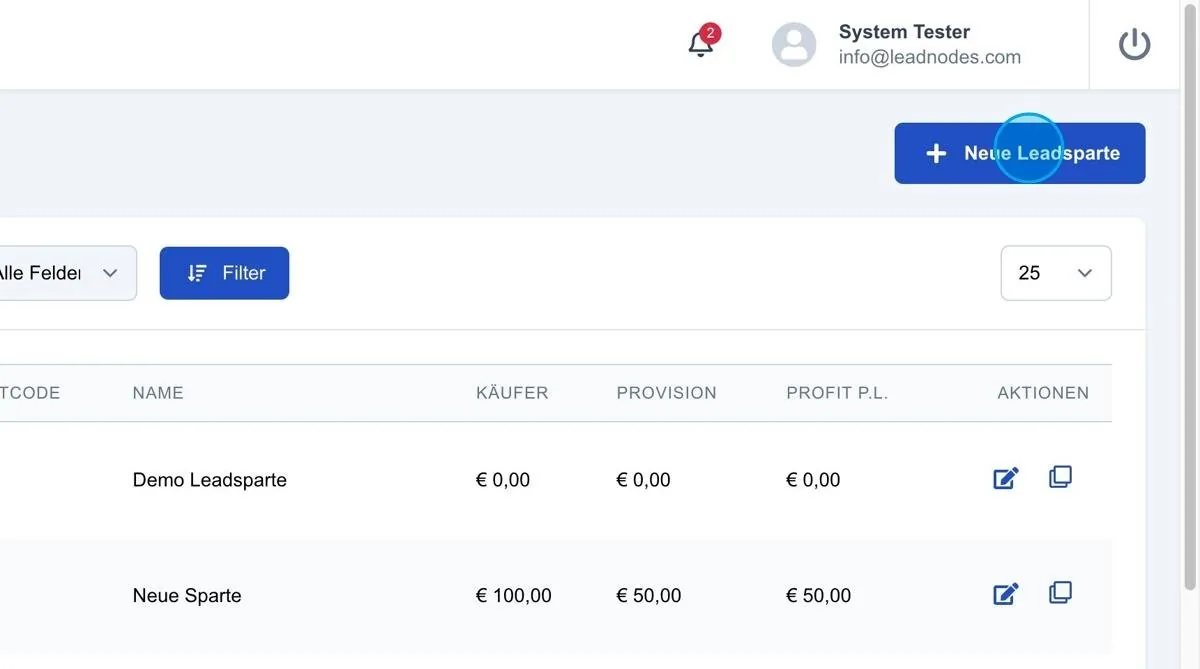
New lead type
New lead types can be created within this area. The "New lead type" button is available at the top right for this purpose.
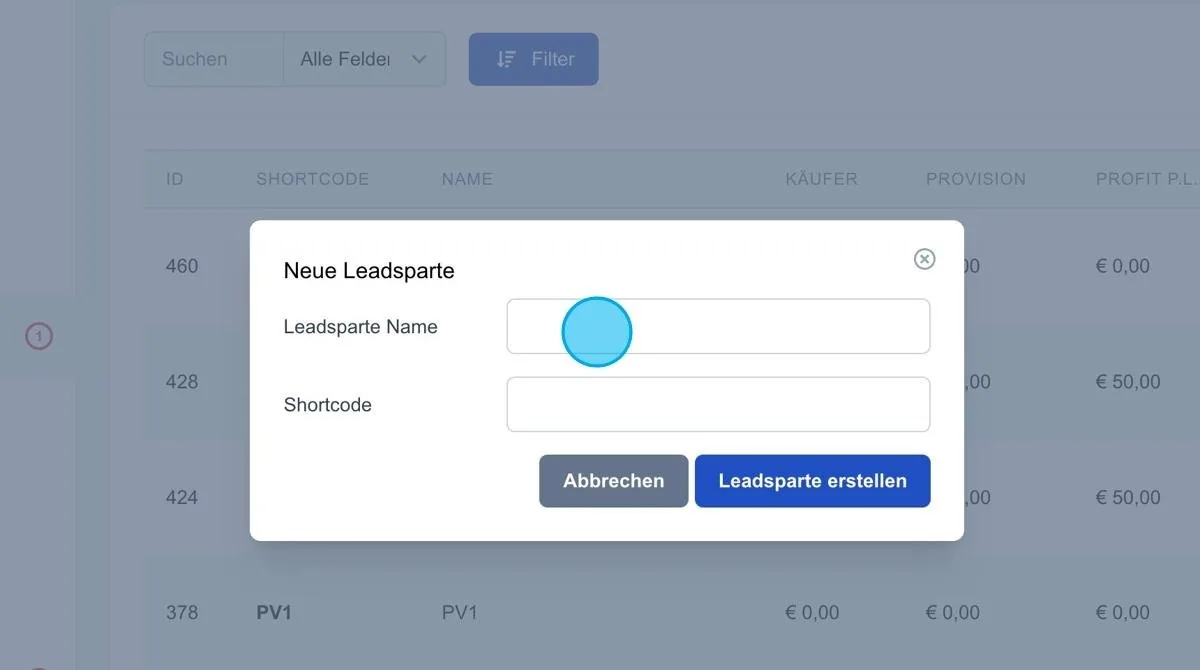
New lead type: When the "New lead type" button is clicked, a new window opens in which the name of the lead type can be set directly.
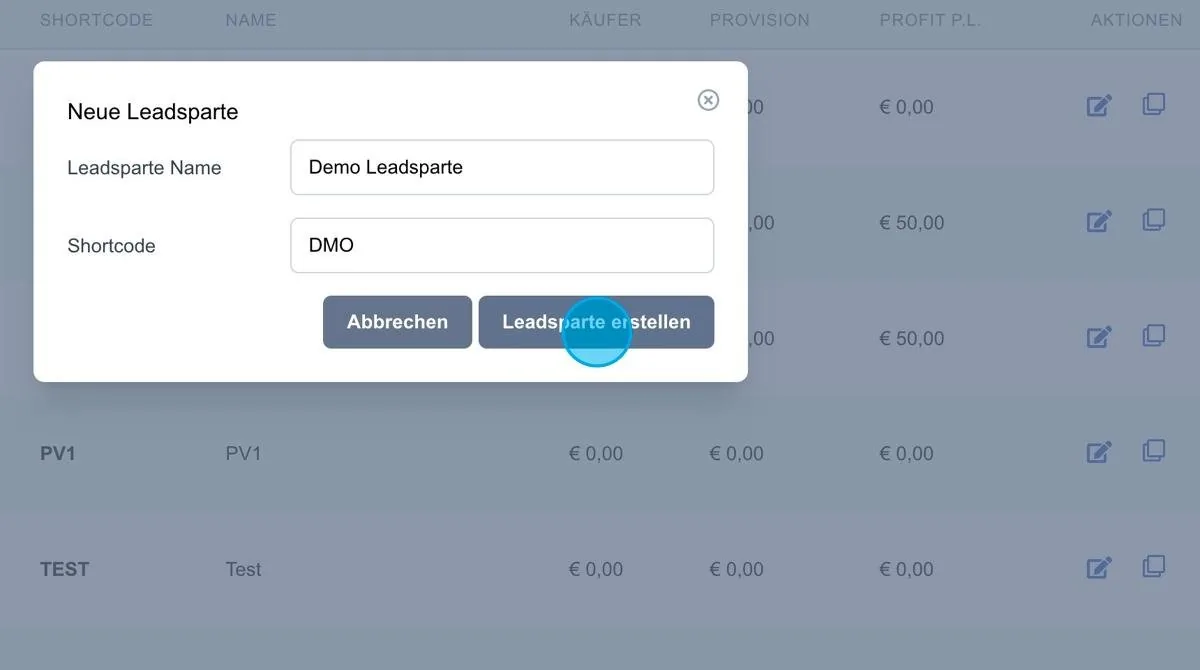
For example, a new lead type with the name "Demo lead type" could be created here. A shortcut can also be assigned, for example "DMO". This shortcut is later displayed in the lead list, so that it is immediately clear which lead type the individual leads belong to.
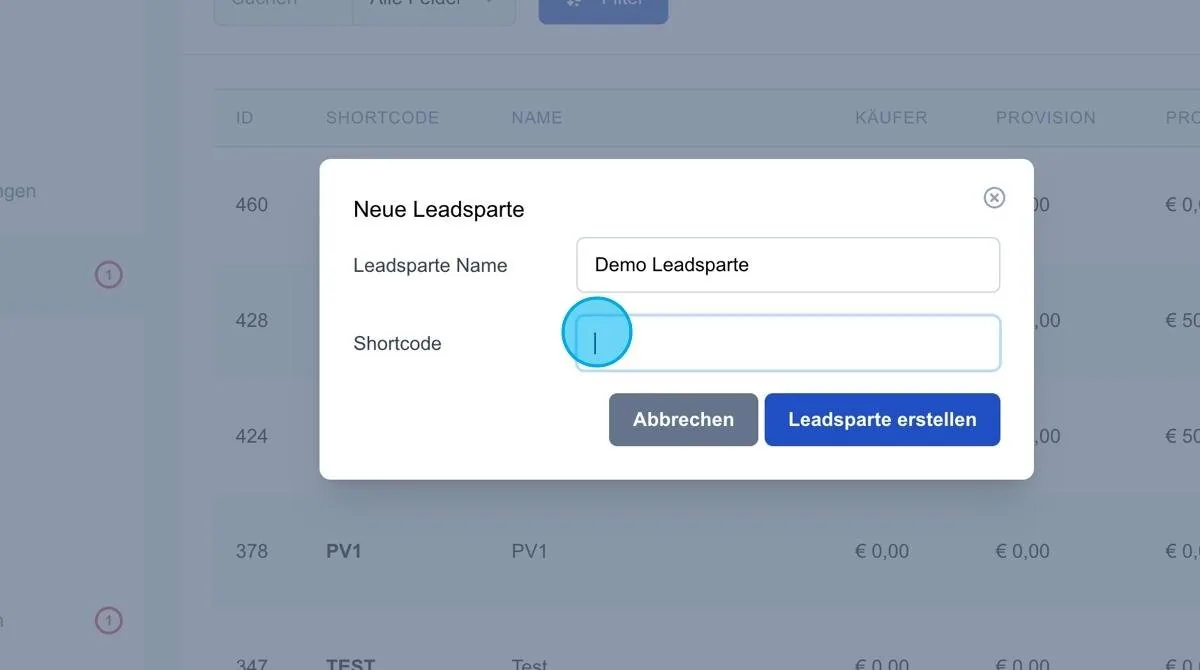
Create lead type
Clicking "Create lead type" saves and adds the new lead type.