Note: Delivery pauses exist on two levels: for a user pauses all of their orders, for an order only that one order.
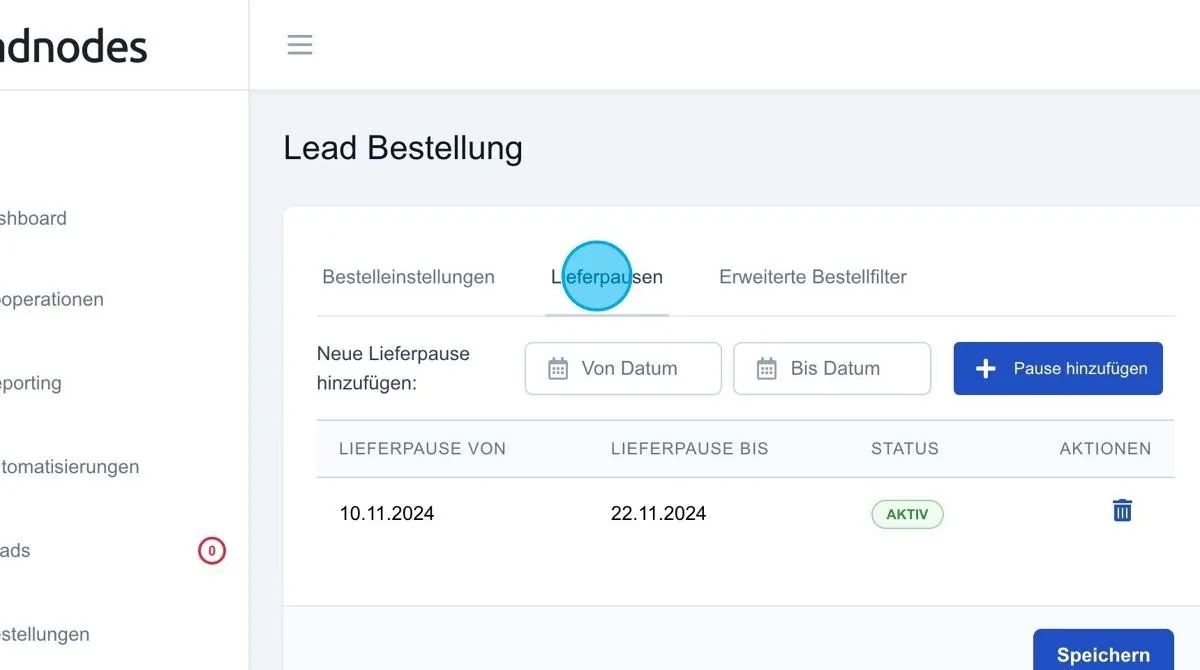
Delivery pauses: In this section you can define periods during which no leads are to be delivered with this order.
Setting delivery pauses
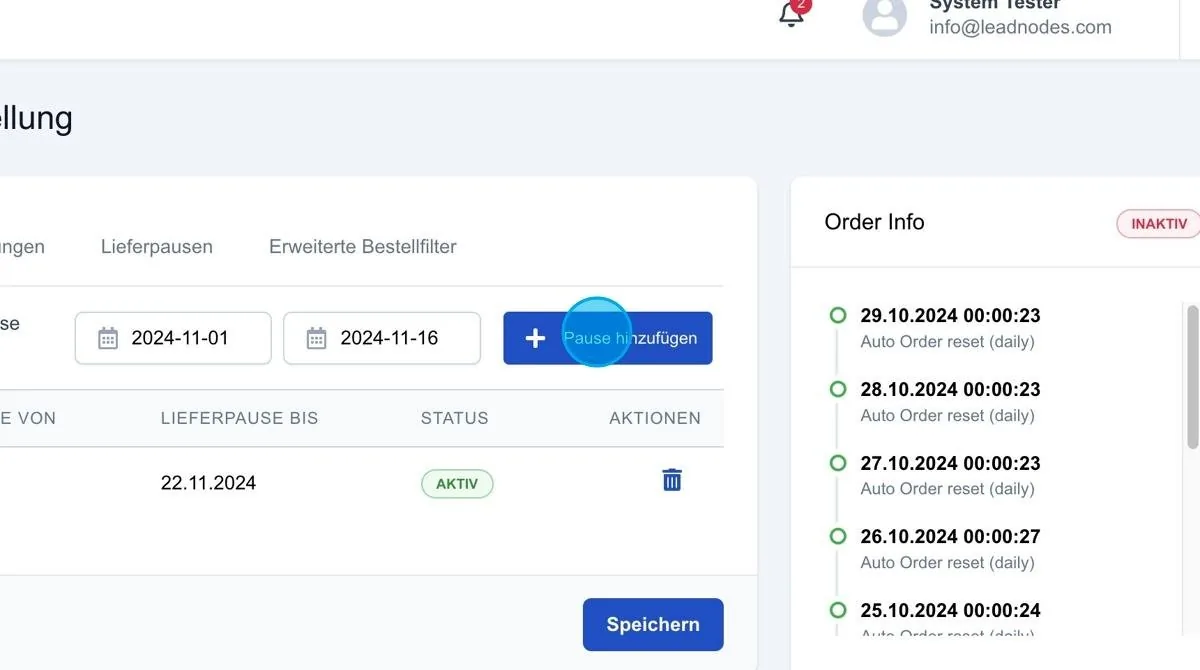
Simply enter a start and end date and activate it via “+Add delivery pause”. As soon as the delivery pause is active, the order does not pick up any leads within the defined period. If, for example, a broker is on holiday from 1 December to 20 December, this period can be entered here as a delivery pause. Delivery is then automatically paused during this period. As soon as the delivery pause ends, the note “expired” appears and the order becomes active again.
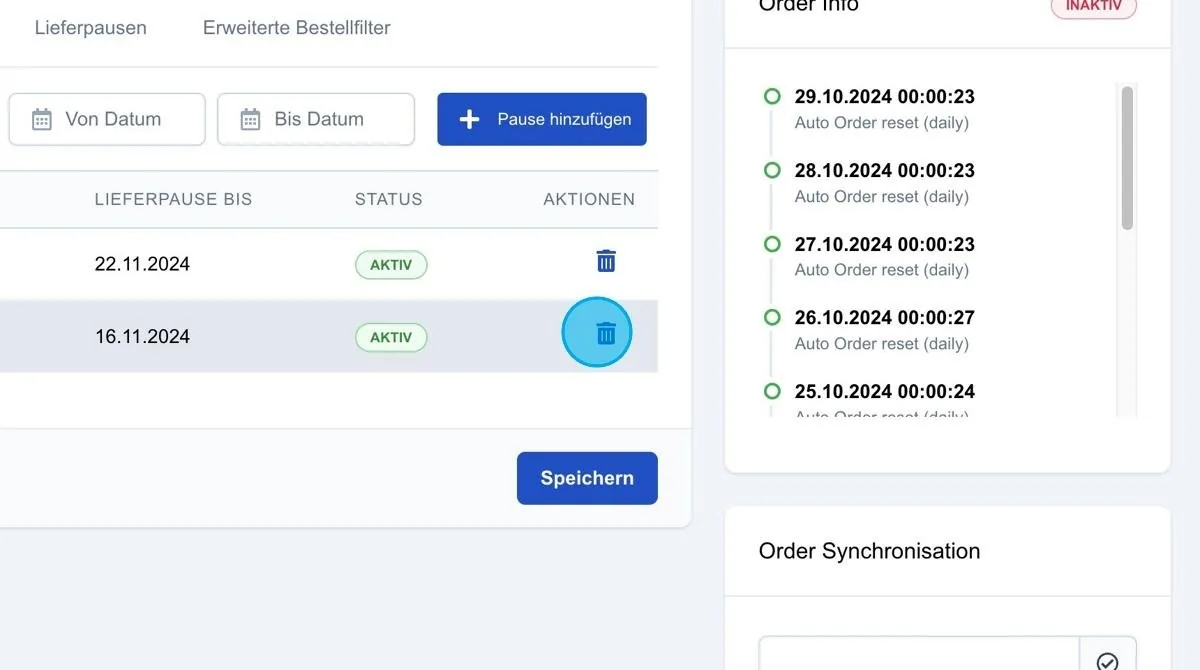
Bin icon
The bin icon lets you remove the delivery pause again if required.
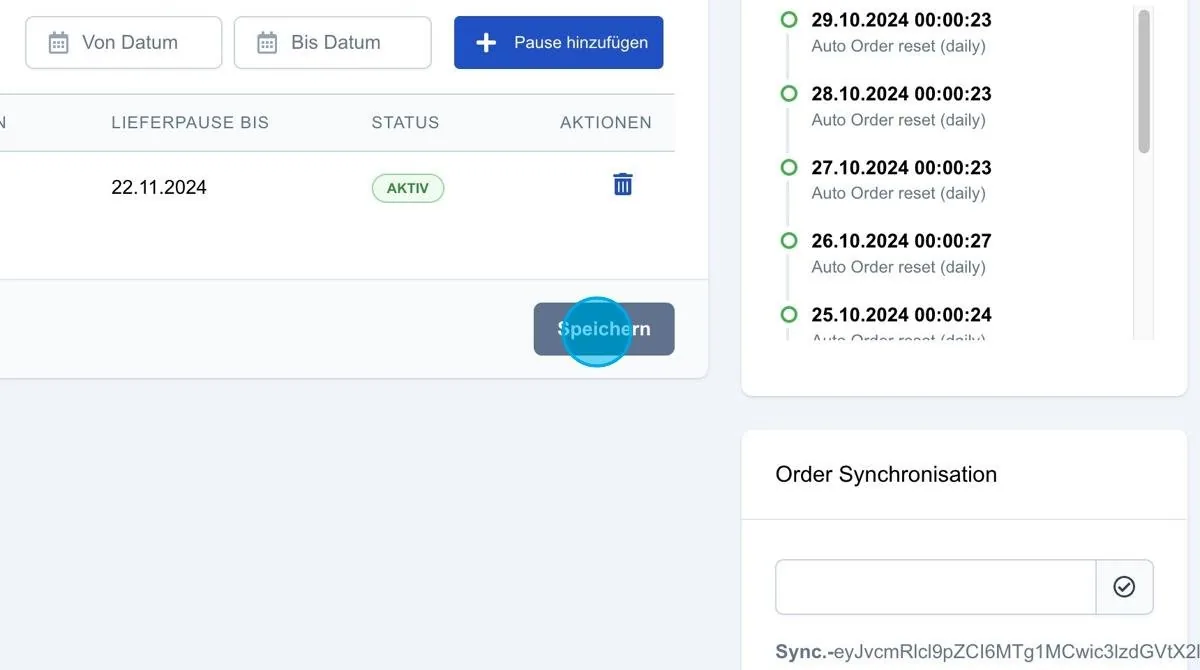
Save: The “Save” button saves and applies all delivery pauses you have entered.