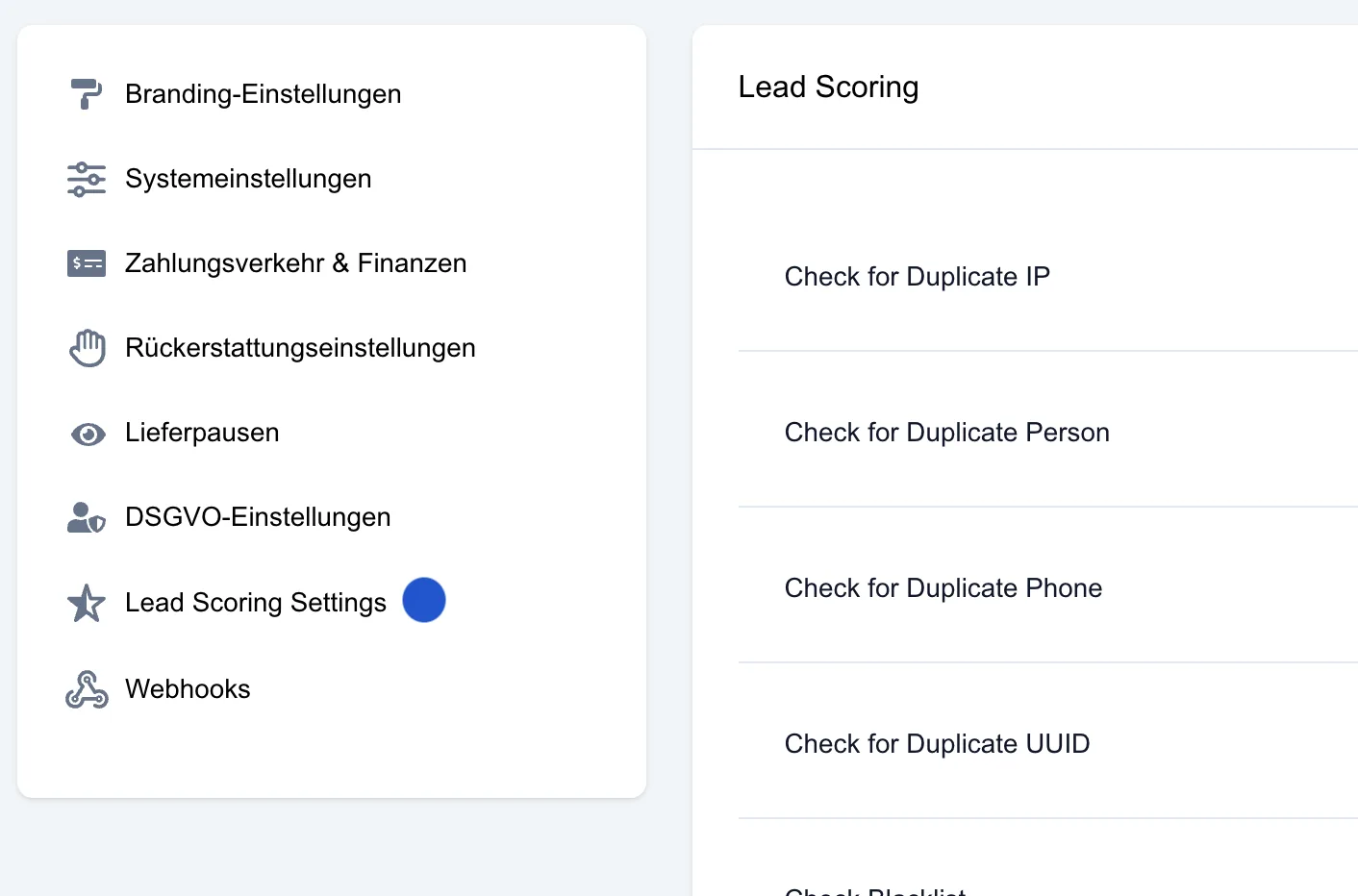
Lead Scoring Settings can be found under System settings → Basic settings → Lead Scoring Setting
The Lead Scoring Setting function handles duplicates on a lead-type-specific basis. It lets you define that duplicates are only checked within the same lead type. For example, a PV lead with the same data as a heat pump lead is no longer automatically treated as a duplicate.
Example: A lead with the name Max Mustermann and the phone number 123 is submitted for the lead type “Photovoltaics”. If the same person later gets in touch again – this time for the lead type “Heat pump” – with identical contact details, this second lead is no longer flagged as a duplicate, provided the setting is activated.
A duplicate is therefore only detected when two leads with the same data are received within the same lead type – for example two heat pump leads with identical details.
This setting offers more flexibility in dealing with prospects who enquire several times and prevents the unintended rejection of leads that are relevant to a specific lead type.
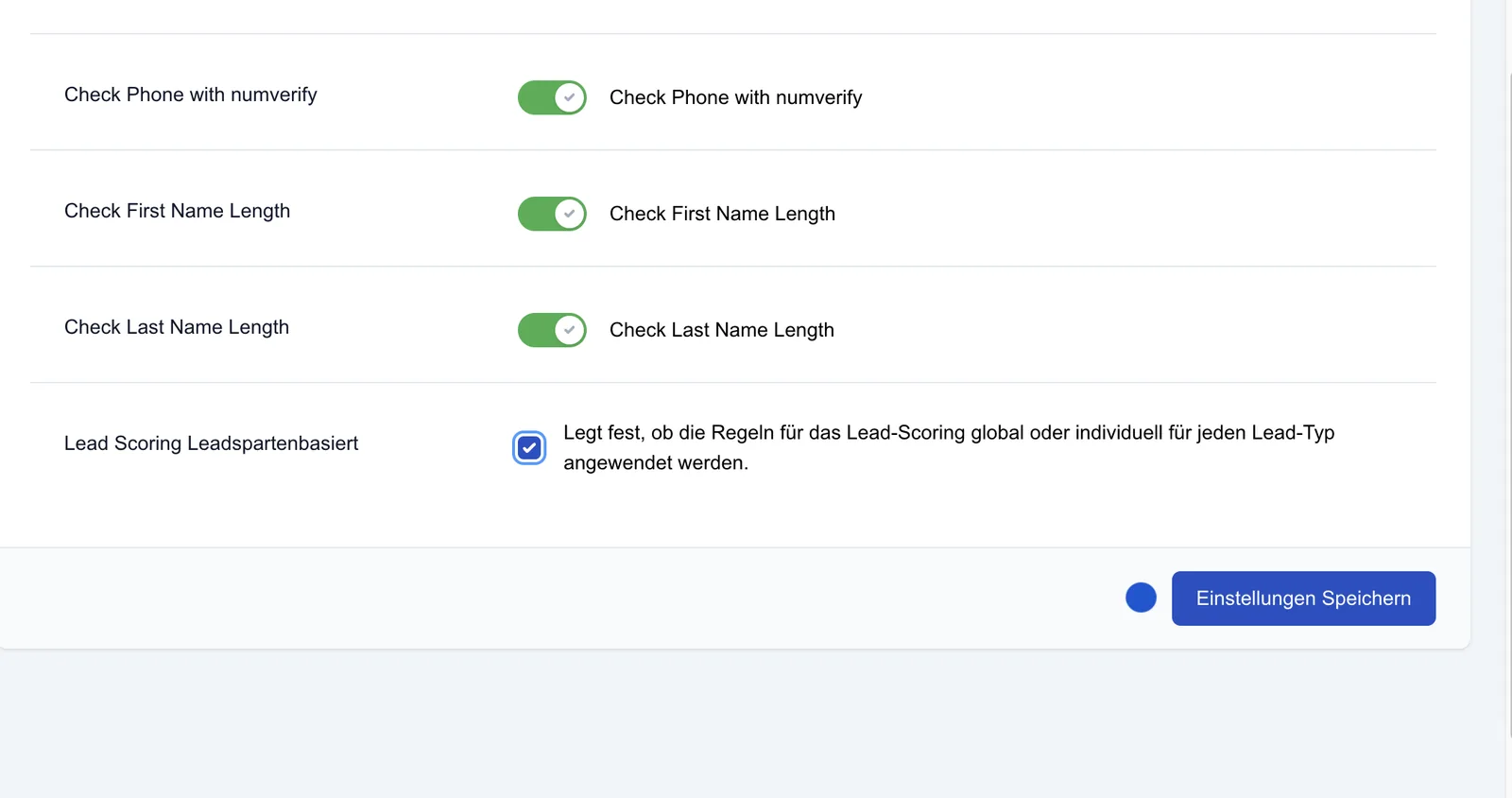
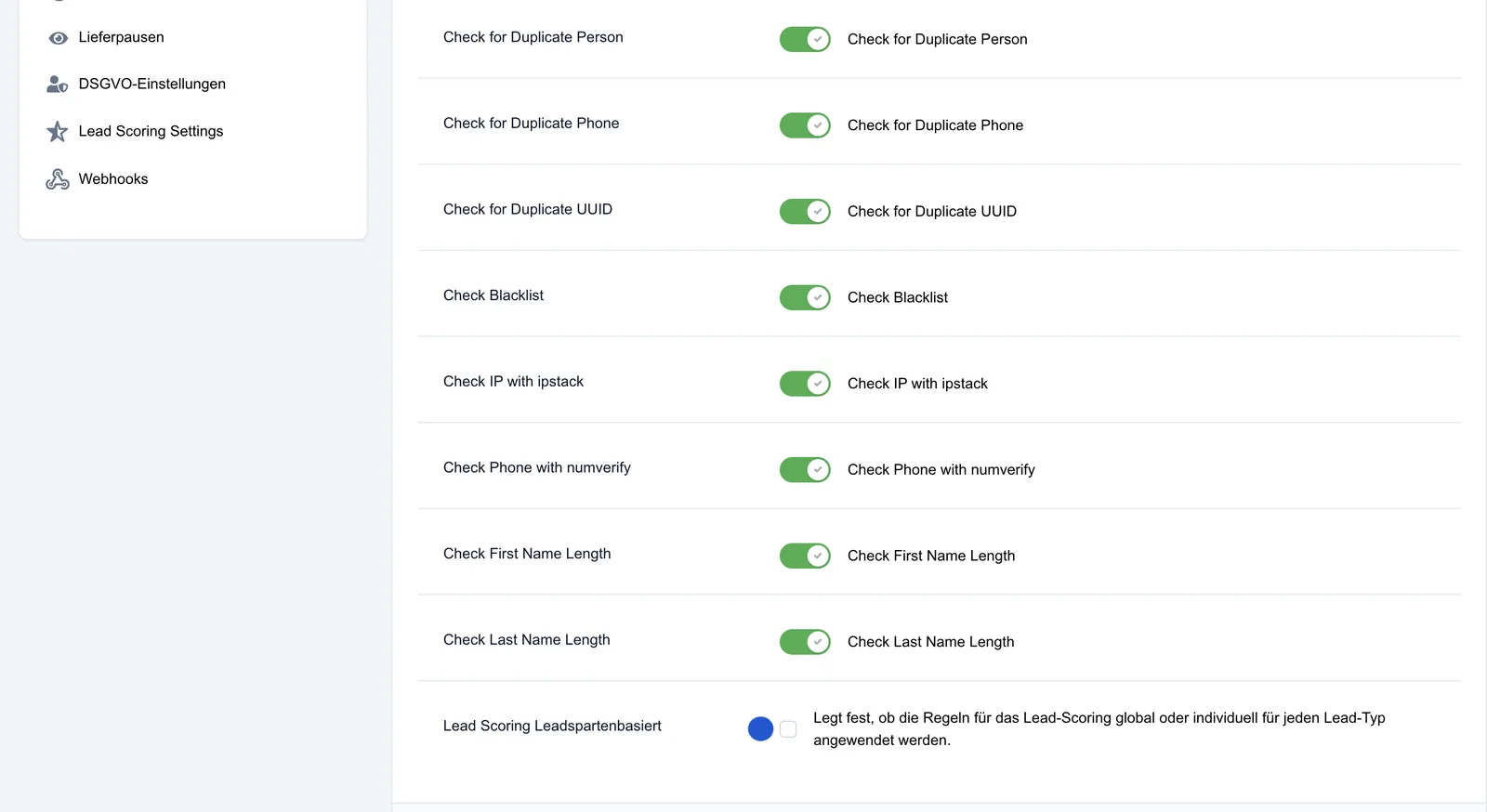
Lead scoring lead type based - activate (can be activated via checkbox) lets you define that the duplicate check only applies within the same lead type.
Save settings: The selected options are saved via the Save settings button.