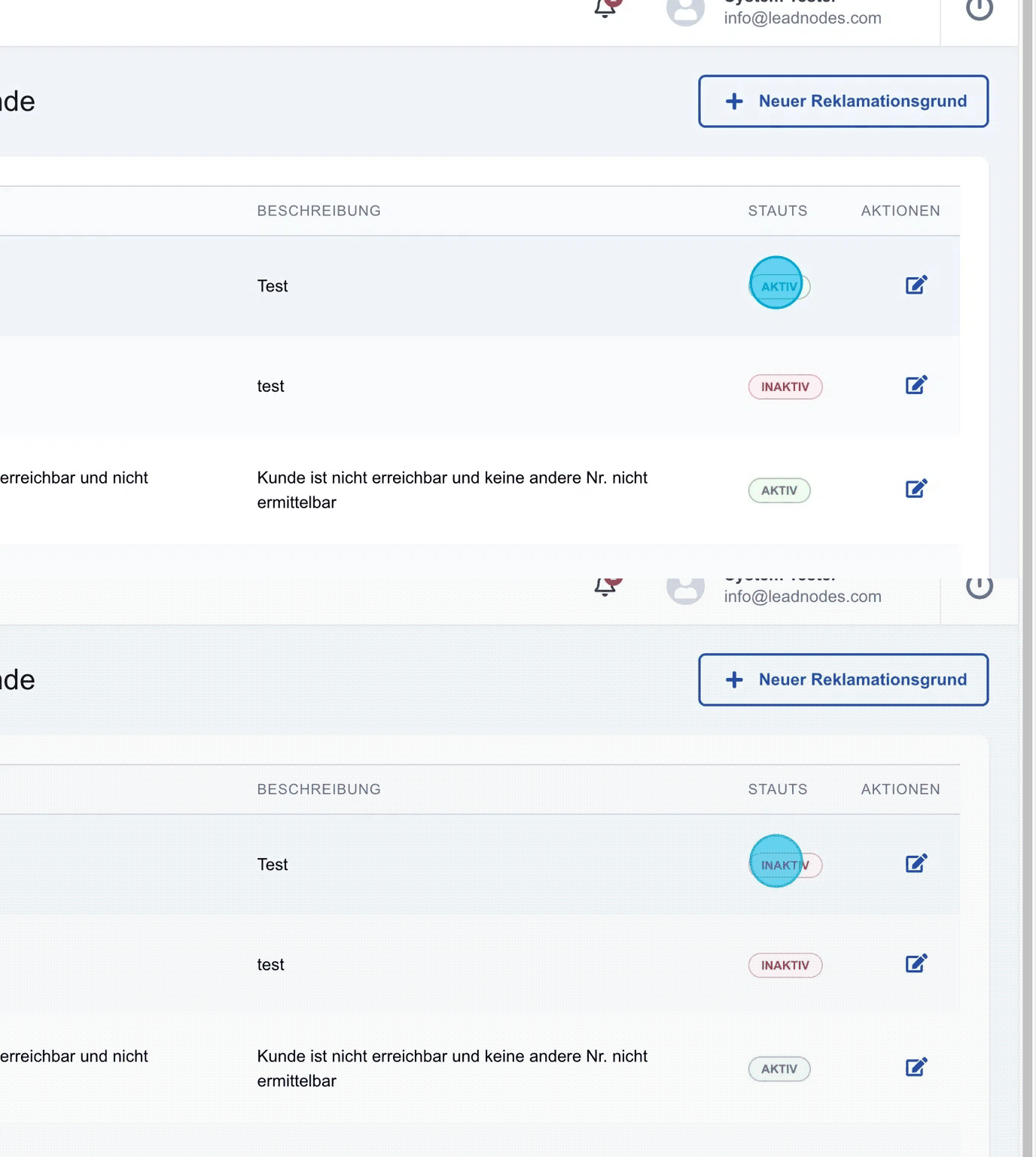
In this sub-section, complaint reasons can be defined and managed.
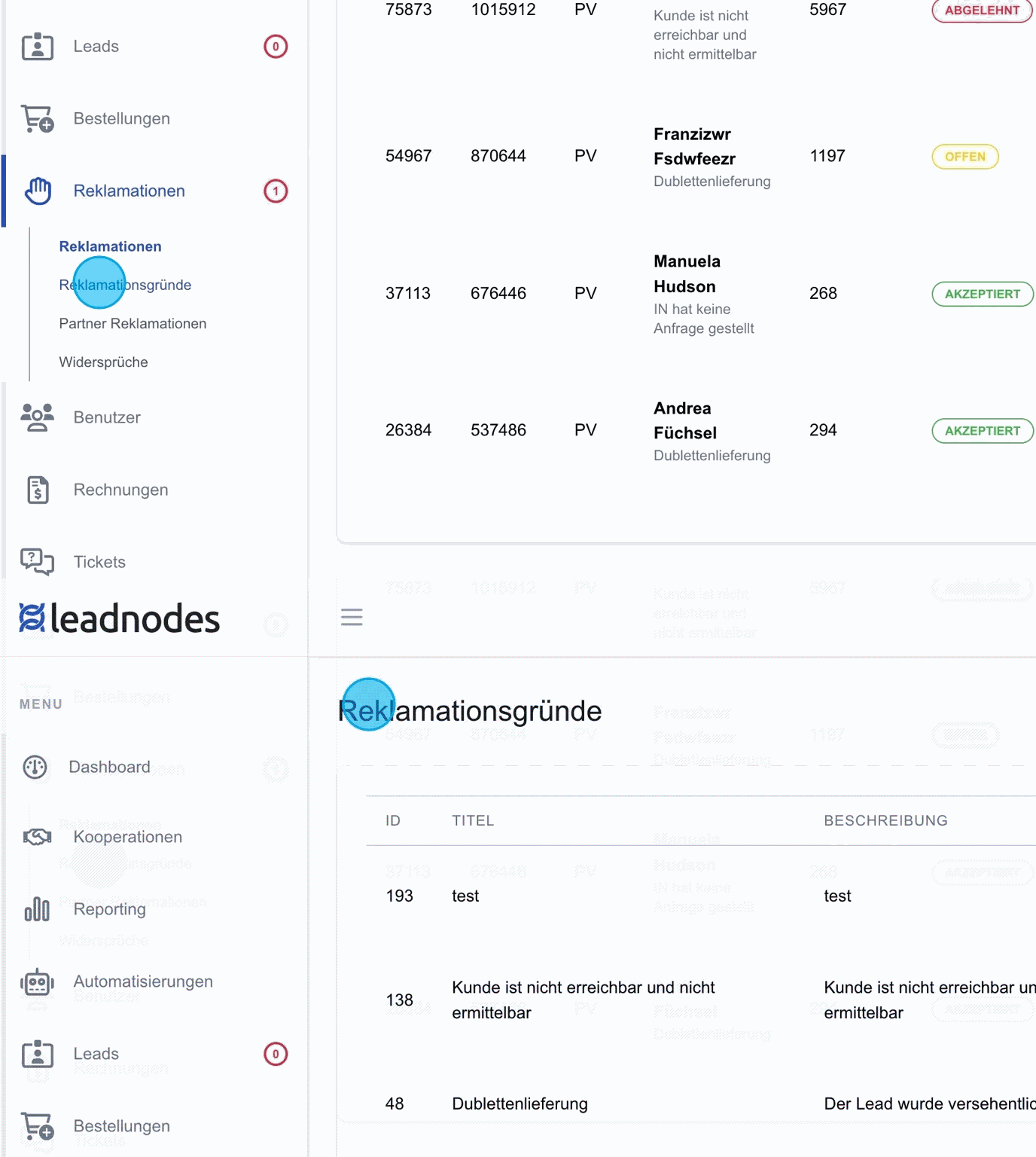
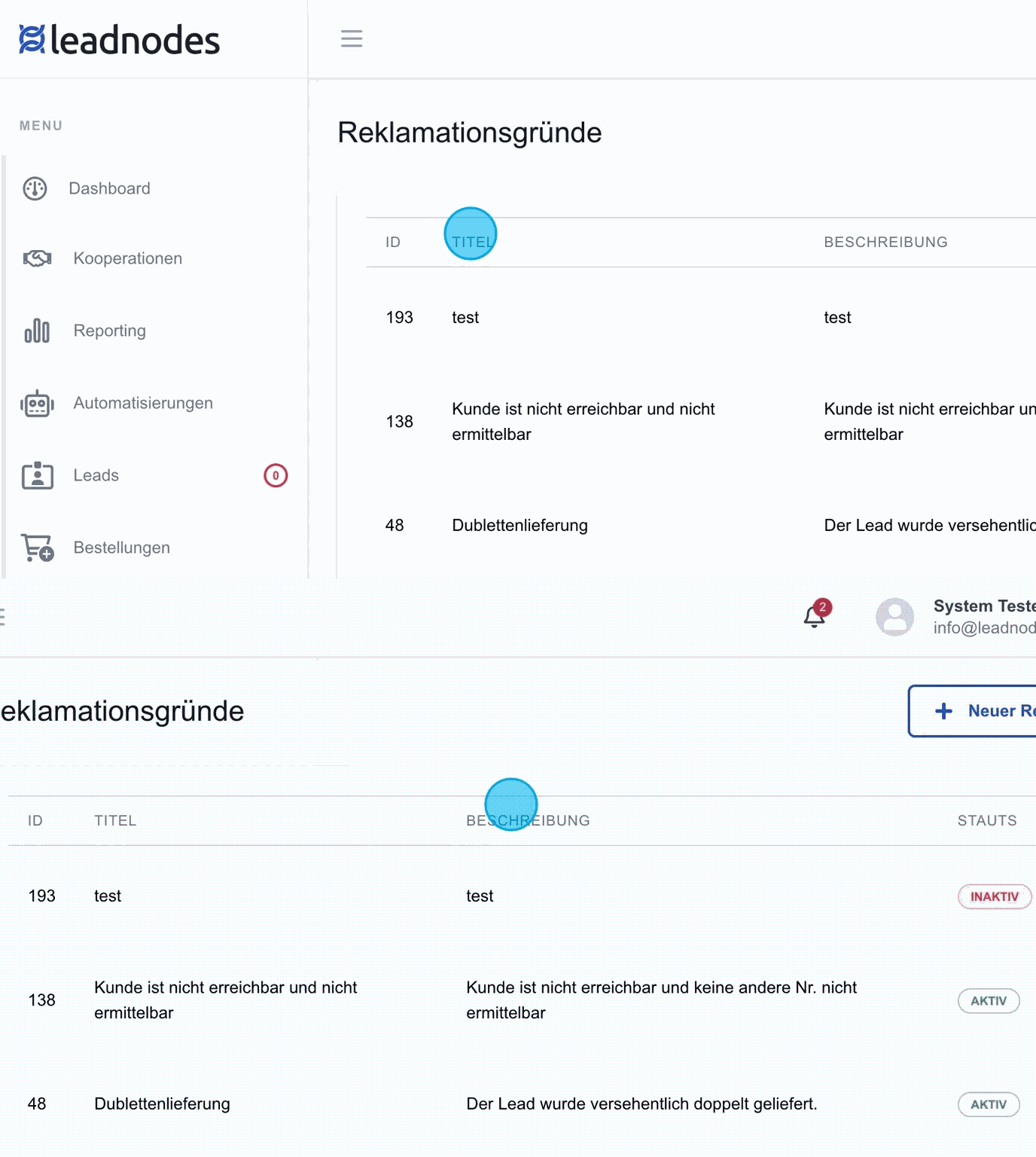
Complaint reasons
A clear list shows the existing reasons with title and description.
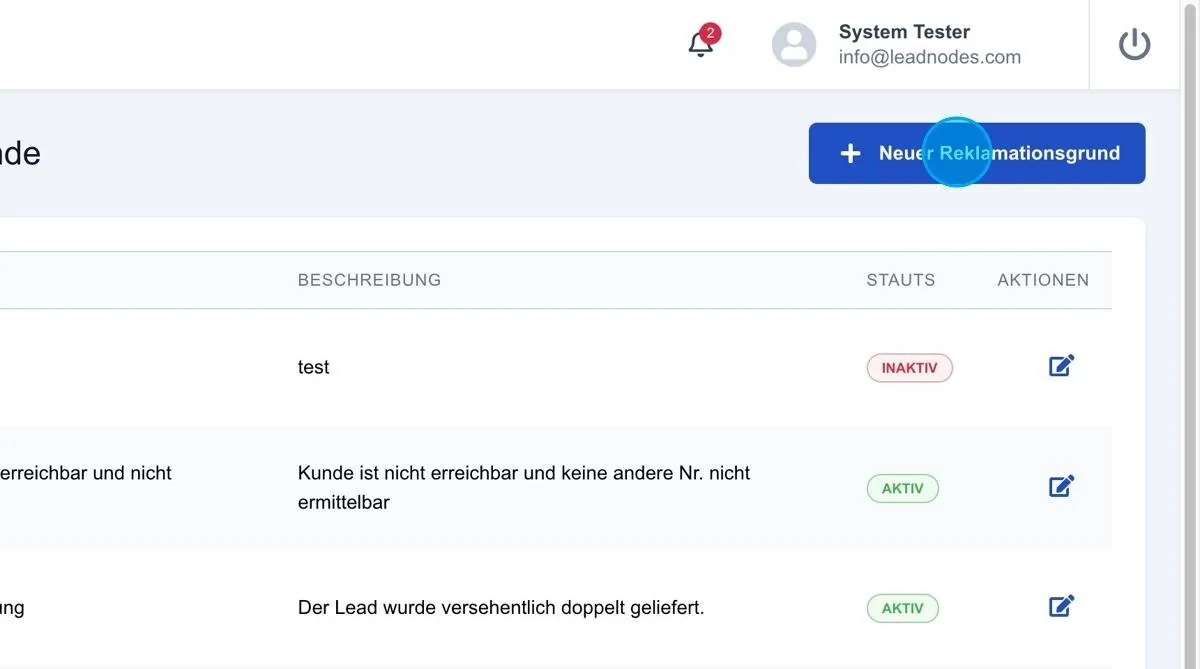
New complaint reason
A new reason can be created via the “Add new complaint reason” button. A section then opens in which the title & description can be added.
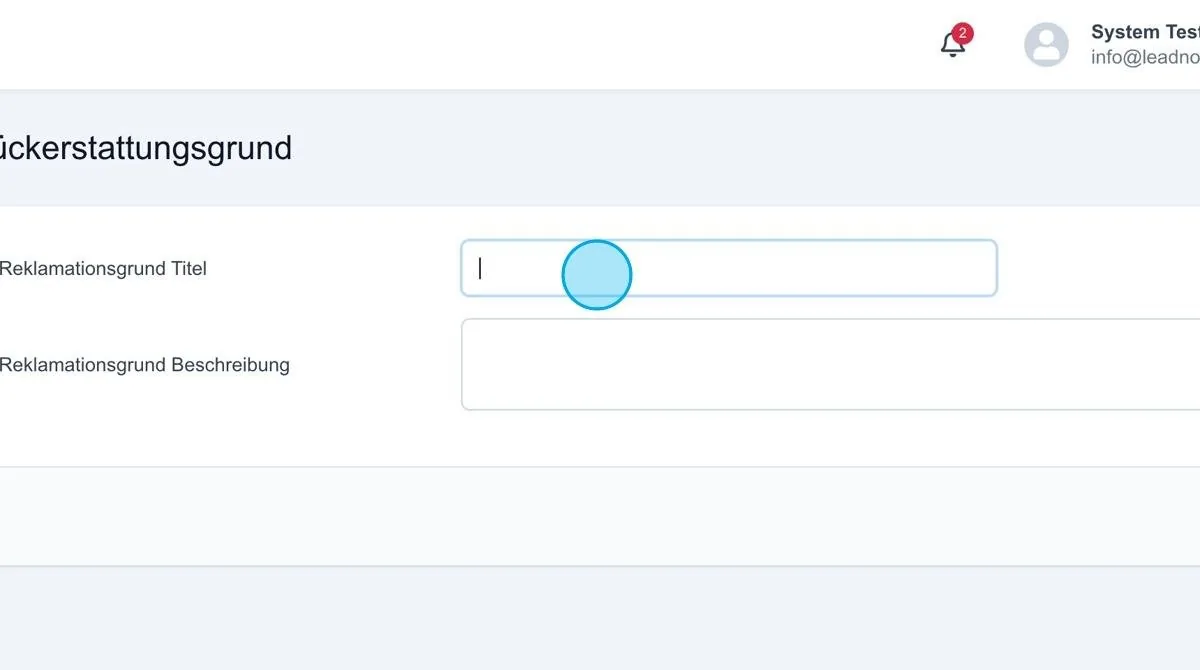
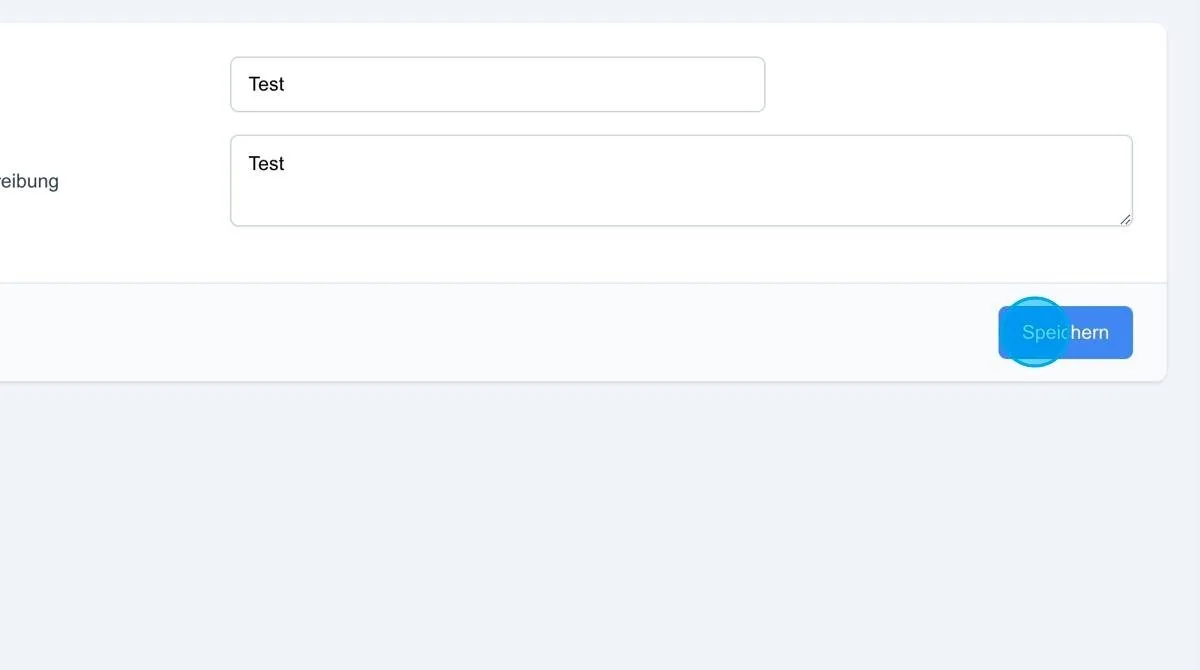
Save: After entering a new complaint reason, it can be added by saving. The newly created complaint reason is then immediately available.
Activate/deactivate status
Complaint reasons can be activated or deactivated via their status. Deactivated reasons are no longer available for selection. Activated reasons, on the other hand, can be selected for leads and used for complaints.