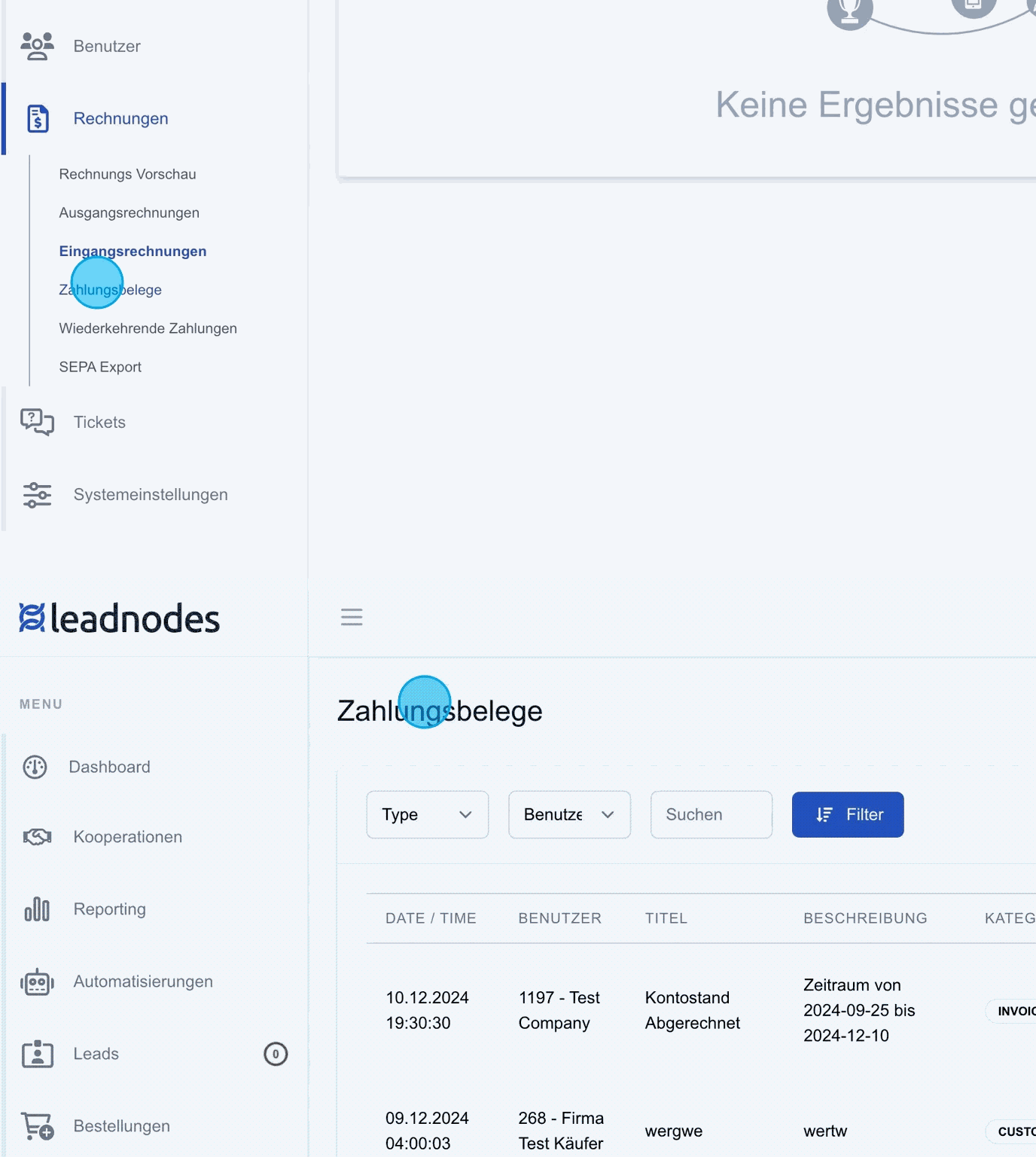
This area serves as an internal system for managing cash movements. Every item that is billed is recorded here and clearly displayed. Items that have already been billed are marked accordingly and can no longer be deleted. This ensures complete and transparent tracking of all payment statements in the system.
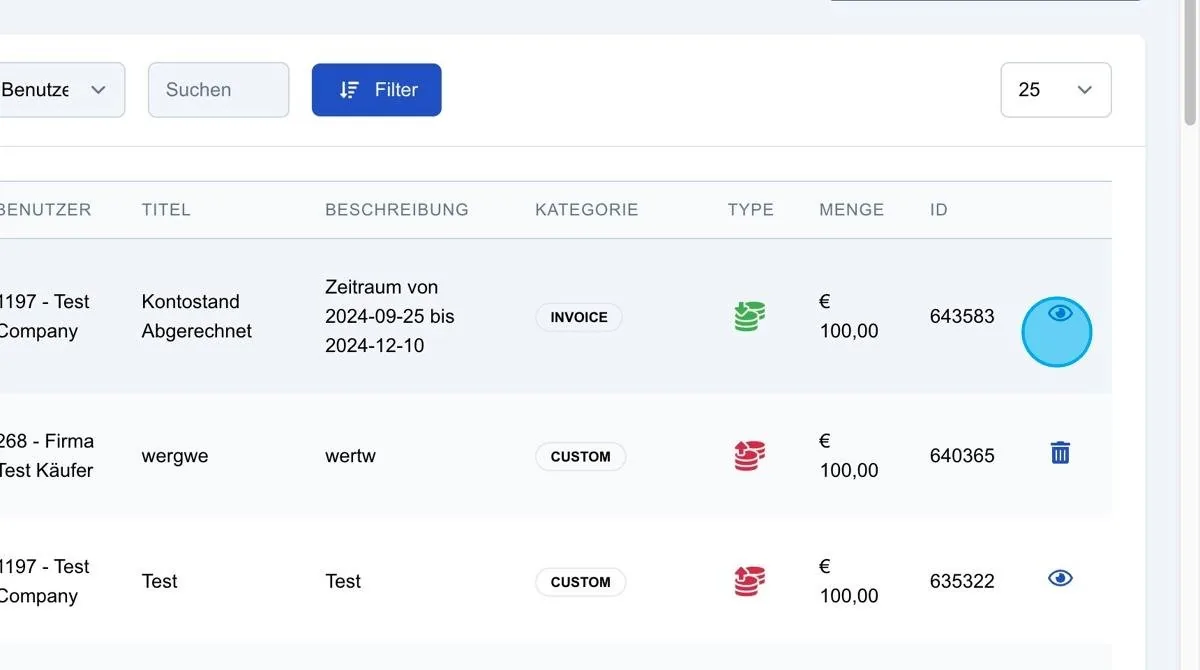
Eye icon
This icon lets you see which invoice the item is included on.
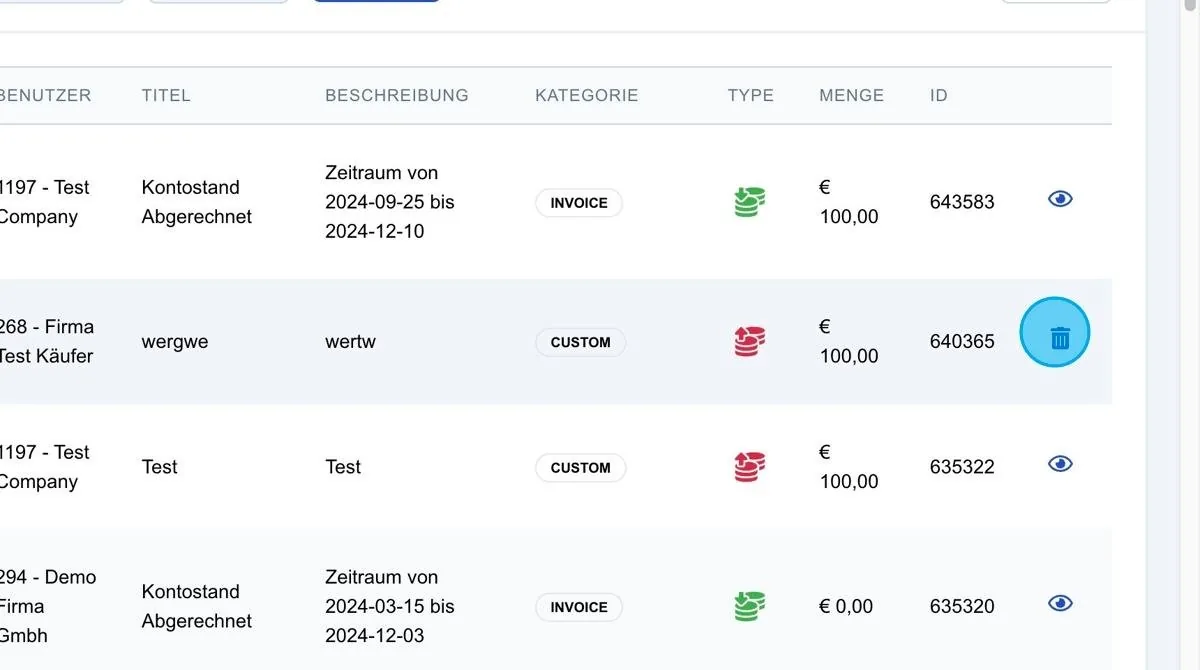
Bin icon
For items that have not yet been billed, there is the option to cancel them via the bin icon. The item is set to “cancelled”, given a zero amount, and the original amount is noted in brackets with the cancellation. Both amounts appear on the invoice: the cancelled item with zero euros and the original amount for tracking purposes.
New Payment Statement
The “New Payment Statement” function lets you manually create a payment statement for a customer. This makes it possible to make and document individual payment assignments directly in the system.
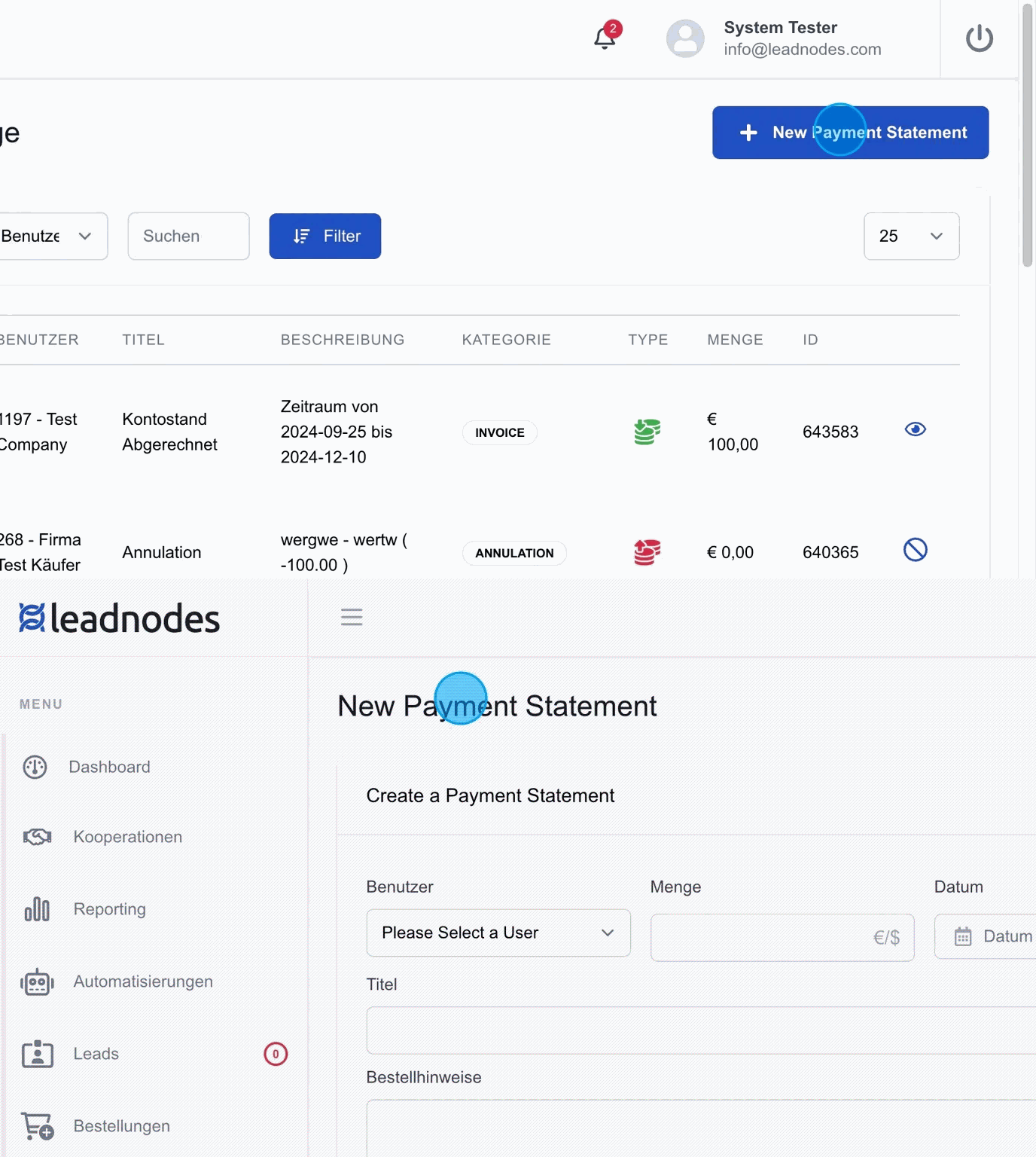
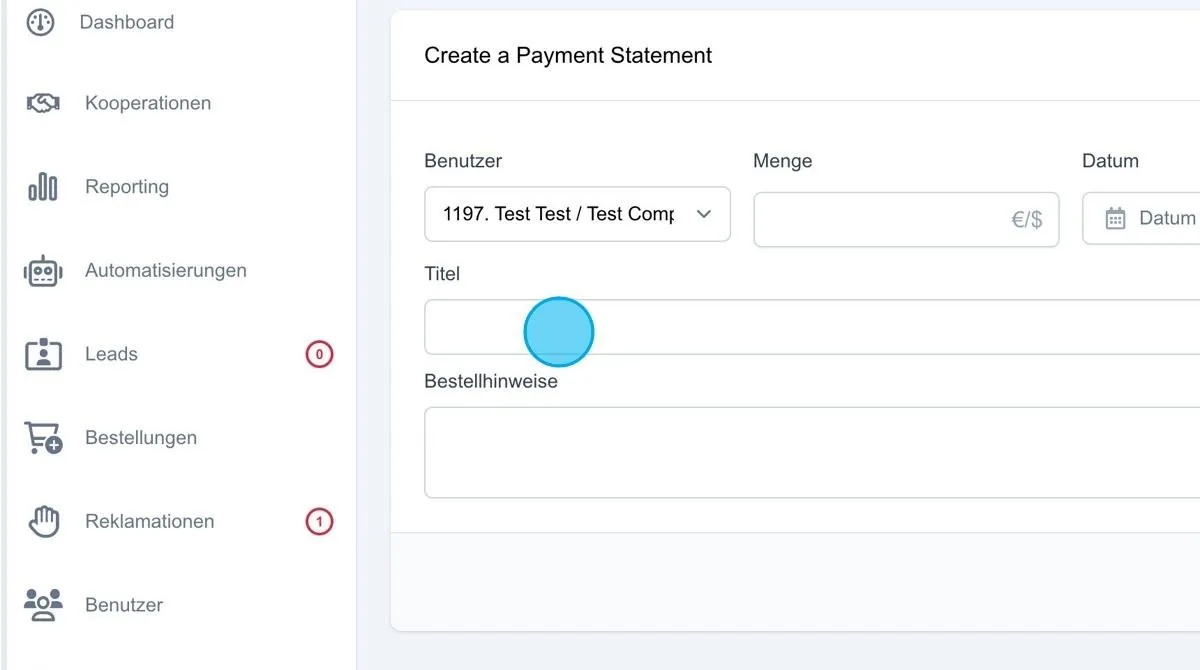
For example, it can be specified that “Test Company” should pay a one-off amount of 100 euros. During creation, a date can also be defined that indicates the time of payment.
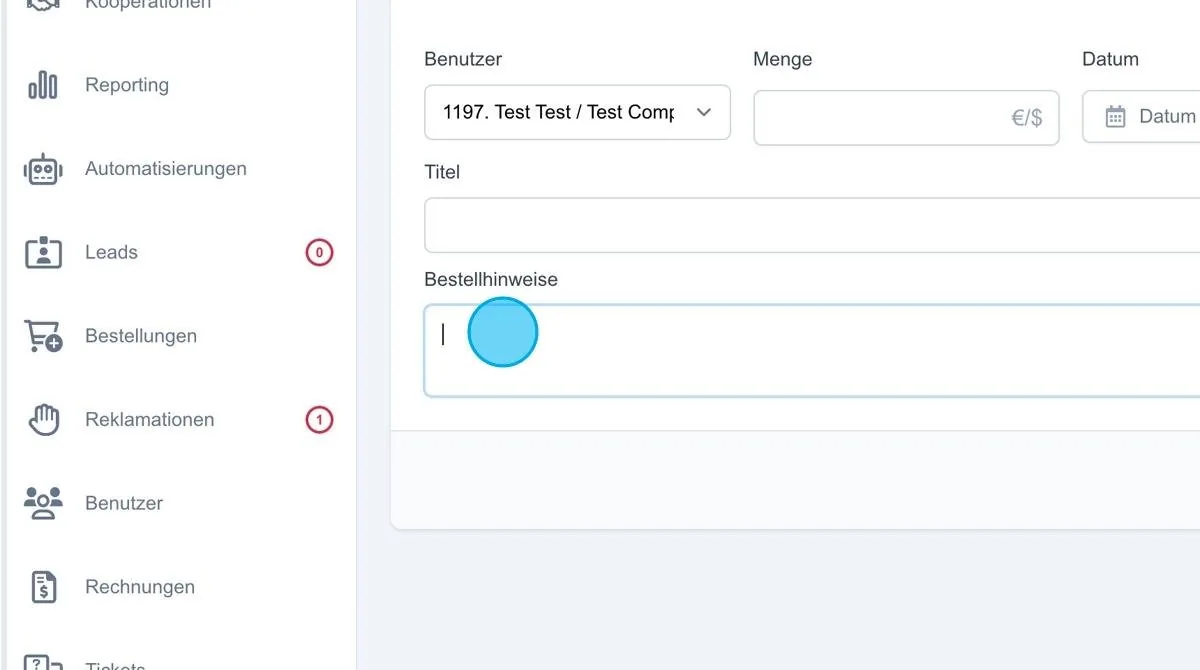
For the payment method, you can choose between “Bank transfer” (Credit) and “Direct debit” (Debit). “Direct debit” is used when the amount is collected from the customer. A title and a note can also be entered to describe the item in more detail.
Add Payment Statement
This creates the custom payment item and displays it in the system. For example, the entry appears with a note such as “Test-Test” and the amount of 100 euros in the relevant lists and can be checked in the invoice preview if required.