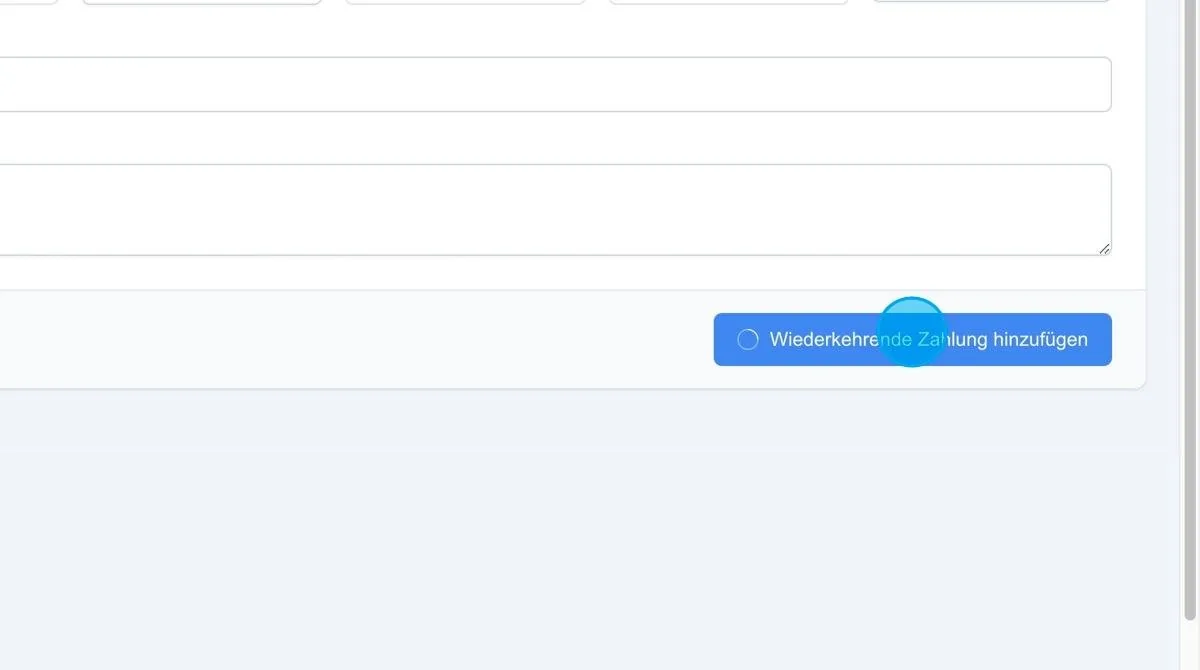
For customers, regular billing can be set up automatically via the recurring payments item.
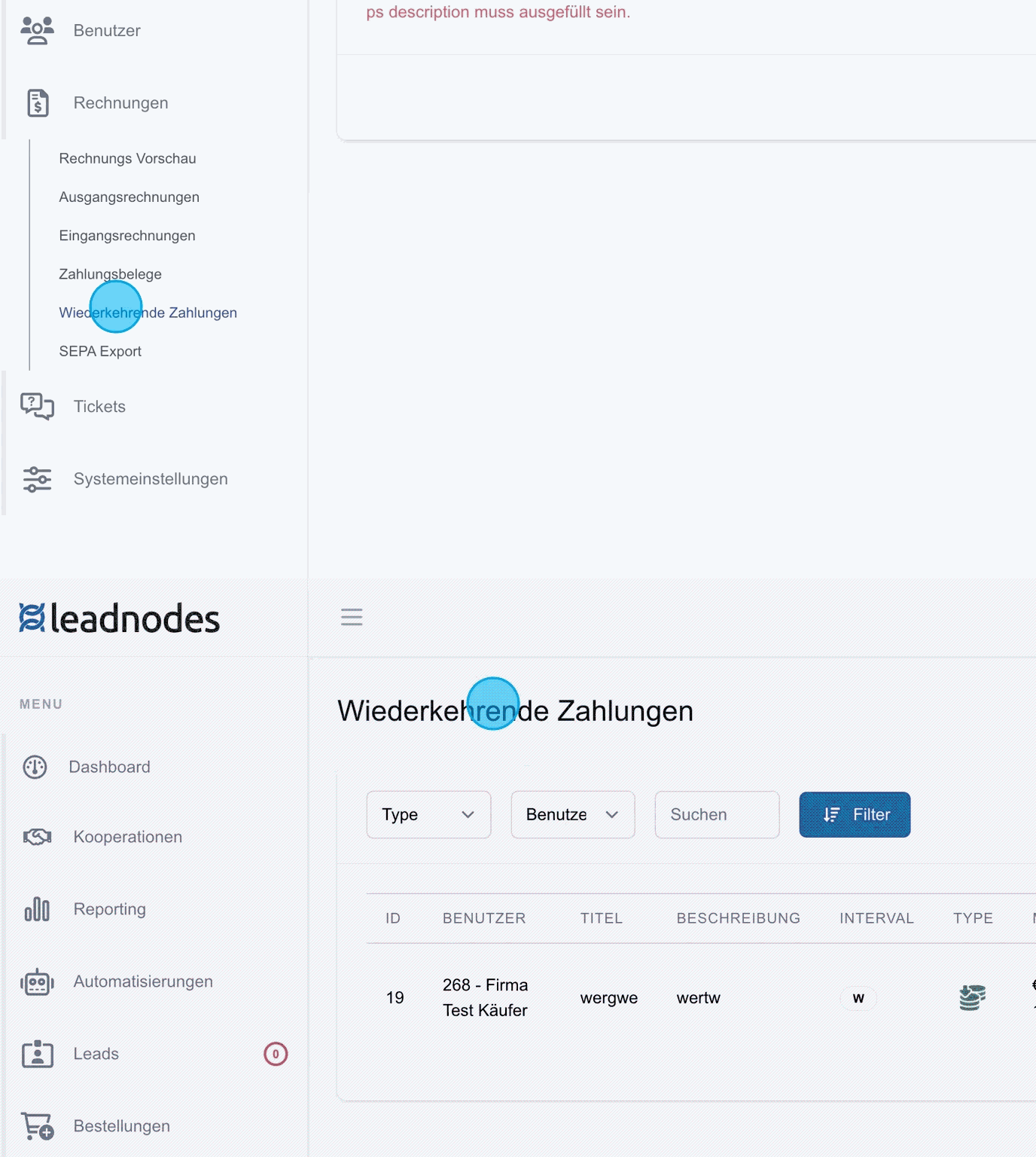
Recurring payments
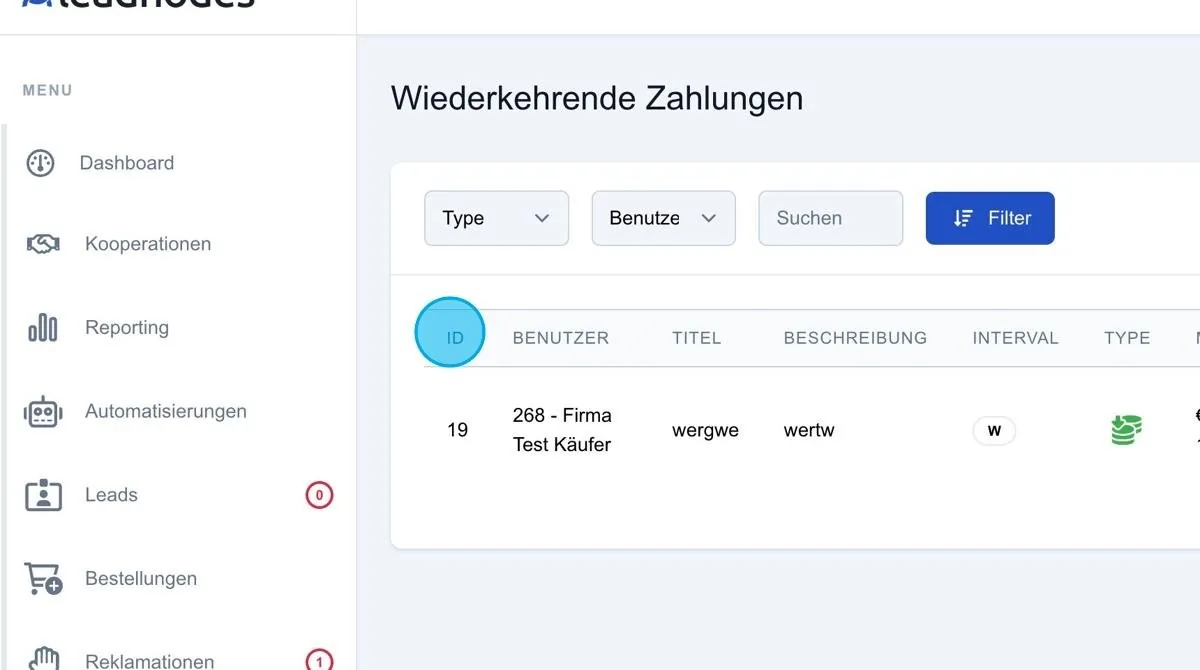
The overview of recurring payments shows all regular payment agreements created so far. This overview enables simple management and tracking of the payments that have been set up.
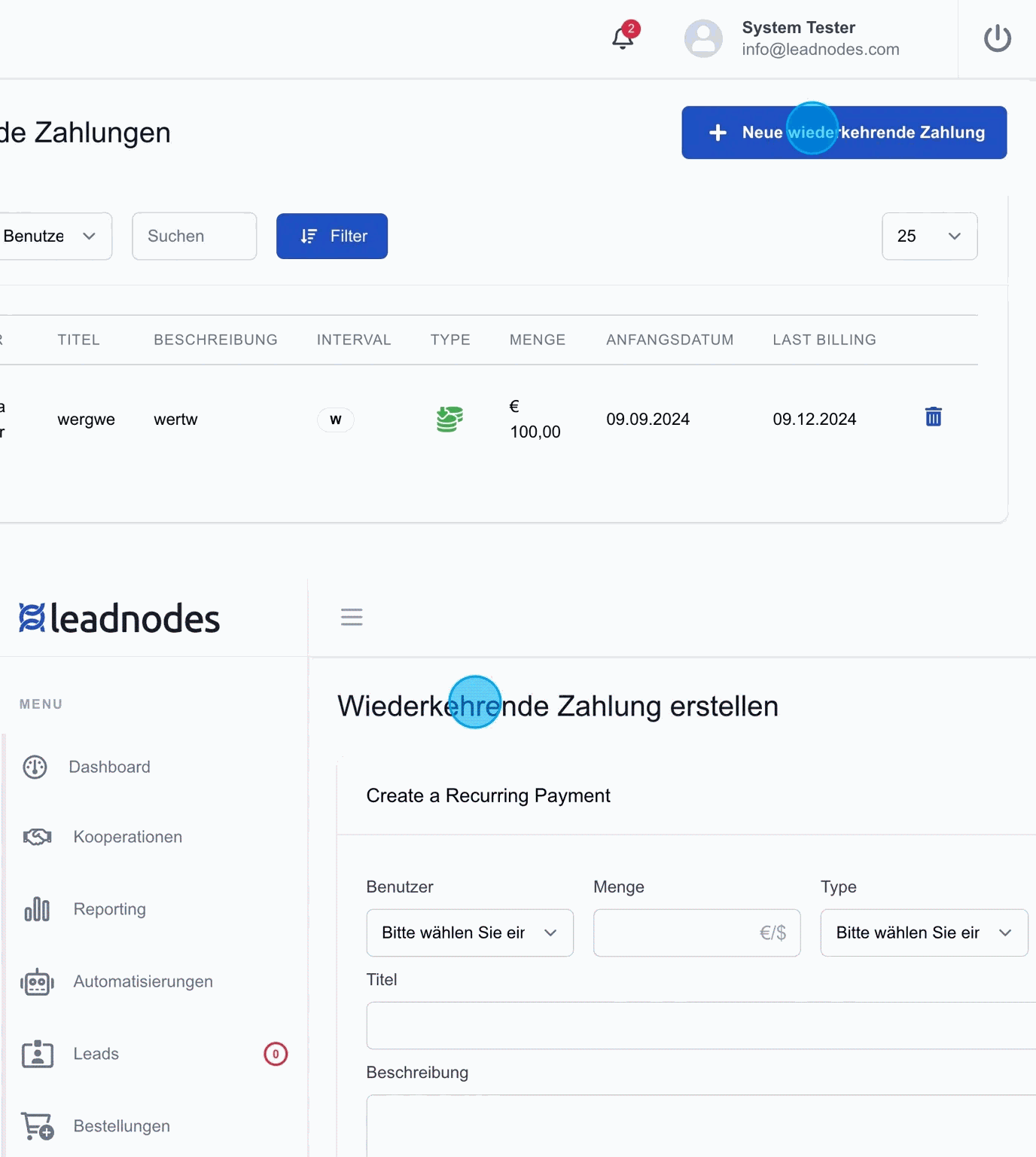
New recurring payment
Via the option “New recurring payment”, regular payments can be created in the details. For example, it can be defined that a customer such as the “Testlieferant” pays 100 euros per month. This payment is stored in the system and generated automatically at the defined intervals, which considerably reduces the administrative effort.
Details of recurring payments
When creating a recurring payment, the payment method can be defined, for example “Direct debit” if the amount is to be collected. In addition, the interval of the payment can be adjusted individually, with options such as daily, weekly, monthly or yearly available.
For example, a monthly payment can be set up for an account review, due on the first of each month. This flexibility allows payments to be tailored precisely to the needs of the customer and the company.
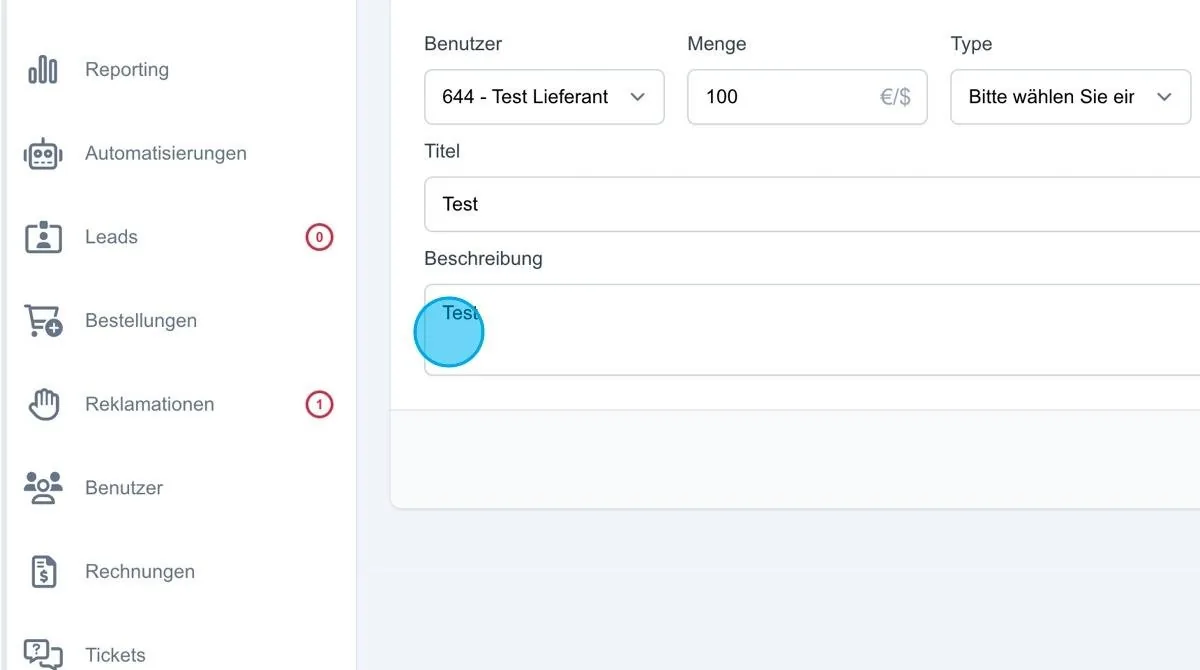
Add recurring payment
Once all details such as payment method, interval and amount have been entered, the recurring payment can be saved by pressing the “Add” button. The payment is then stored in the system and appears in the overview of recurring payments.