In the next step, navigate to Payments & Finance
Important:
Entering your invoice details is of crucial importance. Please take the time to ensure that all details, including your name, address, tax information and bank details, are correct and complete. This information forms the basis for smooth payment processing and is highly relevant for business transactions. These details are also shown on the invoices sent to your customers.
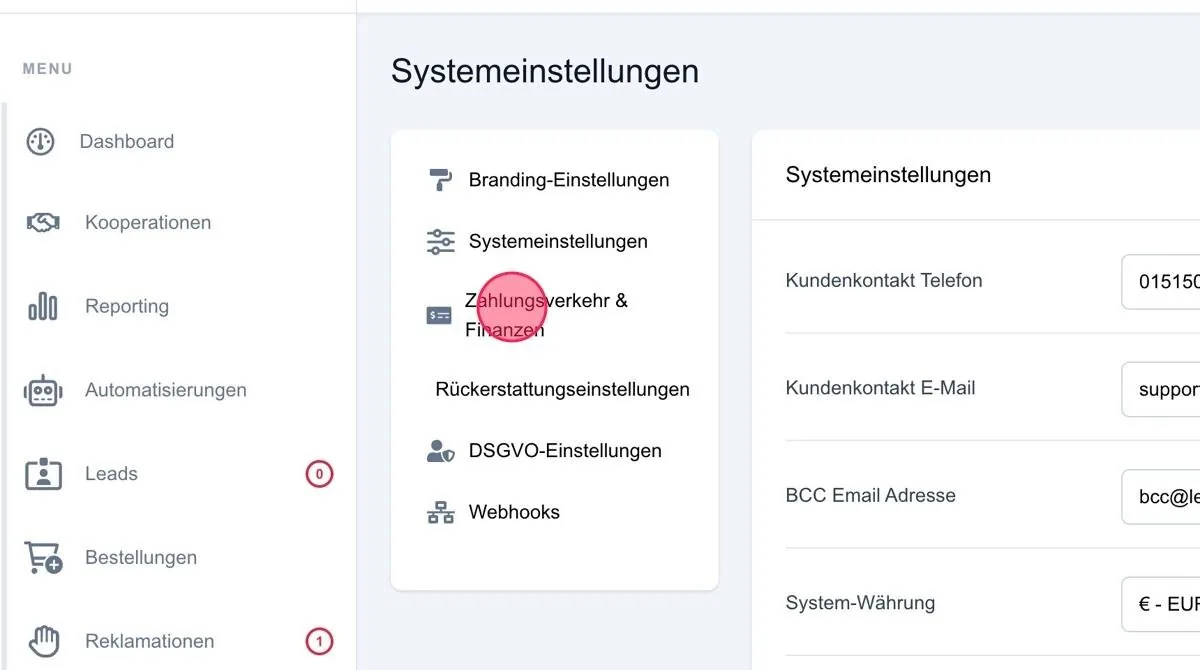
Do not forget to save the data afterwards via the "Save settings" button.
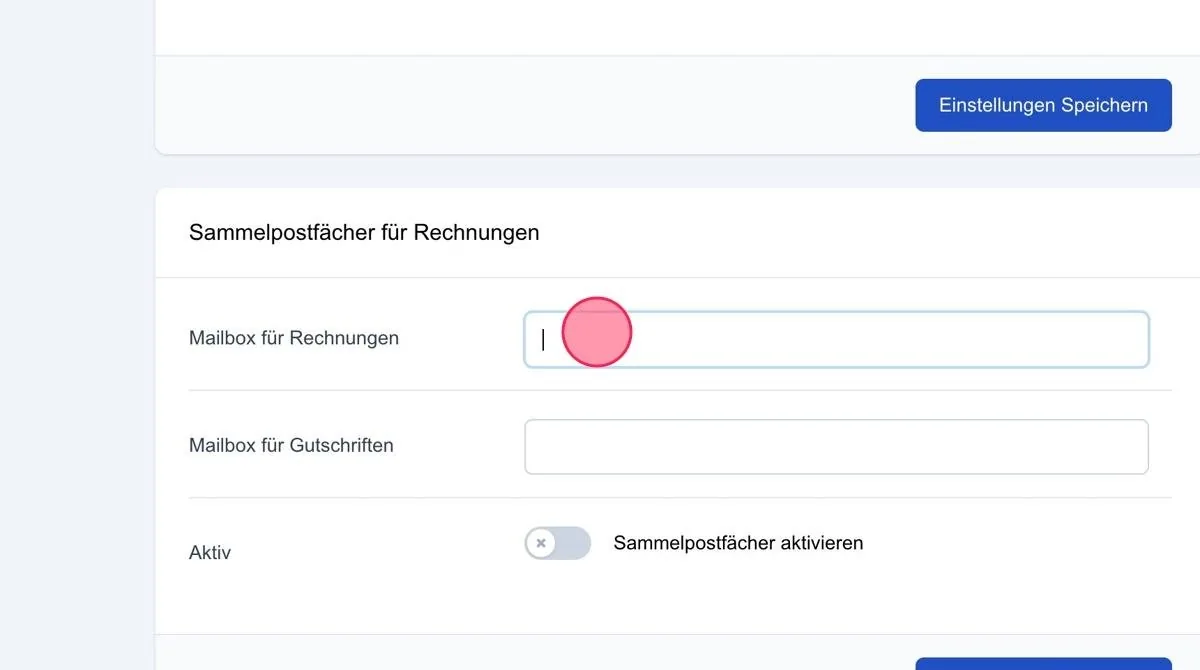
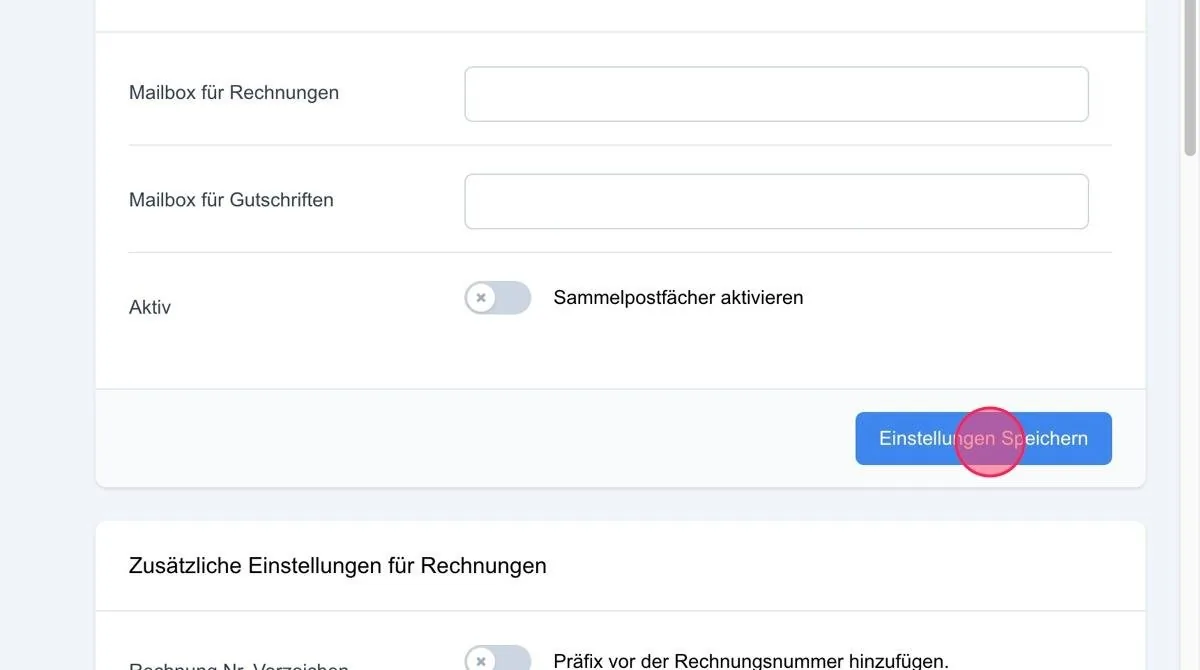
Collective mailboxes for invoices
Mailbox for invoices
In this field, you can enter an email address to which all invoices sent by the system are sent collectively. This means you do not have to download each invoice individually.
Mailbox for credit notes
In this field, you can enter an email address to which all credit notes sent by the system are sent collectively. This means you do not have to download each credit note individually.
Active
After entering the email addresses, you can activate collective mailboxes to ensure delivery.
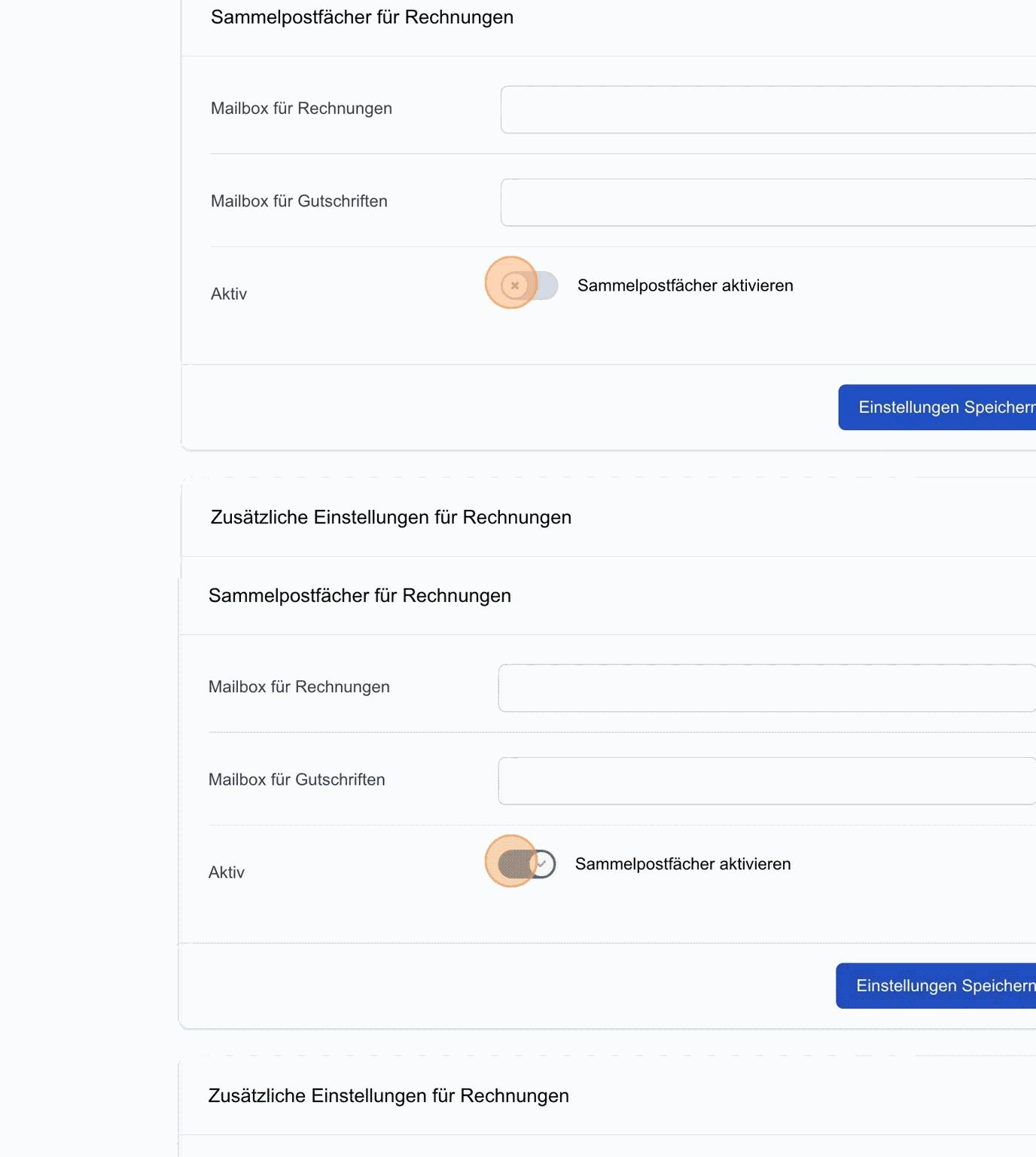
Save settings: Save the settings you have made afterwards.
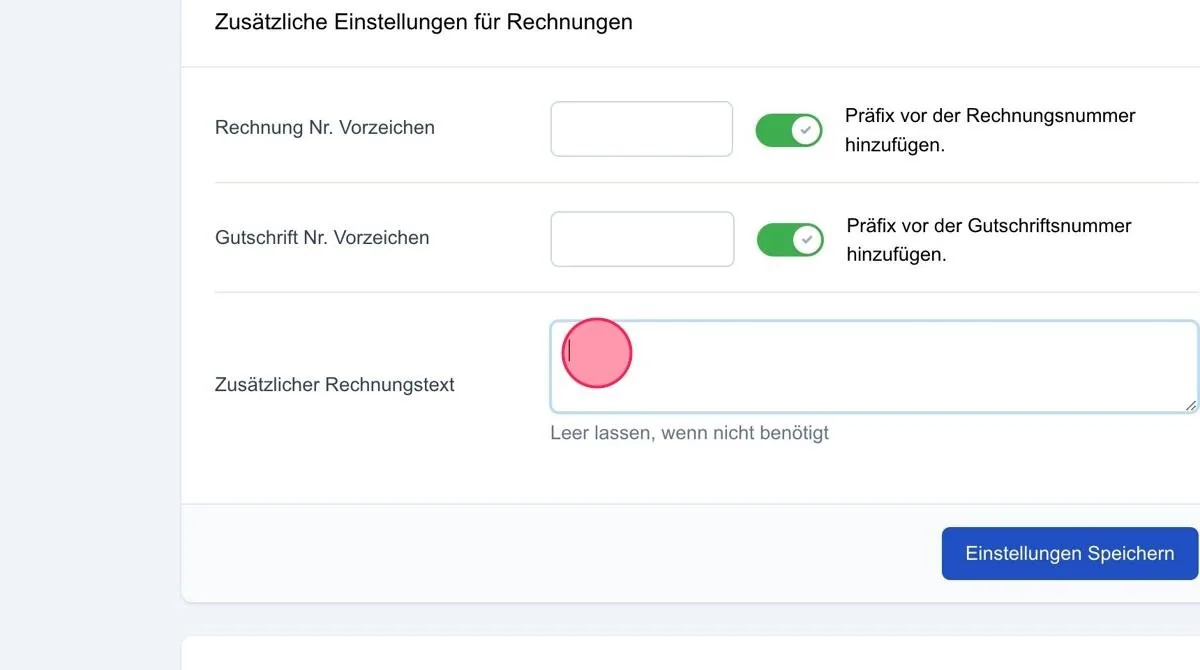
In the additional invoices area, you can define a prefix for your invoices.
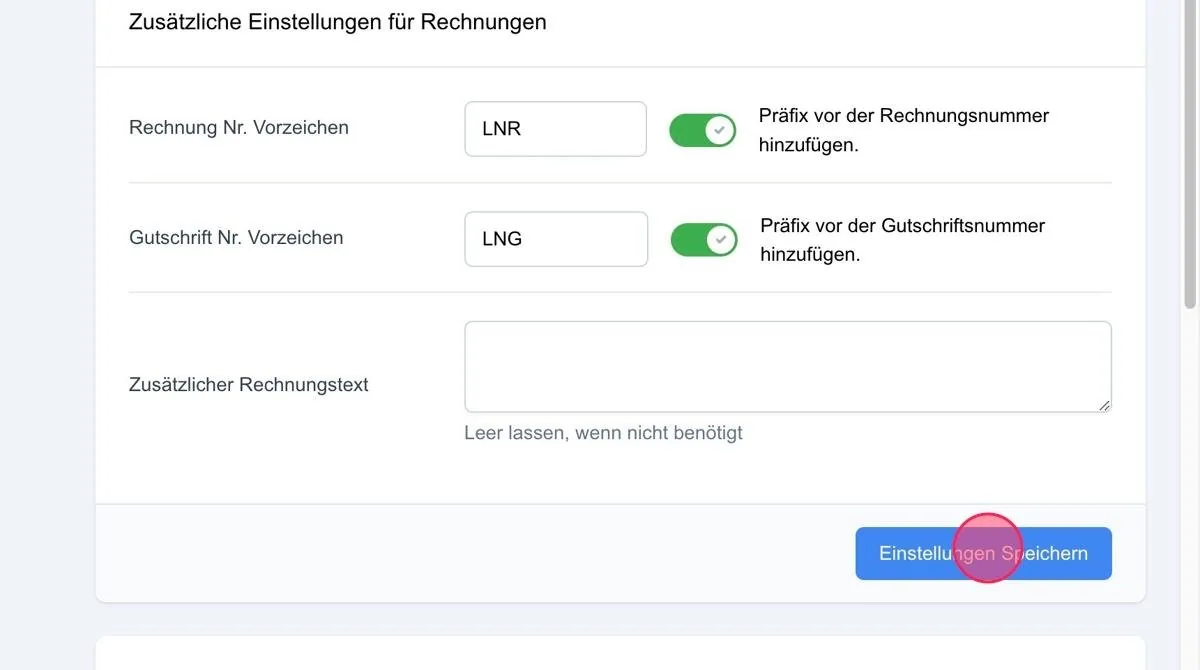
Invoice no. prefix
By ticking the box, you can define a prefix for the invoices created from the system, for example 'LNR- ' (Leadnodes invoice). This makes it easy to distinguish the invoices from your others if you also use another accounting system.
Credit note no. prefix
By ticking the box, you can define a prefix for the credit notes created from the system, for example 'LNG-' (Leadnodes credit note). This makes it easy to distinguish the credit notes from those from other accounting systems.
Additional invoice text
Here you can add additional notes to your invoices, such as the legal text for the small business regulation.
Save settings: After making the previous settings, save your entries via the 'Save settings' button.
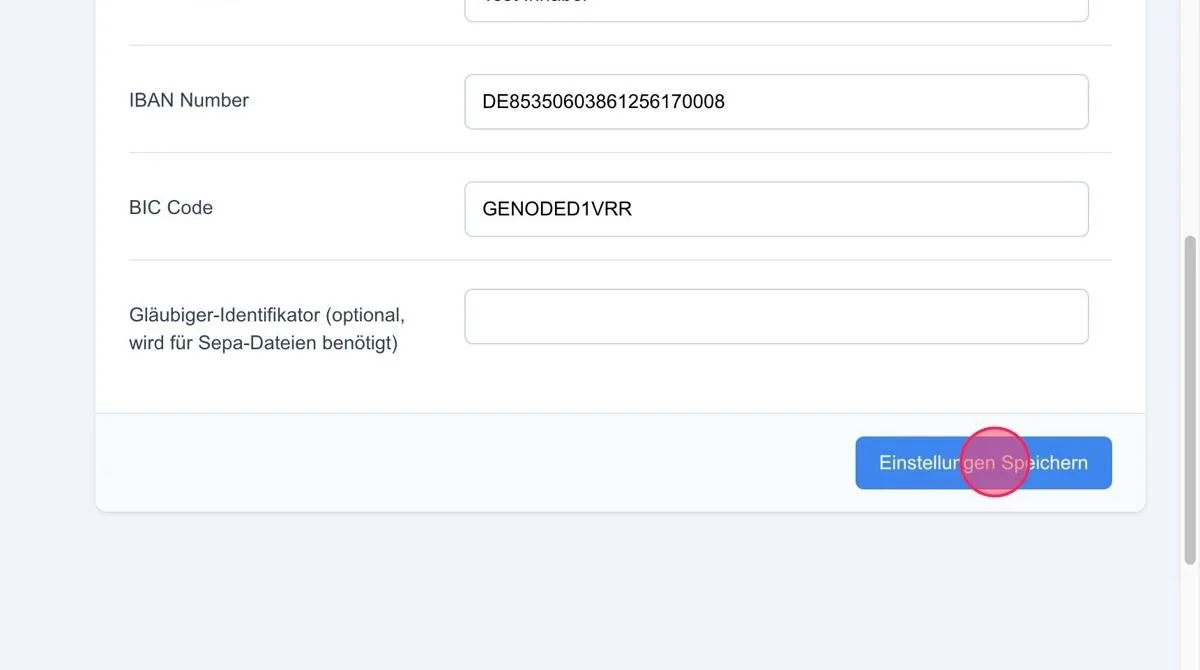
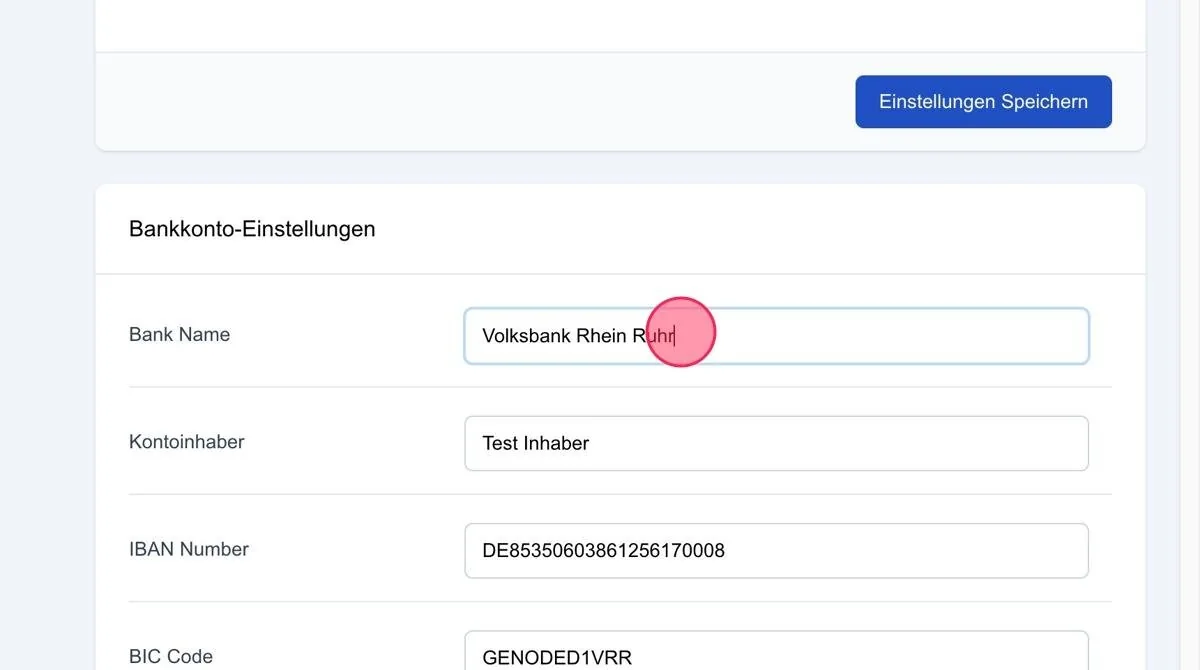
Please enter your complete and correct bank details here.
Important:
Please enter your correct bank details in the bank account settings field. These are also shown on the invoices.
Creditor identifier
This must be entered if you want to submit collective SEPA direct debits to the bank via the system.
The creditor identification number can be applied for by any company at the Bundesbank.
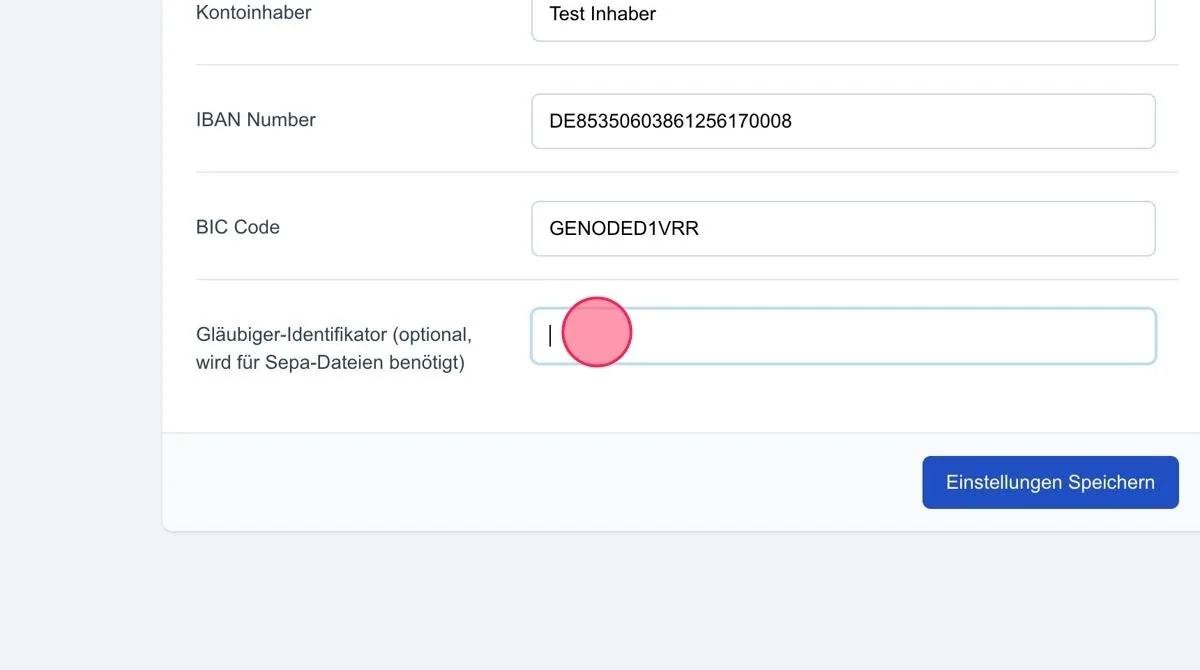
Save settings: Save the data via the button once it has been filled in correctly.