
Advanced order filters let you define specific conditions that determine when an order should apply.
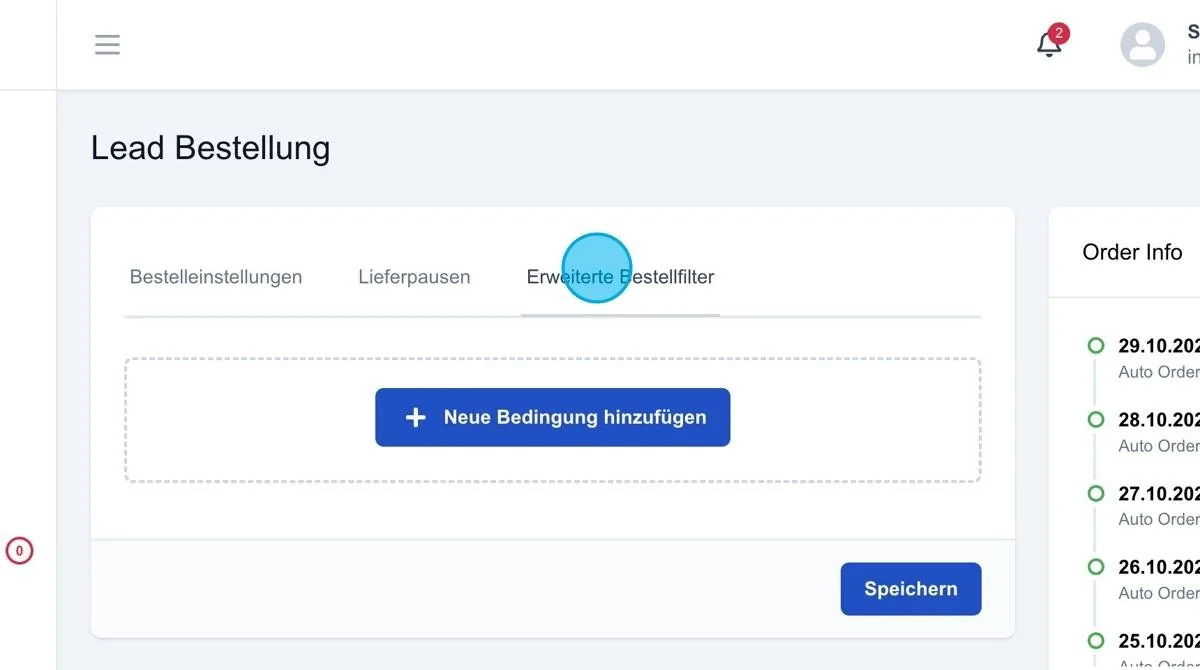
Add new condition
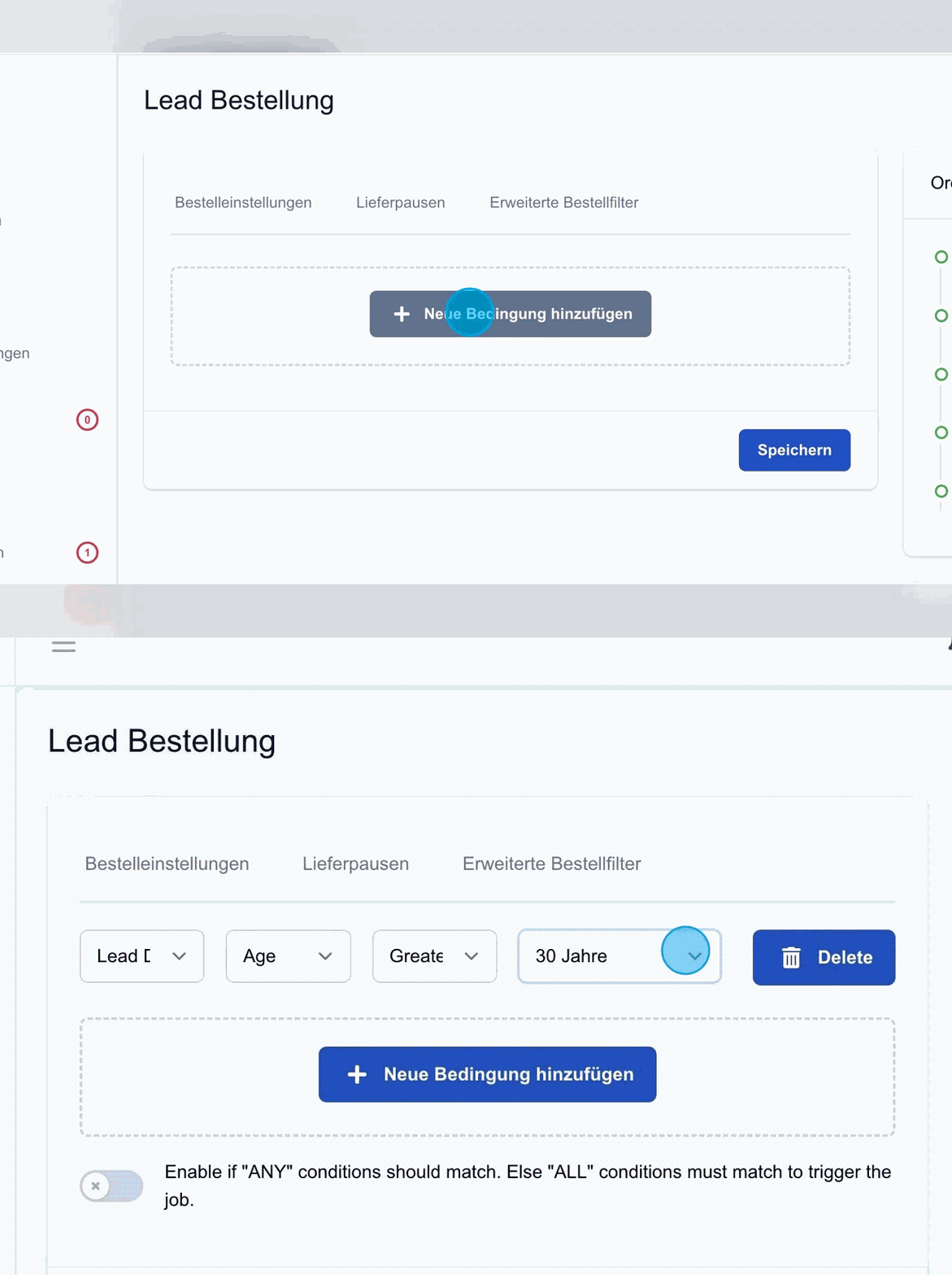
The “Add new condition” button lets you create detailed criteria. For example, a condition can be set up to capture only leads from people who are older than 30. To do this, age is selected as the filter and it is specified that it must be “greater than 30 years”. This function offers many individual configuration options for targeted lead queries.
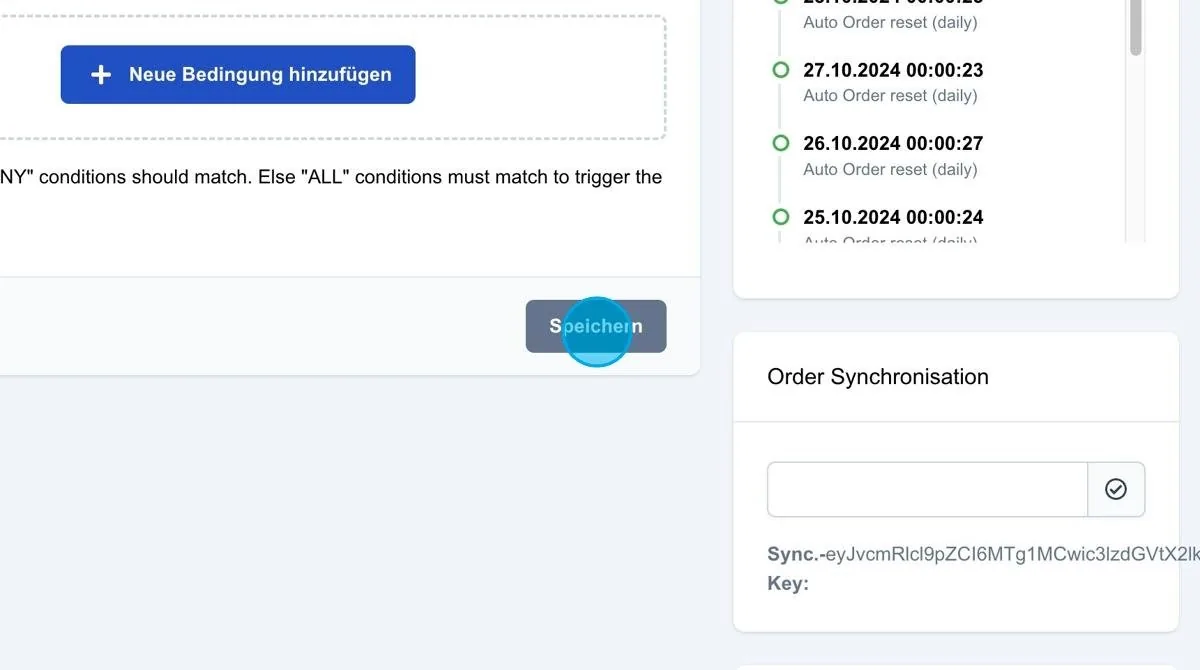
Save: Clicking “Save” activates the added conditions and advanced filters.
Tip: It is advisable to use as few advanced order filters as possible. With a high number of orders, using many filters can reduce clarity and often makes it difficult to understand why certain orders do not apply. Advanced order filters should therefore only be used in special cases.