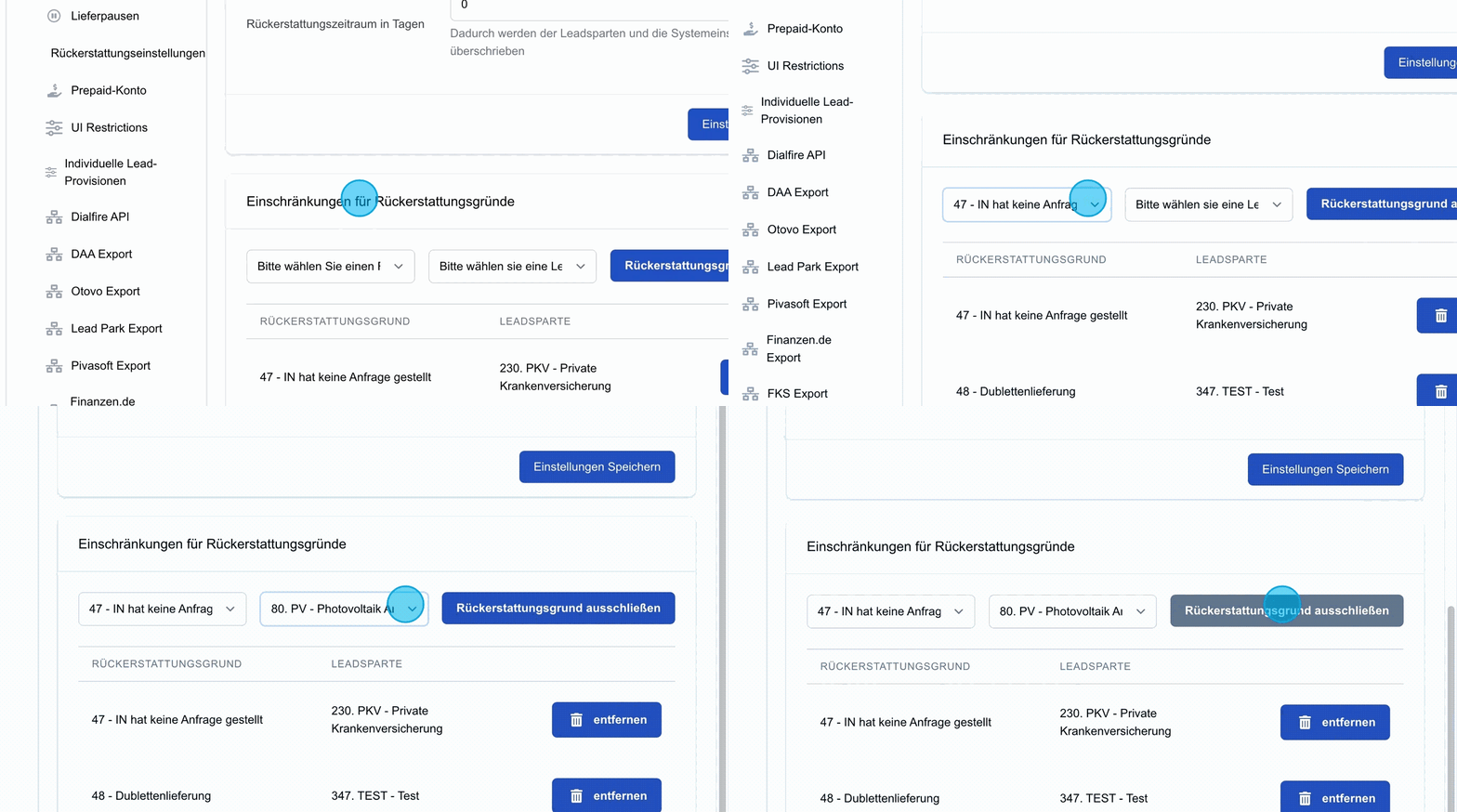
Note: Refunds can be configured on three levels: for the whole system, for an individual user and for a lead type.
In this section, refund settings can be configured. This is where you define whether a user is allowed to request a refund or file a complaint at all.
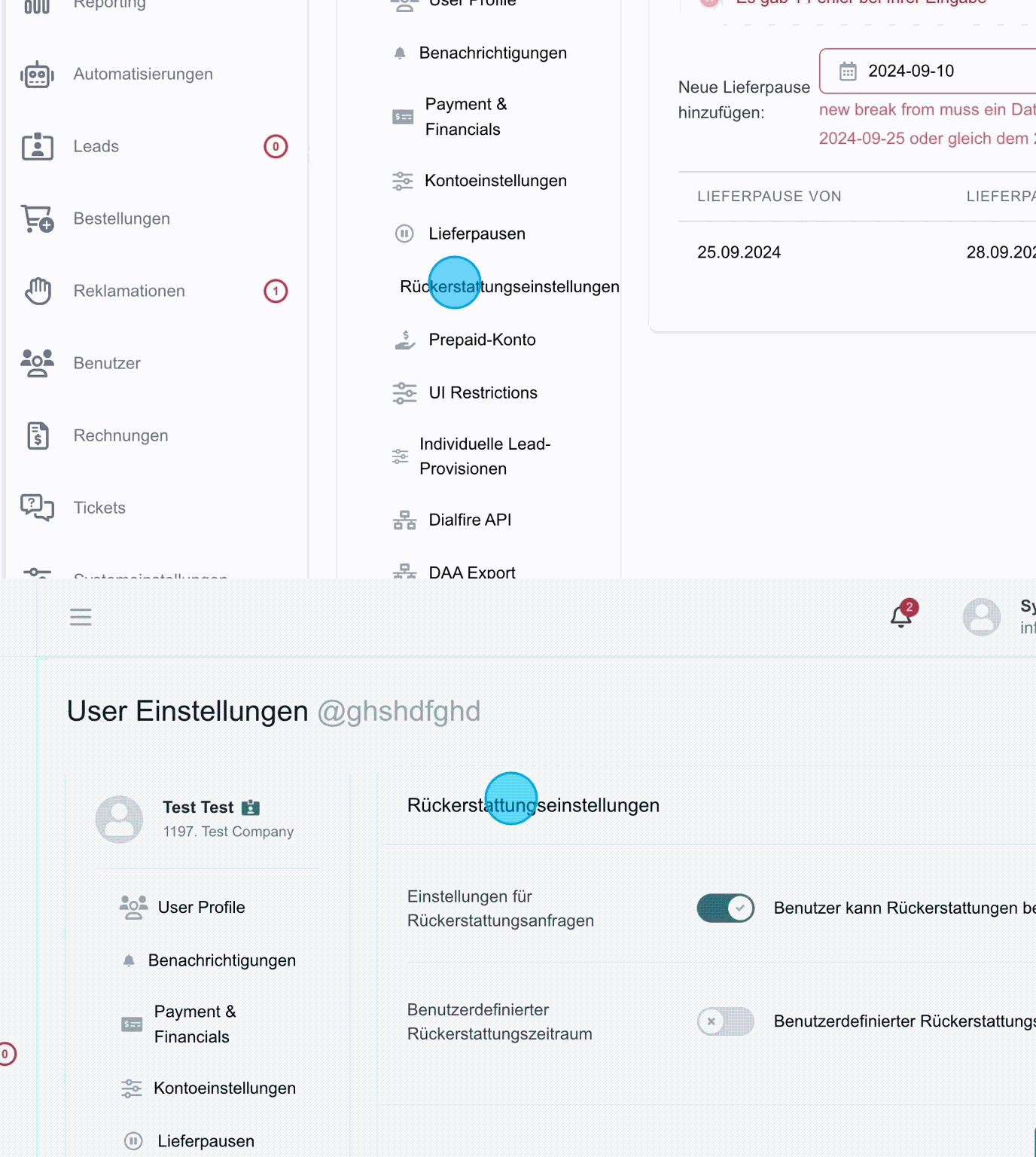
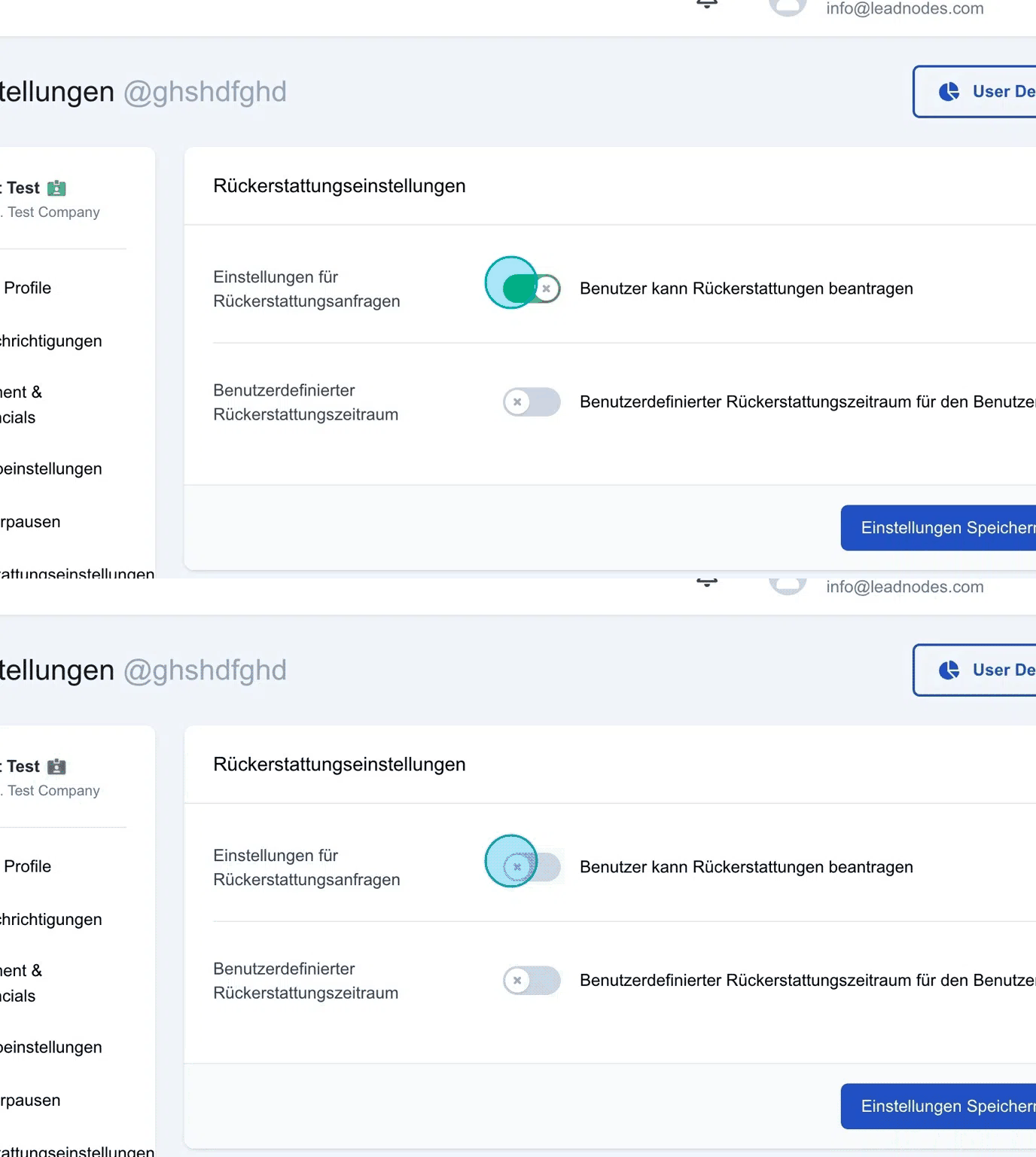
Settings for refund requests
Activating this option allows the user to request refunds in general. This setting is usually activated.
Custom refund period
In this section, a custom refund period can be activated.
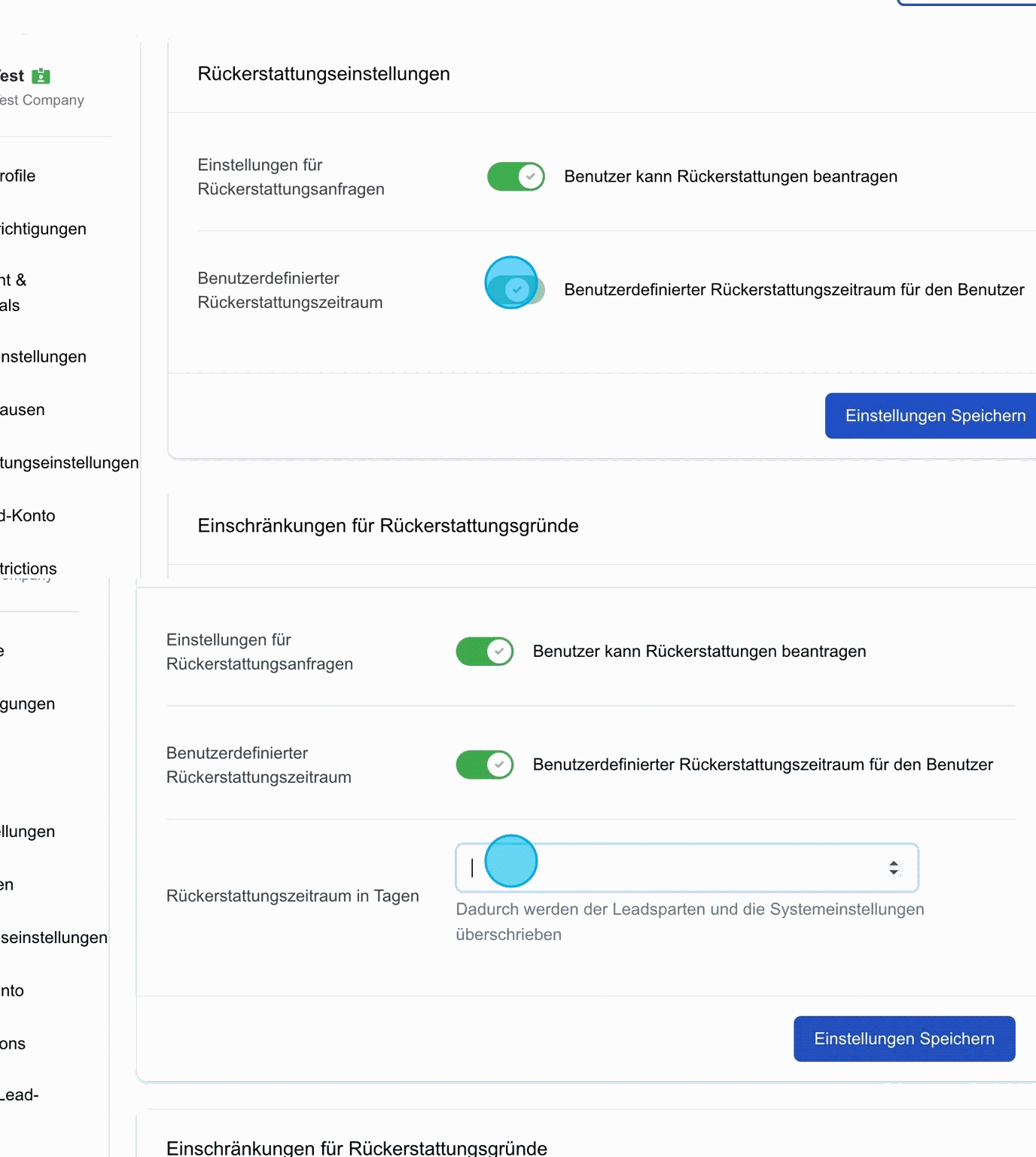
Refund period in days
In the field that opens when the previous option is activated, a custom refund period can be set. This period may differ from the system settings, e.g. 30 days instead of the default 14 days, or shorter periods such as 7 days.
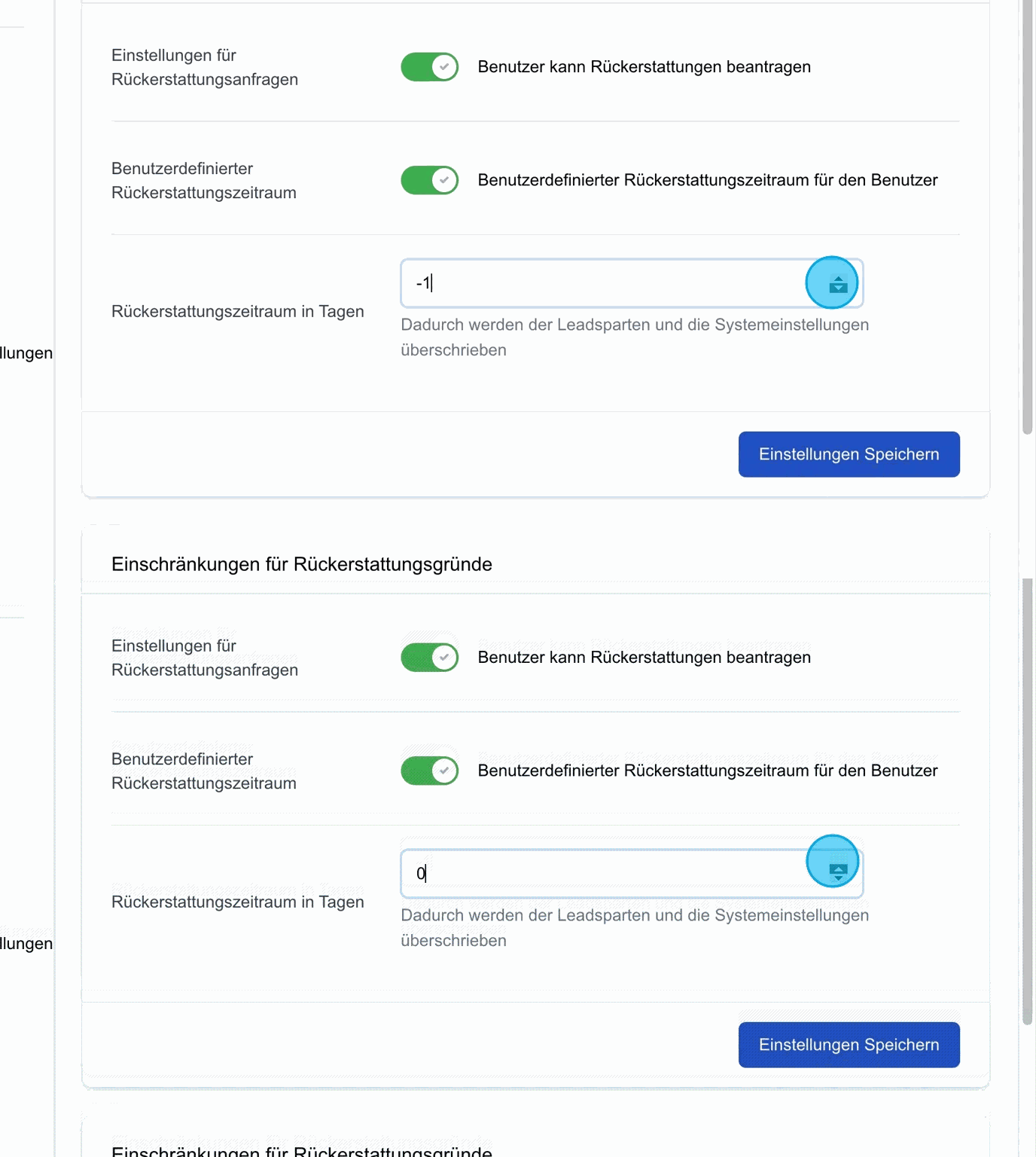
Save settings: Once the refund settings have been configured, the settings must be saved to ensure that all changes are applied in the system.
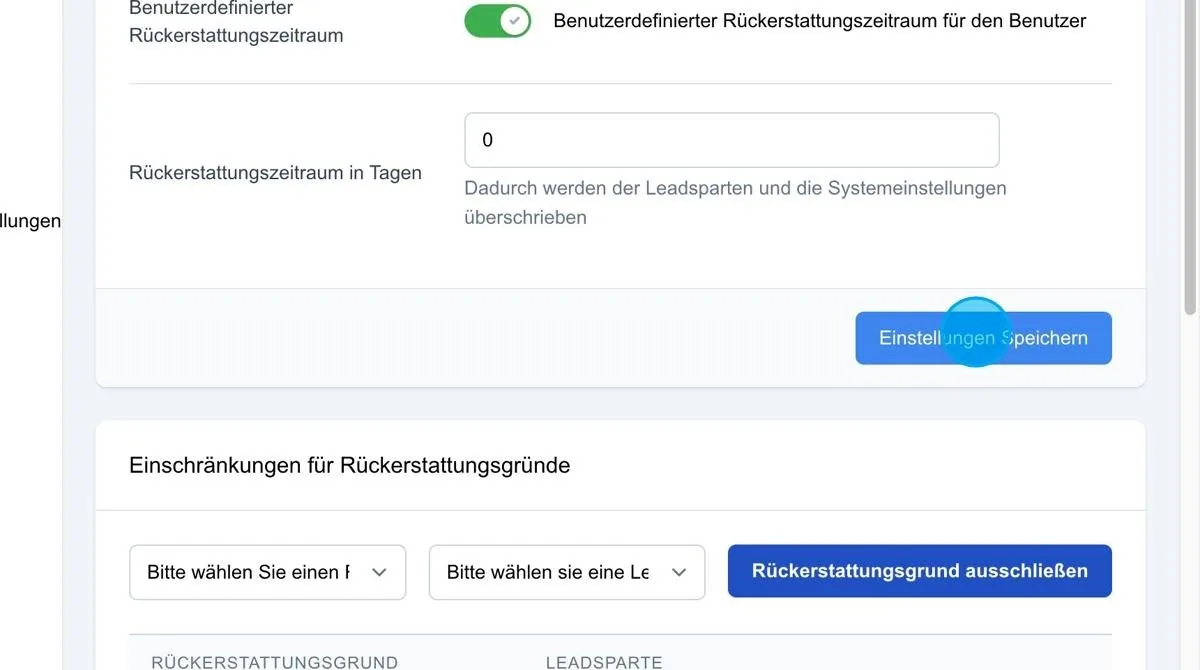
Restrictions for refund reasons
(Standard complaint reasons are defined directly in the system.) In this section, certain reasons for refunds can be excluded. For example, you can specify that a user is not entitled to file a complaint for leads in the area of private health insurance (PKV). These reasons can then no longer be selected by the user when corresponding leads are assigned.
In addition, custom complaint reasons can be defined that apply specifically to individual users. These can be excluded as required, so that certain complaint options are no longer available.