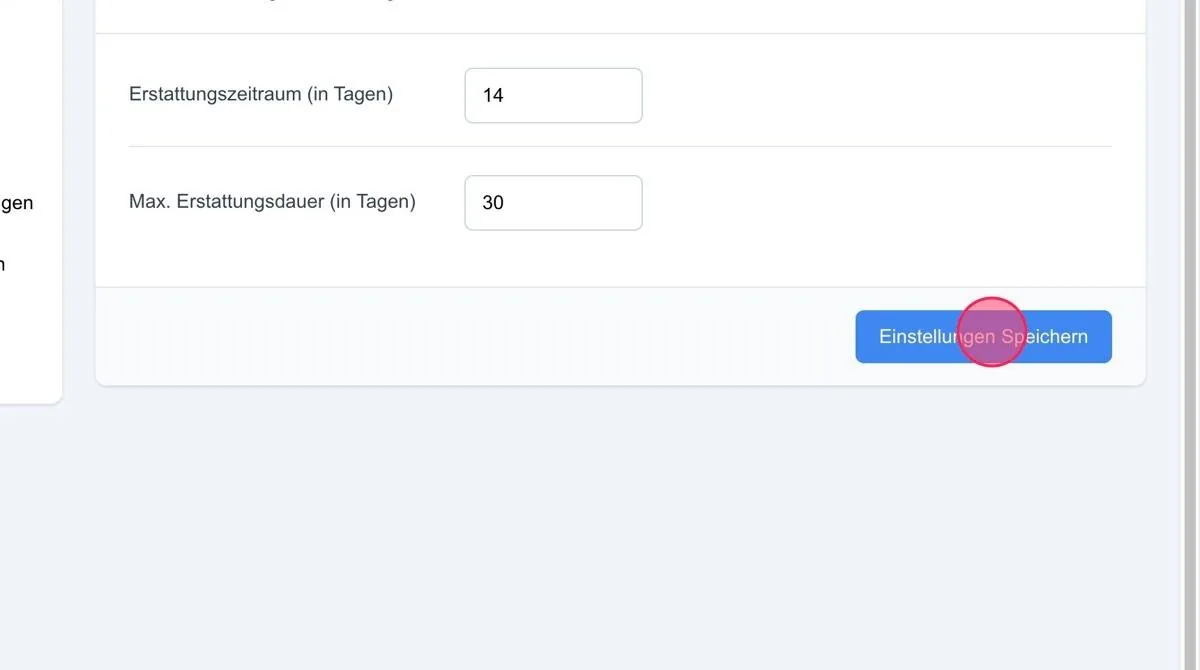
Note: Refunds can be configured on three levels: for the whole system, for an individual user and for a lead type.
The refund settings are located in the system settings and can be left as they are for the time being.
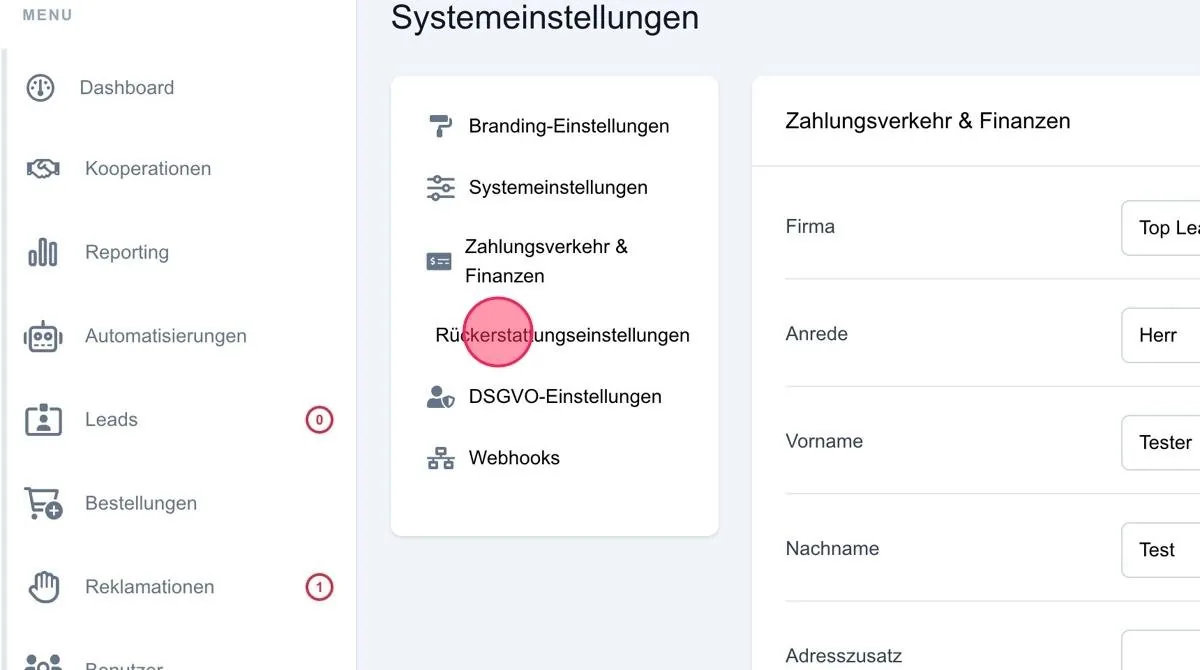
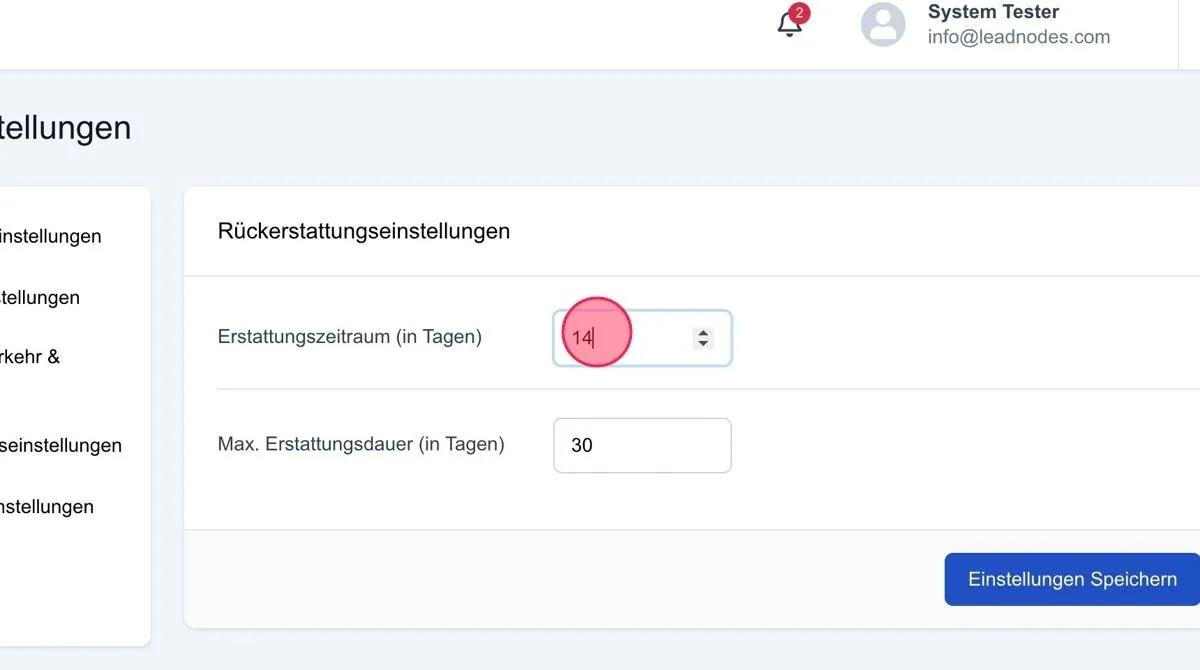
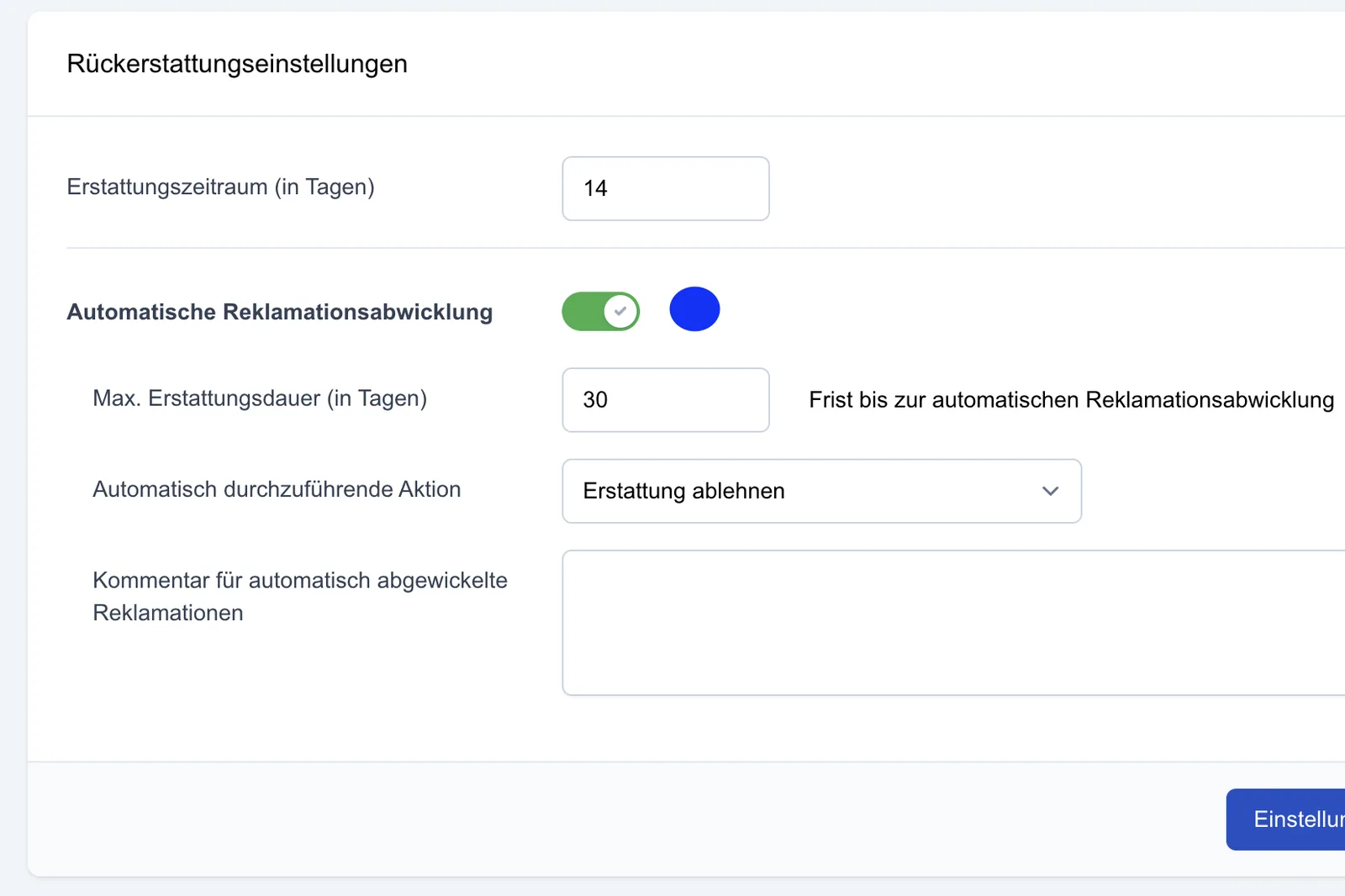
Refund period (in days)
If your system allows refunds, you can define here the period within which refunds are possible.
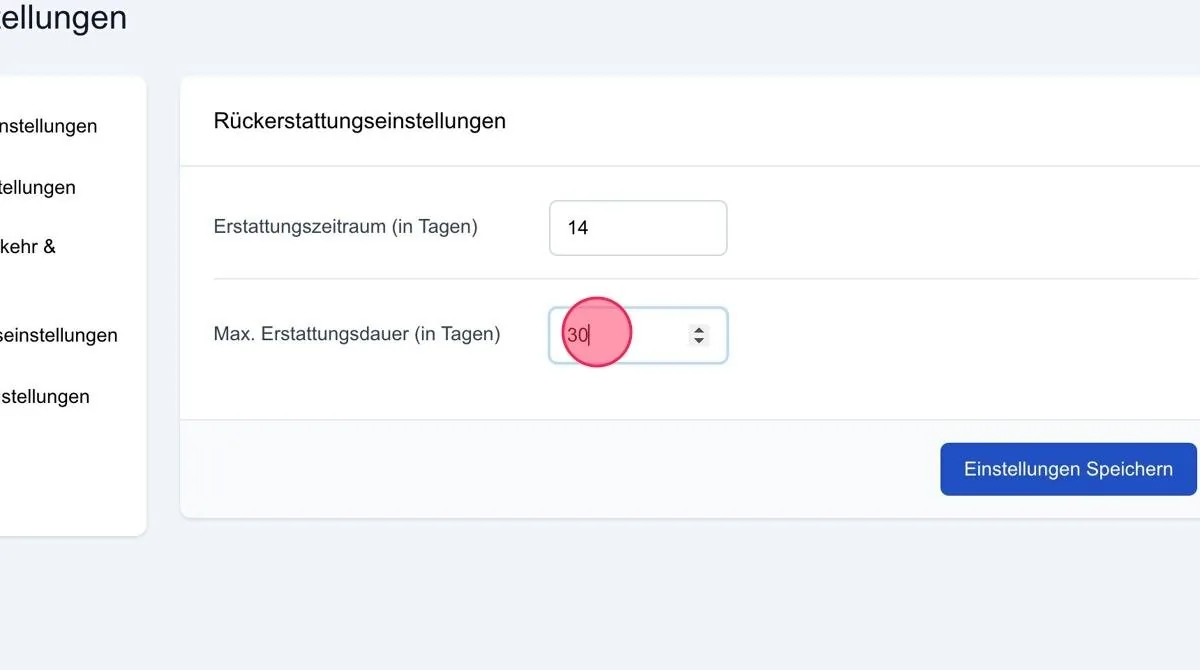
Max. refund duration (in days)
You can leave this function as it is, as it is a remnant of the old platform.
Automatic complaint acceptance
In this area, automatic processing of complaints can be set up by activating the option.
A maximum refund duration in days can be defined (e.g. 30 days).
Once this period has expired, the complaint is automatically accepted or declined, depending on the chosen setting.
An optional comment can be stored for the respective action.
Save settings:
Then save the desired settings via “Save settings”.